A Beginner's Glossary of Computer Networking Terms
A plain-English guide to the essential terms behind computer networking, from bandwidth, DNS, and IP addresses to routers, switches, VPNs, and WANs. Learn how the devices, protocols, and technologies that connect computers and power the internet actually work.
Aug 24, 2026
SHARE
Automate the telecom lifecycle
Get better quotes, launch sites faster, keep inventory accurate, and control spend.
Whether you're setting up your first home network, troubleshooting a slow connection, or just trying to understand what your IT department is talking about, networking terminology can feel like a foreign language. The essential terms below are explained in plain English, covering everything from the basics of data transmission to the devices and protocols that keep the modern internet running.
Access Point: A networking device that creates a wireless local area network (WLAN), typically in an office or large building. It connects to a wired router or switch and broadcasts a Wi-Fi signal, allowing wireless devices to join the network. Home routers usually have a built-in access point.
Authentication: The process of verifying the identity of a user or device before granting access to a network or system. Entering a username and password to log into your Wi-Fi network is a basic form of authentication. More advanced methods include two-factor authentication (2FA) and biometric verification.
Bandwidth: The maximum amount of data that can travel through a network connection in a given period of time. Think of it like a pipe: the wider the pipe, the more water (data) can flow through it at once. Bandwidth is typically measured in megabits per second (Mbps) or gigabits per second (Gbps).
Bit: The smallest unit of data in computing, represented as either a 0 or a 1. Everything on a computer, from a text message to a movie file, is ultimately made up of billions of these binary digits.
Byte: A group of 8 bits that computers treat as a single unit. Most file sizes and storage capacities are measured in bytes, kilobytes (KB), megabytes (MB), gigabytes (GB), and so on.
Cache: A temporary storage area where your browser or device saves copies of recently accessed data, like web pages or images. When you revisit a site, your device can load it from the cache instead of downloading everything again, which speeds things up considerably.
Client: Any device, such as a laptop, phone, or tablet, that requests data or services from a server. When you browse a website, your device is the client and the website's hosting machine is the server.
Cloud: A general term for storing and accessing data and programs over the internet (in a data center) rather than on a local hard drive. When you save a photo to Google Photos or edit a document in Google Docs, you're using the cloud.
DHCP (Dynamic Host Configuration Protocol): A protocol that automatically assigns an IP address to each device that joins a network. Without DHCP, network administrators would have to manually assign a unique IP address to every single device, which would be extremely time-consuming.
DNS (Domain Name System): The internet's address book. DNS translates human-readable website names (like google.com) into the numerical IP addresses that computers actually use to find each other. Every time you type a web address, DNS is working behind the scenes.
Domain: A human-friendly name that identifies a website or group of networked computers. For example, "wikipedia.org" is a domain. Domains are managed through a registration system so that no two websites share the same address.
Ethernet: The most widely used technology for wired local networks. Ethernet cables physically connect devices to a router or switch, typically offering a faster and more stable connection than Wi-Fi.
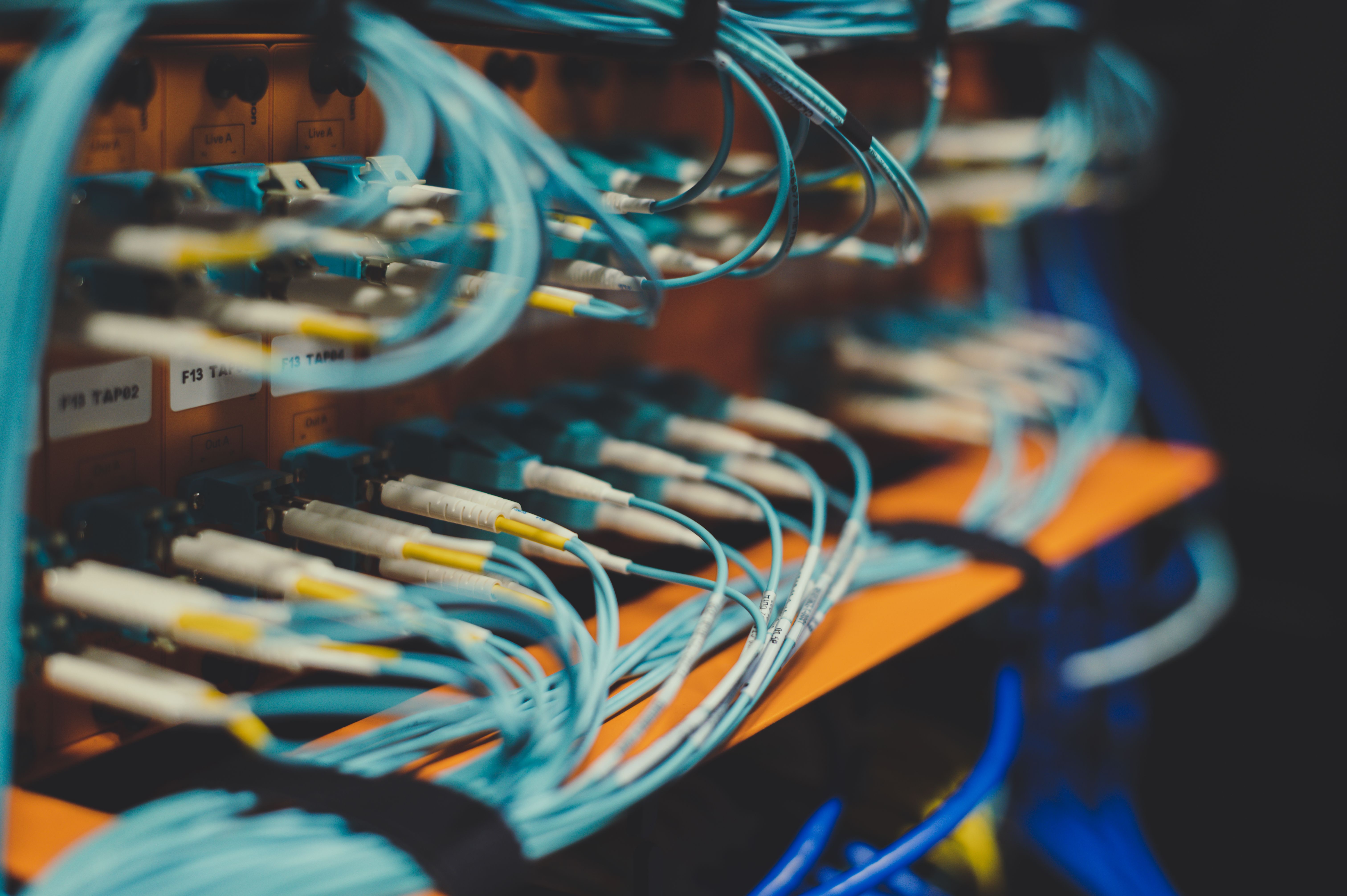
Fiber Optic: A high-speed cable technology that transmits data as pulses of light through thin strands of glass or plastic. Fiber optic connections are significantly faster and more reliable than older copper-wire cables and form much of the internet's backbone infrastructure.
Firewall: A security system, either hardware or software, that monitors incoming and outgoing network traffic and blocks anything that doesn't meet defined security rules. Think of it as a security guard checking everyone who tries to enter or leave a building.
Gateway: A device that acts as an entry point between two different networks. Your home router, for example, functions as a gateway between your local home network and the broader internet.
Hub: A basic networking device that connects multiple computers in a network and passes incoming data to all connected devices simultaneously. Hubs have largely been replaced by switches, which are smarter about directing traffic only where it needs to go.
IP Address (Internet Protocol Address): A unique numerical label assigned to every device on a network, similar to a postal address. IP addresses allow devices to find and communicate with each other. They come in two versions: IPv4 (e.g., 192.168.1.1) and the newer IPv6, which supports a far larger number of unique addresses.
ISP (Internet Service Provider): The company that provides your internet connection, such as Comcast, AT&T, or Verizon. Your ISP connects your home or business to the broader internet infrastructure.
Continuously optimize your network
LAN (Local Area Network): A network that connects devices within a limited area, like a home, office, or school building. Your home Wi-Fi network is a LAN. LANs are typically fast and private, as opposed to wide area networks that span larger geographic regions.
Latency: The time it takes for data to travel from one point to another on a network, usually measured in milliseconds. High latency (also called lag) is what causes delays in video calls, online gaming, and web browsing. A fast connection with high latency can still feel sluggish.
MAC Address (Media Access Control Address): A unique identifier permanently assigned to a device's network hardware by its manufacturer. Unlike an IP address, which can change, a MAC address is fixed and stays with the device forever. It's used to identify devices on a local network.
Modem: A device that connects your home network to your ISP's network, translating the signal from your internet provider into a form your devices can use. Many internet providers now supply a combined modem and router in a single unit.
Network: A group of two or more computers and devices connected together so they can share data and resources. Networks can be as small as two laptops sharing a file or as large as the global internet.
Packet: A small chunk of data. When information is sent over a network, it's broken up into packets, each of which travels independently to its destination and is then reassembled. This is more efficient and resilient than sending one large block of data at a time.
Protocol: A set of rules that govern how data is transmitted between devices on a network. Protocols ensure that different devices and systems can communicate with each other consistently. Common examples include TCP/IP, HTTP, and FTP.
Router: A device that directs data traffic between networks. Your home router receives data from your ISP and routes it to the correct device on your network. It also assigns local IP addresses to your devices through DHCP.
Server: A computer or system that provides data, resources, or services to other computers (clients) on a network. Web servers host websites, email servers handle messages, and file servers store shared documents.
Subnet: A subdivision of a larger network. Subnets are used to organize large networks into smaller, more manageable sections, which improves both performance and security.
Switch: A networking device that connects multiple devices on a LAN and directs data only to the specific device it's intended for, rather than broadcasting to all devices like a hub. Switches are more efficient and are standard in most modern networks.
TCP/IP (Transmission Control Protocol/Internet Protocol): The foundational set of communication protocols that powers the internet. TCP breaks data into packets and ensures they arrive correctly and in order. IP handles the addressing and routing of those packets. Together, they make reliable internet communication possible.
URL (Uniform Resource Locator): The full web address used to access a specific resource on the internet, such as https://www.example.com/page. A URL includes the protocol (https), the domain name, and sometimes a specific file path.
VPN (Virtual Private Network): A service that encrypts your internet connection and routes it through a server in another location, masking your IP address and protecting your data from being intercepted. VPNs are commonly used for privacy and to securely access work networks remotely.
WAN (Wide Area Network): A network that spans a large geographic area, connecting multiple LANs together. The internet itself is the world's largest WAN. Businesses with offices in multiple cities often use private WANs to keep their locations connected.
Wi-Fi: A wireless networking technology that allows devices to connect to a local network and the internet without physical cables, using radio waves. Wi-Fi is the most common way people connect at home, in offices, and in public spaces.
Additional Resources
Featured Articles
Want to learn more about how Lightyear can help you?
Let us show you the product and discuss specifics on how it might be helpful.
Stay up to date on our product, straight to your inbox every month.