All-in-One vs Separate Modem Router Comparison
Choosing between an all-in-one modem router and separate devices? We compare the pros and cons to help you decide what's right for your business.

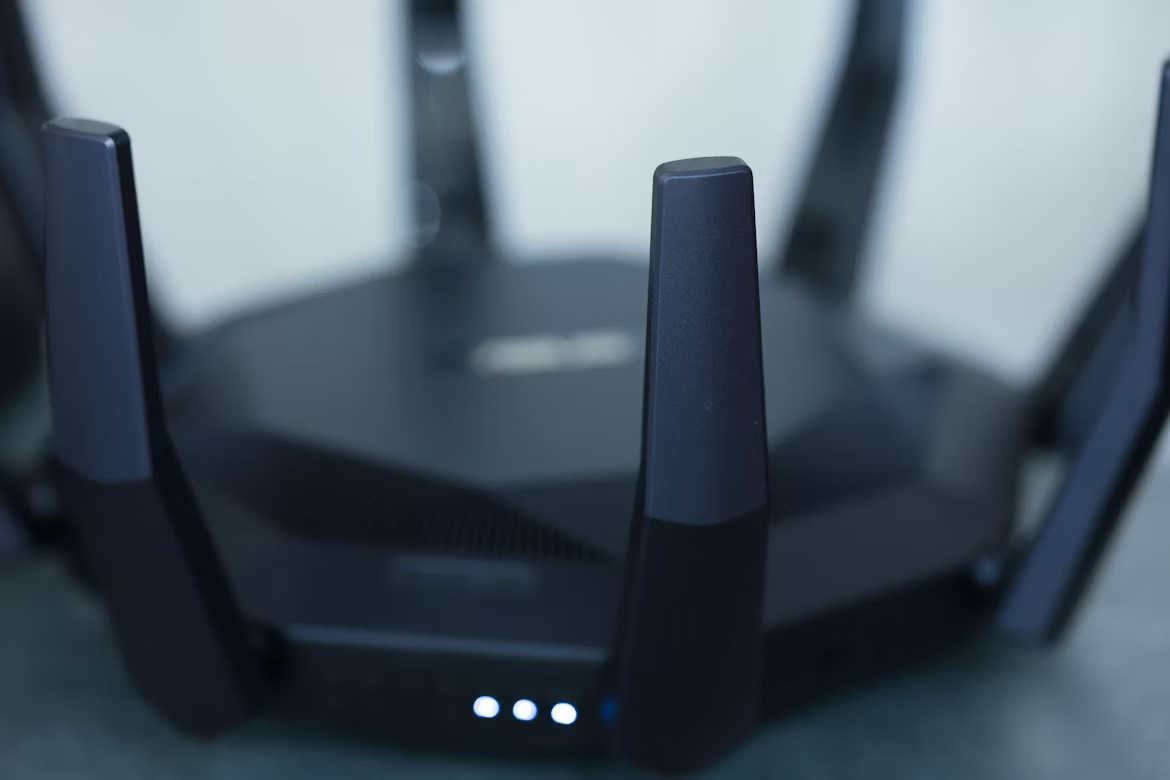
When setting up or upgrading your company's network infrastructure, one of the first decisions is how to handle your modem and router.
You can opt for a convenient all-in-one gateway that combines both functions, or you can use separate, dedicated devices for each task.
This choice affects everything from network performance and security to your ability to customize and scale your setup. This guide breaks down the pros and cons of each approach to help you determine the best fit for your business needs.
Understanding All-in-One Modem Routers
An all-in-one modem router, often called a gateway, is a single piece of hardware that combines the functions of a modem and a router. The modem component connects your business to your Internet Service Provider (ISP), while the router component creates your local network and shares that internet connection with your devices via Wi-Fi and Ethernet ports.
For many businesses, this integrated approach has some clear advantages and disadvantages.
- Simplified Setup and Management: With only one device to configure and plug in, installation is straightforward. This also means fewer cables and a smaller physical footprint, which can be beneficial in crowded IT closets or office spaces.
- Centralized ISP Support: Because these gateways are typically supplied or certified by your ISP, troubleshooting is often simpler. Your provider is responsible for the single piece of hardware, eliminating potential conflicts between separate device manufacturers.
- Limited Flexibility and Features: Gateways often come with basic firmware, offering fewer advanced networking features like robust Quality of Service (QoS) controls, VPN server capabilities, or detailed traffic monitoring that a dedicated router might provide.
- Restrictive Upgrade Paths: When you want to upgrade to a newer Wi-Fi standard for faster speeds or better performance, you must replace the entire unit, even if the modem component is still perfectly capable.
Defining Separate Modem and Router Setups
A separate modem and router setup involves two distinct devices working together. The modem focuses on one task: connecting to your Internet Service Provider's network to bring the internet signal into your office. That signal is then passed to a standalone router, which creates your local network and manages how the connection is shared among your computers, servers, and wireless devices.
- Greater Customization and Control: You can select a router with specific, advanced features that a gateway might lack, such as sophisticated Quality of Service (QoS) settings, powerful VPN capabilities, or enhanced security protocols.
- Flexible and Independent Upgrades: This modular approach allows you to upgrade your router to a new Wi-Fi standard or your modem for a faster speed tier independently. You don't have to replace both devices at once.
- Targeted Troubleshooting: When network problems occur, having separate devices can make it easier to determine if the issue lies with your ISP connection (the modem) or your internal network (the router).
- More Complex Configuration: Managing two pieces of hardware, often from different manufacturers, can require more initial setup and may complicate support calls, as you might have to coordinate between your ISP and the router manufacturer.
Comparing All-in-One vs Separate Modem Router Solutions
When you look at these two options side-by-side, the differences become clearer, especially when considering how they fit into a larger business operation.
1. Physical Footprint and Deployment
An all-in-one gateway is a single device, which means it takes up less space and requires fewer power outlets and cables. This makes it a practical choice for small offices or standardized deployments across multiple sites where simplicity is key.
A separate setup involves two devices, naturally requiring more physical space and wiring. This is generally less of a concern in a dedicated IT closet but is a factor to consider for in-office placement.
2. Firmware Control and Feature Access
The firmware on an all-in-one gateway is typically managed and updated by the ISP. This means features may be limited or locked down, preventing IT teams from making advanced network adjustments.
With a separate router, you have full control over the device's native firmware. This provides access to a wider range of features and allows for more granular configuration to meet specific business needs.
3. ISP Dependence vs. Vendor Choice
Using a gateway often ties you to the hardware your ISP provides or certifies. While this can make support calls more straightforward, it limits your ability to select equipment from other vendors.
A separate modem and router setup gives you vendor freedom. You can pair the required modem with a router from any manufacturer, allowing you to select a device with the exact specifications you need.
Cost Considerations for Enterprises
From a financial perspective, the choice between a gateway and separate devices involves weighing upfront investment against long-term operational expenses. The total cost of ownership for each approach can vary significantly.
- Upfront vs. Recurring Costs: An all-in-one gateway often comes with a low or no upfront cost, but you'll likely pay a monthly rental fee to your ISP. A separate setup requires a higher initial purchase for both devices but can eliminate those recurring rental charges, potentially saving money over the life of the contract.
- Replacement Expenses: With a gateway, if either the modem or router function becomes outdated or fails, the entire unit must be replaced. In a separate setup, you only need to replace the specific component that needs an upgrade—for instance, buying a new router for better Wi-Fi without touching the modem.
Performance and Reliability Factors
Beyond cost, how each setup performs under pressure is a critical consideration for any business network.
1. Performance Under Load
An all-in-one gateway must use its processor and memory to manage both the internet connection and all local network traffic. During periods of high demand, this can create a bottleneck, potentially slowing down performance for everyone on the network.
With a separate setup, the router has a dedicated processor focused solely on managing your internal network. This specialization often results in more consistent speeds and lower latency, especially in busy environments with many connected devices.
2. Reliability and Failure Points
Because a gateway combines two essential functions, it acts as a single point of failure. If any component overheats or malfunctions, your entire network goes down, disrupting all operations.
A separate modem and router configuration isolates potential issues. If your router fails, your modem may still show a valid internet connection, making it much easier to diagnose and fix the problem by replacing only the faulty device. This separation also distributes heat between two units, which can contribute to better long-term stability.
Security and Maintenance Implications
How you manage security and perform maintenance also differs significantly between these two setups, directly impacting your network's resilience.
- Security Updates and Patches: With a gateway, you are reliant on your ISP to release and push security patches, which can be slow and infrequent. A separate router gives you direct control, allowing you to apply critical updates from the manufacturer as soon as they are available, closing vulnerabilities much faster.
- Advanced Security Features: Gateways usually provide basic firewall capabilities and limited configuration options. In contrast, a dedicated business-grade router offers a more robust security toolkit, including advanced firewall rules, VPN support, and traffic filtering that lets you build a stronger defense for your network.
- Firmware Control and Stability: An ISP can push a firmware update to your gateway at any time, sometimes introducing bugs or unwanted changes. Managing your own router means you control the update schedule. You can vet new firmware before deploying it and roll back if necessary, preventing unexpected downtime.
Making the Right Choice for Your Business
Ultimately, the right choice depends on your company’s operational priorities and technical needs. There is no single correct answer, only the best fit for your specific environment.
An all-in-one gateway is often the practical choice for businesses that value simplicity and standardized deployment, such as those with numerous small offices or retail locations. The convenience of a single device and centralized ISP support can be a significant advantage in these scenarios.
Conversely, a separate modem and router setup is better suited for environments that require greater control, higher performance, and more robust security. If your IT team needs to implement advanced network policies, prioritize traffic, or have the freedom to upgrade components independently, this modular approach is superior.
Consider whether your organization prioritizes straightforward management or the flexibility to fine-tune your network infrastructure. Your answer will point you to the most suitable solution.
Need Help Managing Your Network? Lightyear Can Help

Choosing the right hardware is just one piece of the puzzle. Lightyear helps you manage your entire telecom infrastructure, including keeping a digital inventory of all your devices across every location.
By automating network service procurement and bill consolidation, the hundreds of enterprises who trust Lightyear achieve over 70% time savings and 20% cost savings.
Schedule a demo or get started with our questionnaire today.
Frequently Asked Questions about All-in-One Modem Router vs Separate
Can I use my own router with an ISP's gateway?
Yes, you often can by enabling "bridge mode" on the gateway. This turns off its routing functions, making it act only as a modem. You can then connect your own router. Always confirm with your ISP that their device supports this feature.
How does network scaling affect the decision?
A separate setup is generally better for scaling. As your needs grow, you can upgrade your router to handle more traffic or add access points without replacing the modem. This provides a more flexible and cost-effective path for expansion.
What about compatibility issues with a separate setup?
Compatibility is rarely a problem if you use a modem certified for your ISP. Most modern routers connect to any modem via a standard Ethernet port. Just check your ISP’s approved modem list before you buy to prevent any issues.
Let us show you the product and discuss specifics on how it might be helpful.
Schedule a Demo





Revolutionize Your Telecom Experience
Learn how you can get one step closer to optimal business efficiency for all your telecom services.
