Broadband vs Wireless Routers: Enterprise Differences
Confused by broadband vs. wireless routers? This guide clarifies their distinct roles in an enterprise network to help you make the right choice.

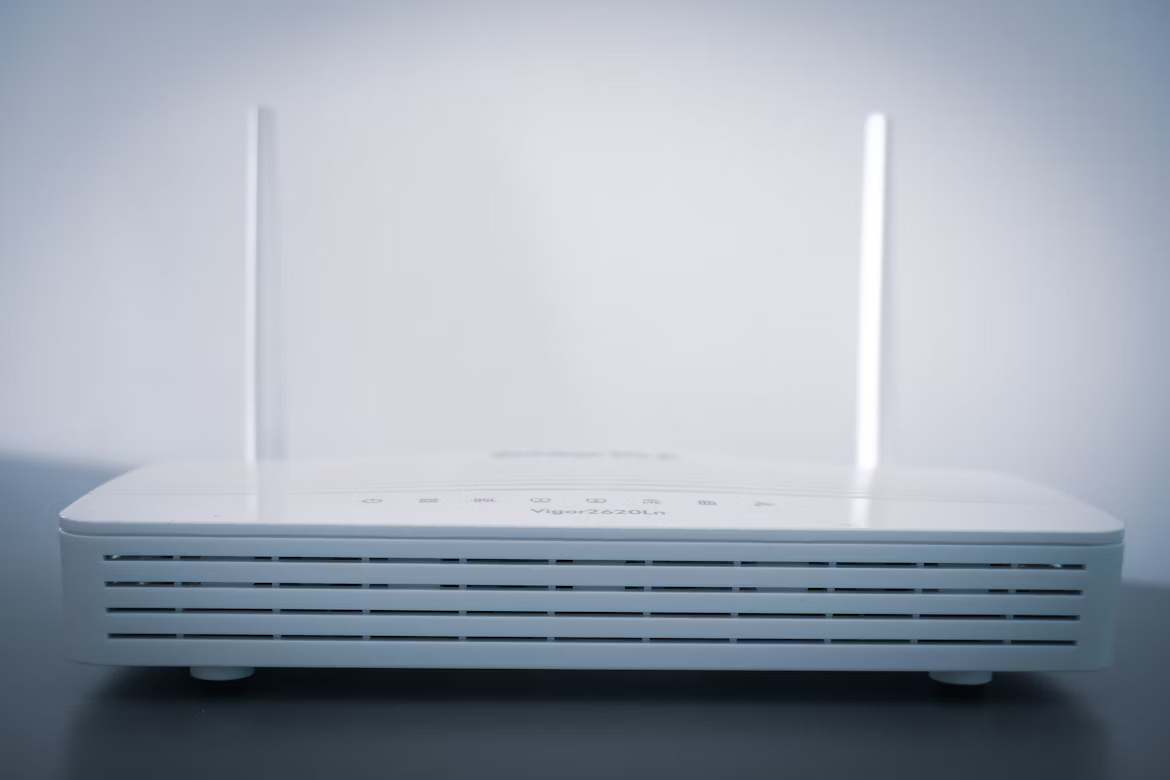
When setting up an office network, you'll often hear the terms 'broadband router' and 'wireless router.' In casual conversation, these are sometimes used interchangeably, particularly for home internet setups.
For a business, however, the distinction is important. Each type of router plays a specific role in connecting your organization to the internet and distributing that connection to your team's devices. This article will clarify those roles to help you make informed decisions for your enterprise network.
What is a Broadband Router?
A broadband router is essentially the main gateway that connects your entire office network to the internet. It plugs into your modem—the device that receives the signal from your Internet Service Provider (ISP)—and manages the flow of data between your local network and the outside world.
Its primary functions are to:
- Establish an internet connection: It takes the single connection from your modem and prepares it to be shared across multiple devices on your Local Area Network (LAN).
- Assign IP addresses: Using DHCP (Dynamic Host Configuration Protocol), it assigns a unique local IP address to every connected device, ensuring data is sent to the correct computer or server.
- Provide basic security: It acts as a hardware firewall, inspecting incoming traffic to block potential threats and unauthorized access attempts.
What is a Wireless Router?
A wireless router takes the internet connection from your modem and broadcasts it wirelessly, creating a Wi-Fi network. This allows devices like laptops, smartphones, and printers to connect to the internet without needing physical cables. In many modern setups, it combines the functions of a broadband router with a wireless access point (WAP) into a single device.
Its main responsibilities include:
- Creating a Wireless Local Area Network (WLAN): It uses radio waves to transmit data, forming a local network for all your wireless devices.
- Broadcasting the network name (SSID): This is the Wi-Fi network name your team sees when searching for available connections.
- Securing the wireless connection: It uses security protocols like WPA2 or WPA3 to encrypt data and prevent unauthorized users from joining your network.
Key Differences Between Broadband Routers and Wireless Routers
While their functions often overlap in modern hardware, the key differences lie in how they connect devices and their primary role within a network.
1. Connection Type
The most fundamental difference is the connection method. A pure broadband router connects devices to your network using physical Ethernet cables.
A wireless router, on the other hand, is specifically designed to create a Wi-Fi network, allowing devices to connect without any cables.
2. Core Function vs. Added Feature
Think of it this way: routing traffic between your internal network and the internet is the core function of a broadband router. It’s the foundation.
Wireless capability is an added feature. A wireless router performs the same core routing functions as a broadband router but adds the ability to broadcast a wireless signal.
3. Hardware Integration
In many small office or home setups, these two roles are combined into a single device—an integrated wireless router. This is why the terms are often used interchangeably.
For larger enterprises, however, these functions are frequently separated. A company might use a powerful, dedicated broadband router for security and traffic management, paired with multiple separate wireless access points (WAPs) to provide Wi-Fi coverage across a large area.
Advantages of Using Broadband Routers
For businesses, relying on a dedicated broadband router offers several distinct benefits, especially as your network complexity grows. These devices are built to handle the demands of a commercial environment.
- Superior Stability and Speed: Wired Ethernet connections are inherently faster and more reliable than wireless ones. This eliminates concerns about signal interference or dropped connections, which is critical for business operations that depend on a stable link.
- Enhanced Security Controls: Business-grade broadband routers often come equipped with more advanced security protocols. This includes sophisticated firewalls and VPN capabilities, providing a stronger defense against external threats compared to all-in-one wireless units.
- Granular Traffic Management: These routers give you precise control over your network traffic. With Quality of Service (QoS) settings, you can prioritize bandwidth for essential applications like VoIP phone systems or video calls, ensuring they always run smoothly.
Advantages of Using Wireless Routers
While wired connections offer stability, wireless routers bring their own set of powerful advantages, centered on flexibility and modern workplace needs.
- Unmatched Mobility: The most obvious benefit is freedom from cables. Employees can connect their laptops, tablets, and phones from anywhere in the office—conference rooms, common areas, or their desks—promoting a more dynamic and collaborative work environment.
- Simplified Setup and Expansion: Adding a new user to the network is as simple as sharing a password. This avoids the cost and labor of running new Ethernet cables for every new device or employee, making it easy to accommodate a growing team.
- Convenient Guest Access: Wireless routers allow you to easily create a separate guest network. This offers visitors internet access without compromising the security of your primary business network, a crucial feature for any office that hosts clients or partners.
Choosing the Right Router for Your Enterprise
Making the right choice comes down to balancing your organization's specific operational demands with your physical environment. Here are a few key factors to guide your decision.
1. Assess Your Office Size and Layout
For a small, single-room office, a high-quality integrated wireless router may be sufficient. It can handle routing and provide Wi-Fi in one simple package.
However, for larger offices or facilities with thick walls, a dedicated broadband router combined with multiple wireless access points (WAPs) is a more effective solution. This setup ensures reliable connectivity and complete Wi-Fi coverage across the entire space.
2. Evaluate Performance and Security Needs
If your business relies on applications that demand stable, high-speed connections—like VoIP systems or frequent large file transfers—a dedicated broadband router is superior. The wired connections it facilitates are inherently more reliable.
These business-grade devices also typically offer more advanced security features, giving you greater control over protecting sensitive company data.
3. Plan for Future Growth
Consider your company's future. While an all-in-one wireless router might work now, a modular approach is more scalable. Using a separate broadband router allows you to add more WAPs or upgrade your Wi-Fi technology later without overhauling your core network infrastructure.
Final Thoughts on Broadband vs Wireless Routers
Ultimately, the distinction between a broadband and a wireless router is less about opposition and more about their specific roles. Think of a broadband router as the foundational gateway connecting your wired network to the internet, focused on stability and security.
A wireless router performs that same core job but adds Wi-Fi capability, providing mobility and convenience. For many businesses, the solution isn't choosing one over the other but using them strategically.
A dedicated broadband router managing traffic, combined with separate wireless access points for coverage, often creates the most reliable and scalable setup. Understanding these functions helps you build a network that supports your company's needs today and grows with you tomorrow.
Need Help Managing Your Network? Lightyear Can Help

Choosing the right router is just one part of managing your enterprise network. Lightyear helps you handle the rest, from procuring the best internet and WAN services to managing your entire telecom inventory in one place.
By automating network service procurement and consolidating billing, Lightyear helps hundreds of enterprises save over 70% in time and 20% in costs. Schedule a demo or get started with our questionnaire today.
Frequently Asked Questions about Broadband Router vs Wireless Router
Can I use a broadband router without a modem?
No, a router requires a modem to connect to the internet. The modem is responsible for translating the signal from your ISP, while the router takes that connection and distributes it to your devices. They perform two separate, essential functions.
Is a modem-router combo a good choice for a business?
For very small offices, a combo unit can be convenient. However, for most businesses, separate devices are better. This allows for more powerful, feature-rich routers and the flexibility to upgrade your modem or router independently as your needs change.
Can a wireless router work without an internet connection?
Yes, a wireless router can create a local network (WLAN) without an active internet connection. This allows connected devices to communicate with each other for tasks like file sharing or printing, but they won't be able to access external websites.
Let us show you the product and discuss specifics on how it might be helpful.
Schedule a Demo





Revolutionize Your Telecom Experience
Learn how you can get one step closer to optimal business efficiency for all your telecom services.
