Cable Router vs Modem: Enterprise Differences Explained
A modem connects you to the internet; a router creates your local network. Learn the distinct roles of each for your enterprise IT infrastructure.

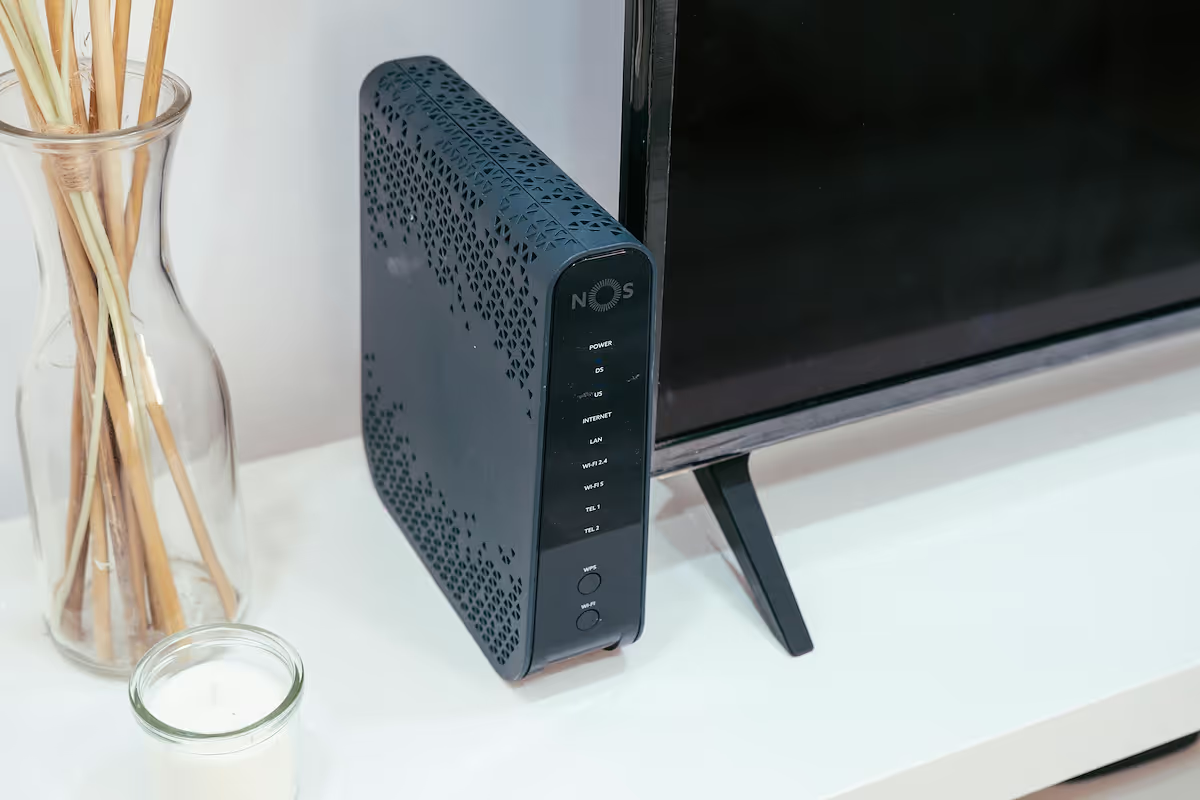
When setting up an office network, the terms 'modem' and 'router' are often used together, sometimes even interchangeably. They are, however, two distinct pieces of hardware that perform very different, yet equally critical, functions in getting your business online.
This guide explains the specific roles of a cable modem versus a router in an enterprise setting. Understanding these differences is key to making informed decisions about your company's network infrastructure, performance, and security.
What is a Cable Router?
A cable router is a device that creates a local network for your office, allowing multiple devices to share a single internet connection from the modem. It acts as a central hub, directing internet traffic to and from your computers, printers, and servers. The router manages all communication within your local network and between your network and the wider internet.
Its primary functions include:
- Creating a Local Area Network (LAN): It establishes a private network, connecting all your office devices so they can communicate with each other and share resources.
- Assigning IP Addresses: The router assigns a unique internal IP address to every device on your network, which is necessary to direct data correctly.
- Managing Data Traffic: It routes incoming and outgoing data packets efficiently, ensuring information reaches its intended destination.
- Providing Security: Most routers come with a built-in firewall to protect your network from unauthorized access and potential security threats from the internet.
What is a Modem?
A modem is the device that connects your internal network to your Internet Service Provider (ISP), acting as the bridge to the wider internet. Its name comes from its core function: modulator-demodulator. It converts the digital signals from your network into analog signals that can travel over your ISP's infrastructure, and vice versa.
Key functions of a modem include:
- Signal Conversion: It translates data between the digital format used by your computers and the analog format required by your ISP's cable, fiber, or DSL lines.
- Internet Connection: It establishes and maintains the dedicated link between your office and your ISP's network.
- Receiving a Public IP Address: The modem is assigned a single public IP address from your ISP, which identifies your network on the public internet.
Cable Router vs Modem: Key Differences
While they work together, their core responsibilities and features are fundamentally different. Here’s a direct comparison of where they diverge.
1. Function and Connectivity
A modem acts as the gateway to the internet for your organization, focused solely on establishing a connection with your ISP. It typically has only one Ethernet port for this purpose. A router, in contrast, is built for distribution. It takes that single internet connection and shares it across your office, featuring multiple Ethernet ports for wired devices and broadcasting a Wi-Fi signal for wireless ones.
2. IP Address Assignment
The modem receives one public IP address from your ISP, which is your company's unique address on the global internet. The router then manages your internal network, using Network Address Translation (NAT) to assign private IP addresses to every device in the office. This ensures data is sent to the correct computer or server without conflict.
3. Network Security
A router is your network's first line of defense. It includes a built-in firewall to inspect incoming traffic, block potential threats, and prevent unauthorized access from the internet. A modem, on its own, offers minimal security. It simply passes data back and forth, making the router's security features essential for protecting your business assets.
How to Choose Between a Cable Router and a Modem
The decision isn't about choosing one device over the other—for a complete and functional office network, you need both. A modem provides the internet connection, and a router distributes it. The real choice comes down to how you acquire this hardware.
You have two primary options: purchase a separate modem and a separate router, or use a single combination unit that integrates both functions. Here’s what to consider:
- Separate Modem and Router: This setup offers greater flexibility and control. You can select a high-performance router that meets your specific security and traffic management needs. It also makes troubleshooting and upgrading easier, as you can replace one device without affecting the other. This is often the preferred route for businesses that require more robust network management.
- Combination Modem-Router Unit: These devices are simpler to set up and take up less space. ISPs often provide them as part of their service package. However, they typically offer fewer advanced features and less customization. If one component fails, the entire unit must be replaced, potentially causing more significant downtime.
Benefits of Using a Cable Router
A dedicated router brings several key advantages to a business network, primarily centered around enhanced control, security, and connectivity options.
Its most immediate benefit is providing robust Wi-Fi, which is essential for connecting laptops, smartphones, and other wireless devices throughout the office. Business-grade routers also offer advanced traffic management features like Quality of Service (QoS). This allows you to prioritize critical applications, such as video conferencing or VoIP calls, ensuring they always have the bandwidth needed for smooth performance.
Furthermore, routers enable you to create separate guest networks. This provides internet access to visitors while keeping them completely isolated from your secure internal network and sensitive company data, a critical security measure for any enterprise.
Benefits of Using a Modem
While a router excels at managing your internal network, a dedicated modem's primary benefit lies in its singular focus: creating a stable and direct connection to your ISP. This specialization often results in a more reliable link to the internet, as the device is optimized for one job.
Using a separate modem also simplifies network diagnostics. When connectivity problems occur, it's much easier for IT teams to determine if the fault is with the external internet service or the internal local network, speeding up resolution time.
Finally, purchasing your own modem can lead to cost savings over time. Many businesses find that buying the hardware outright is more economical than paying a recurring monthly equipment rental fee to their internet service provider.
Making the Right Choice for Your Enterprise
Ultimately, the choice isn't about picking a modem or a router—your business needs both. The real decision is how to best configure them for your operational needs. For an enterprise environment, focus on these key points:
- A dedicated modem is your gateway to the internet. Prioritize a model that offers a stable, reliable connection and is fully compatible with your Internet Service Provider.
- A dedicated router is your network's command center. Look for strong security features, guest network capabilities, and Quality of Service (QoS) to manage internal traffic and protect your data.
- For maximum control and scalability, a separate modem and router setup is almost always the best path for a business. This configuration simplifies troubleshooting and allows you to upgrade each component independently as your needs change.
Need Help Managing Your Network? Lightyear Can Help

Choosing the right hardware is just the first step. By automating network service procurement, inventory management, and bill consolidation, Lightyear takes the pain out of managing your telecom infrastructure.
The hundreds of enterprises that trust Lightyear achieve over 70% in time savings and 20% in cost savings on their network services.
Schedule a demo or get started with our questionnaire today.
Frequently Asked Questions about Cable Router vs Modem
Do I need a specific type of modem for my internet service?
Yes, the modem must match your internet service technology. You need a cable modem for cable internet, a DSL modem for DSL, and an Optical Network Terminal (ONT) for fiber-optic service. They are not interchangeable.
Is the equipment from my ISP a modem, a router, or both?
Most equipment provided by ISPs are combination modem-router units, often called gateways. These devices handle both connecting to the internet and creating a local Wi-Fi network. You can check the device model or ask your provider to be sure.
Can I use a modem without a router for my business?
Technically, yes, but only for a single wired device. A modem alone cannot create a local network or provide Wi-Fi. For any business needing multiple devices online or wireless access, a router is essential for distribution and security.
Let us show you the product and discuss specifics on how it might be helpful.
Schedule a Demo





Revolutionize Your Telecom Experience
Learn how you can get one step closer to optimal business efficiency for all your telecom services.
