DHCP vs Router: Differences for Enterprise Networks
DHCP assigns IP addresses; routers direct traffic. This guide clarifies their distinct roles to help you manage your enterprise network effectively.

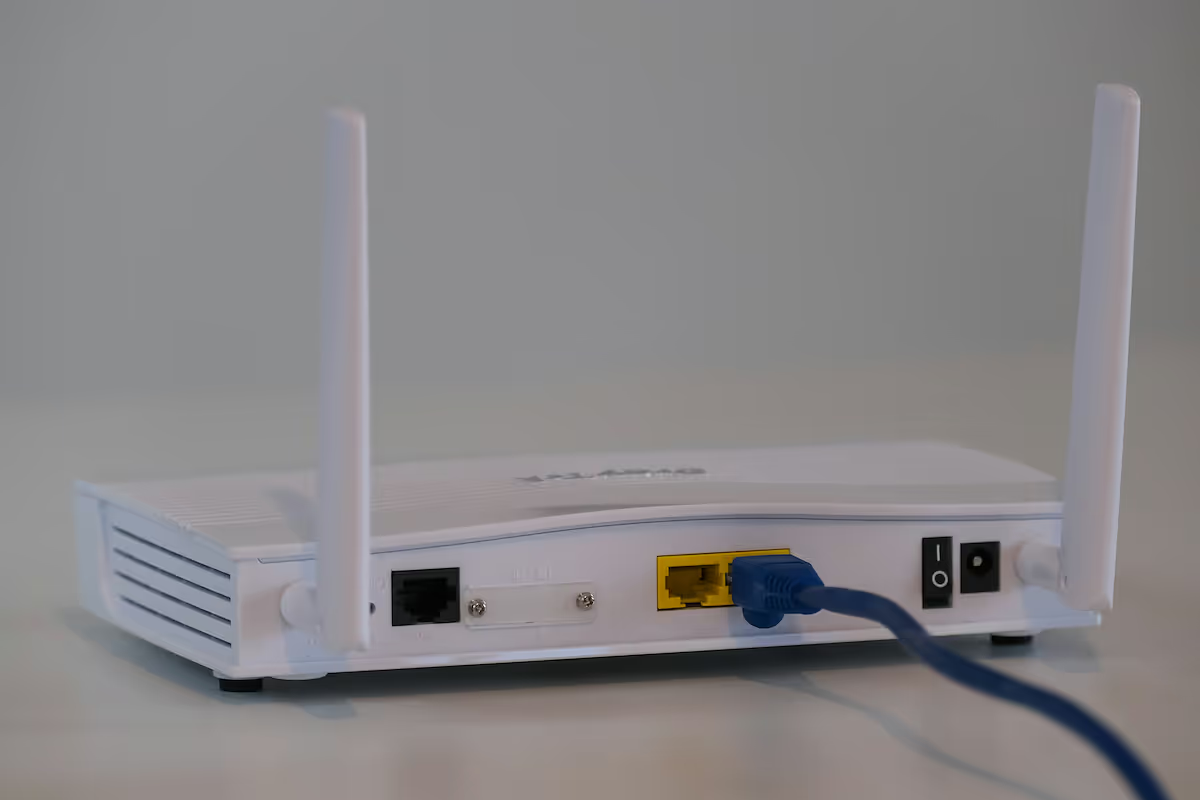
In enterprise networking, both routers and the Dynamic Host Configuration Protocol (DHCP) are fundamental components for building a functional and scalable infrastructure.
While they often work together, and many routers even include a DHCP server, they perform distinct and separate roles.
Understanding the specific function of each is key to designing, managing, and troubleshooting your company's network effectively.
What is DHCP?
Dynamic Host Configuration Protocol (DHCP) is a network management protocol that automates the process of assigning IP addresses and other network configuration information to devices. Instead of manually setting up every computer, phone, or server, DHCP handles it automatically, which is a massive time-saver in any business setting.
A DHCP server provides connecting devices with critical information, including:
- IP Address: A unique address that identifies the device on the local network.
- Subnet Mask: Information that defines the size of the network.
- Default Gateway: The router's address, which devices use to access the internet.
- DNS Server Address: The address used to translate domain names (like lightyear.ai) into IP addresses.
What is a Router?
A router is a hardware device that connects two or more networks, directing data packets between them. Think of it as the traffic director for your company's network, ensuring information travels efficiently from its source to its destination, whether that's across the office or across the internet.
A router performs several critical functions:
- Packet Forwarding: It inspects the destination IP address of incoming data packets and uses a routing table to determine the most efficient path to send them on.
- Network Address Translation (NAT): This allows multiple devices on a private local network to share a single public IP address for internet access, which is crucial for both security and scalability.
- Creating a Local Network: It establishes the local area network (LAN) and manages the data flow between connected devices and the wider internet (WAN).
Key Differences Between DHCP and Routers
While they work hand-in-hand, their core responsibilities are fundamentally different. Let's break down the main distinctions.
Core Function: Configuration vs. Connectivity
The most significant difference lies in their primary jobs. DHCP is a management protocol focused on automating network configuration for devices as they join the network.
A router, on the other hand, is all about connectivity. Its main purpose is to direct traffic and forward data packets between different networks, such as your internal LAN and the external internet.
Type: Protocol vs. Hardware
DHCP is a protocol—a set of rules that software follows. It is not a physical box you can touch.
A router is a piece of hardware. Much of the confusion comes from the fact that most business routers include a built-in DHCP server function. However, these are two separate technologies packaged together for convenience.
Scope of Operation
DHCP operates exclusively within a single local network (LAN). Its job is to manage the IP addresses for the devices connected to that specific network segment.
A router's role is broader; it operates at the boundary between networks. It connects your LAN to other networks, most commonly the internet (WAN), managing the flow of information in and out.
How DHCP Works in a Network
The DHCP process is a four-step conversation between a device and the DHCP server, often called DORA (Discover, Offer, Request, Acknowledge).
When a device connects to a network, it first broadcasts a DHCP Discover message to find a DHCP server.
Any DHCP server on the network can respond with a DHCP Offer, which includes a proposed IP address and other configuration details.
The device then sends a DHCP Request message back to the server, formally asking to use the offered IP address.
Finally, the server sends a DHCP Acknowledge packet, confirming the IP address assignment. This creates a "lease," allowing the device to use that IP address for a set period of time before it needs to be renewed.
The Role of Routers in Network Management
Beyond just connecting networks, a router is central to managing data traffic to maintain network security and performance. It acts as the primary gateway, controlling all information moving between your local network and the internet.
A key management function is implementing security. Most business-grade routers include a built-in firewall and support access control lists (ACLs), which are rules that define what kind of traffic is permitted or denied. This serves as a critical first line of defense against external threats.
Routers also manage network efficiency using Quality of Service (QoS) policies. These settings allow IT teams to prioritize certain types of data, such as VoIP calls or video conferences, over less urgent traffic like large file downloads. This prevents network congestion and ensures critical applications run smoothly.
Choosing Between DHCP and Routers for Your Enterprise
It's important to clarify that you don't choose between a router and DHCP; your network needs both to operate. The actual decision for an IT team is about where the DHCP service should run, a choice that depends on the scale and complexity of your infrastructure.
Here are the common scenarios:
- Relying on the Router's DHCP Function: For small to medium-sized businesses or simple branch office setups, using the DHCP server built into the router is often the most practical path. This approach simplifies administration by keeping core network services on one piece of hardware, which is ideal for less complex environments.
- Implementing a Dedicated DHCP Server: In larger corporate networks with hundreds or thousands of devices, multiple subnets, or specific security policies, a dedicated DHCP server is necessary. Typically running on a platform like Windows Server, it offers far greater control, detailed logging for audits, and the ability to manage complex IP address scopes and reservations reliably.
Final Thoughts on DHCP and Routers
Ultimately, DHCP and routers are two sides of the same networking coin—both are essential, but they serve very different purposes. DHCP is the protocol that automatically assigns IP addresses to devices, while the router is the hardware that directs traffic between networks.
They work in tandem to ensure your network runs smoothly. A device first gets its configuration from a DHCP server, then uses the router as its gateway to the internet. Understanding this distinction is fundamental to building and managing a reliable enterprise network.
Need Help Managing Your Network? Lightyear Can Help

Getting your network's DHCP and router configuration right is a critical first step. Lightyear helps with the next one: automating the procurement, inventory, and billing for all your telecom services.
Hundreds of enterprises trust Lightyear to achieve over 70% in time savings and 20% in cost savings on their network infrastructure.
Schedule a demo or get started with our questionnaire today.
Frequently Asked Questions about DHCP vs Router
Can a network run without DHCP?
Yes, but you would need to manually assign a static IP address to every device. This is impractical and error-prone for any network with more than a few devices, making DHCP essential for efficiency and scalability.
What happens if two DHCP servers are on the same network?
This creates a conflict that can cause major connectivity issues. Devices might receive duplicate IP addresses or incorrect gateway information, leading to unreliable network access. It's critical to ensure only one DHCP server is active per network segment.
Can I turn off the DHCP function on my router?
Yes, and you should disable the router's DHCP function if you are using a dedicated DHCP server. This prevents conflicts and centralizes your IP address management, which is best practice for larger, more complex networks.
Let us show you the product and discuss specifics on how it might be helpful.
Schedule a Demo





Revolutionize Your Telecom Experience
Learn how you can get one step closer to optimal business efficiency for all your telecom services.
