Enterprise vs Home Routers: Key Differences Explained
Learn the key differences between enterprise and home routers in security, performance, and management to choose the right one for your business network.

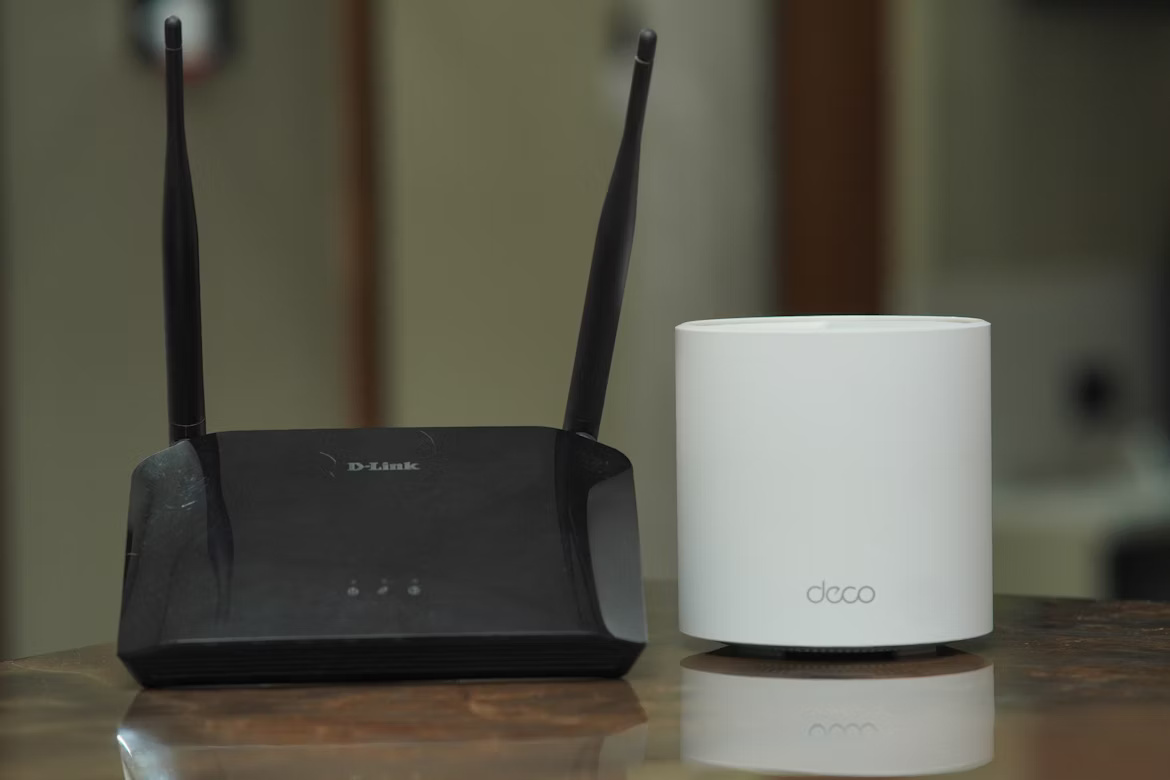
At a fundamental level, both enterprise and home routers serve the same purpose: connecting your devices to the internet. However, that's where the similarities often end, as they are built for vastly different environments and demands.
This guide explains the key distinctions between them, focusing on security, performance, and management capabilities. Understanding these differences is crucial for any IT leader tasked with building a reliable and secure network for their organization.
What is an Enterprise Router?
An enterprise router is a powerful networking device designed specifically for business and large organizational use. It's built to handle the complex demands of a corporate network, connecting multiple offices and supporting hundreds or even thousands of users simultaneously.
- High Traffic Volume: They are engineered to manage a significant amount of data traffic without performance degradation, which is essential for businesses that rely on constant connectivity for their operations.
- Advanced Features: These routers come equipped with sophisticated features like Virtual Private Network (VPN) support for secure remote access, Quality of Service (QoS) to prioritize critical application traffic, and advanced routing protocols like BGP and OSPF.
- Modularity and Durability: Many enterprise models are modular, allowing IT teams to add or upgrade components like network interfaces or security modules as the business grows. They are also built with high-quality, durable components for long-term reliability.
- Centralized Management: They offer extensive management capabilities, allowing network administrators to configure, monitor, and troubleshoot the network from a central location, often as part of a larger network infrastructure.
What is a Home Router?
A home router is the familiar device designed to provide internet access within a single household. Its primary goal is user-friendliness and straightforward connectivity for a limited number of personal devices. Unlike its enterprise counterpart, a home router prioritizes simplicity and affordability over extensive, complex features.
- User-Friendly Setup: Home routers are built for easy, "plug-and-play" installation. They use simple web interfaces or mobile apps that guide non-technical users through the setup process without requiring specialized knowledge.
- Standard Connectivity: Their main function is to offer reliable Wi-Fi and a few Ethernet ports for everyday consumer devices like smartphones, laptops, smart TVs, and gaming consoles in a small-scale environment.
- Basic Security Features: Security is generally limited to essentials like WPA2/WPA3 encryption, a built-in firewall, and guest network capabilities. They lack the advanced threat management and granular control found in business equipment.
- Consumer-Grade Components: To keep costs down, home routers are made with less robust hardware. They are not intended to handle the heavy, constant data traffic or provide the long-term reliability demanded by a business network.
Key Differences Between Enterprise and Home Routers
While both types of routers direct traffic, the way they are built and managed reveals their different purposes. The core distinctions go beyond simple speed and touch on the fundamental architecture of the devices themselves.
1. Management and Configuration
An enterprise router is typically managed through a command-line interface (CLI) or a complex graphical user interface (GUI) that provides granular control over every aspect of the network. This requires specialized IT knowledge. In contrast, a home router uses a simplified web portal or mobile app designed for easy setup by users with no technical background.
2. Hardware Design and Modularity
Enterprise routers are built with high-endurance components and often feature a modular design. This allows an organization to add or swap hardware, such as new network interface cards or wireless modules, as needs change. Home routers are fixed, all-in-one devices with consumer-grade parts; what you buy is what you get, with no path for hardware upgrades.
3. Advanced Routing Protocols
A key differentiator is support for advanced routing protocols like BGP and OSPF. Enterprise routers use these to dynamically manage traffic paths across large networks, ensuring reliability and efficiency between multiple sites or ISPs. Home routers rely on basic static routing, as they only need to manage a single, simple connection to the internet.
4. VPN Implementation
Enterprise devices are designed to function as VPN hubs, capable of handling hundreds of secure connections for remote workers and creating stable site-to-site tunnels to link offices. While some home routers can act as a VPN client for a single device, they lack the processing power and software to support an entire organization's remote access needs.
Performance and Scalability
The performance and scalability of a router directly impact user experience and business operations. The hardware differences between enterprise and home models are most apparent when looking at how they handle network load and future growth.
- Throughput and Connection Handling: Enterprise routers are built with powerful CPUs and significant RAM to manage a high volume of concurrent connections—often hundreds or thousands—without performance drops. They are designed for sustained, high-throughput data packet processing, which is critical for business applications. A home router is designed for a much smaller load, typically a few dozen devices, and can easily become overwhelmed, leading to network lag.
- Scaling with Your Organization: An enterprise router is a long-term investment designed to grow with a company. As your network needs expand, you can often add new interface cards or modules to increase capacity or add functionality. Home routers offer no such path for expansion. Their hardware is fixed, meaning that when your needs exceed its limits, the only solution is a full replacement.
Security Features
When it comes to protecting a network, the security tools available in enterprise and home routers are worlds apart. Business networks face a much higher risk of targeted attacks, and enterprise equipment is built with this reality in mind, offering a multi-layered defense strategy.
- Advanced Threat Management: Enterprise routers often include robust security features like Intrusion Prevention Systems (IPS) and Unified Threat Management (UTM) to actively detect and block malicious activity. Home routers lack these proactive defenses, relying on a basic firewall that cannot stop sophisticated attacks.
- Granular Access Control: An administrator can use an enterprise router to create highly specific access control lists (ACLs), dictating exactly which users and devices can access certain network resources. Home routers typically only offer simpler controls, such as a separate guest network.
- Firmware and Vulnerability Patching: Enterprise router manufacturers provide regular, timely security patches and dedicated support to address new vulnerabilities as they are discovered. Home router firmware updates are often less frequent and depend on the user to install them, which can leave the network exposed.
Cost Considerations
The financial investment required is one of the most straightforward distinctions between these two types of devices. The price difference reflects their intended use cases and the value they provide over their lifespan.
A home router is an off-the-shelf purchase, typically costing anywhere from $50 to a few hundred dollars. In contrast, an enterprise router represents a significant capital expenditure, with prices starting in the thousands and scaling up based on features and capacity.
This higher price tag isn't just for more powerful hardware. It also covers crucial business necessities like software licensing for security features, access to dedicated technical support, and guaranteed firmware updates to patch vulnerabilities.
The cost of a home router, on the other hand, covers only the device itself. There are no service-level agreements for support or security, leaving the user responsible for everything.
For any organization, the true cost must be viewed through the lens of Total Cost of Ownership (TCO). The reliability and security included with an enterprise router prevent costly downtime and data breaches, making the initial investment a more financially sound decision in the long run.
Making the Right Choice for Your Business
While the low cost and simple setup of a home router can be tempting, it is not a viable or secure option for any business environment. These devices are not built to handle the performance, security, and management demands of a corporate network.
The decision ultimately comes down to your operational requirements. A business network needs consistent uptime, robust protection against security threats, and the capacity to support numerous users and applications without slowdowns.
A home router cannot meet these needs, exposing your organization to significant risks like network failure and data breaches. An enterprise router is a foundational investment in your company's stability, providing the reliable and scalable infrastructure required to protect your assets and support growth.
Need Help Managing Your Network? Lightyear Can Help

Choosing the right enterprise router is a critical first step. The next challenge is managing the complex web of services that run on it, from procurement and inventory to billing.
By automating network service procurement, inventory management, and bill consolidation, Lightyear takes the pain out of telecom infrastructure management. The hundreds of enterprises who trust Lightyear achieve 70%+ time savings and 20%+ cost savings on their network services.
Schedule a demo or get started with our questionnaire today.
Frequently Asked Questions about Enterprise Router vs Home Router
Can a small business router work instead of an enterprise one?
Small business or "prosumer" routers offer more features than home models but lack the robust security, modular hardware, and high-volume traffic management of true enterprise equipment. They are a middle ground best suited for very small offices with minimal IT complexity.
Does an enterprise router guarantee faster internet speeds?
Not directly. Your internet speed is set by your ISP plan. An enterprise router ensures your internal network can handle that speed without bottlenecks, especially with many users. It optimizes traffic delivery but cannot increase the bandwidth you purchase from your provider.
Is it okay to use a home router for a small office with just a few employees?
While it might seem cost-effective, it's not recommended. Home routers lack essential business security features, dedicated support, and the reliability needed for constant commercial use. This exposes your business to significant risks like data breaches and costly network downtime.
Let us show you the product and discuss specifics on how it might be helpful.
Schedule a Demo





Revolutionize Your Telecom Experience
Learn how you can get one step closer to optimal business efficiency for all your telecom services.
