Understanding Ethernet and IP Differences for Enterprises
Confused about Ethernet vs. IP? Learn the key differences for your enterprise network and make smarter, more informed connectivity decisions.

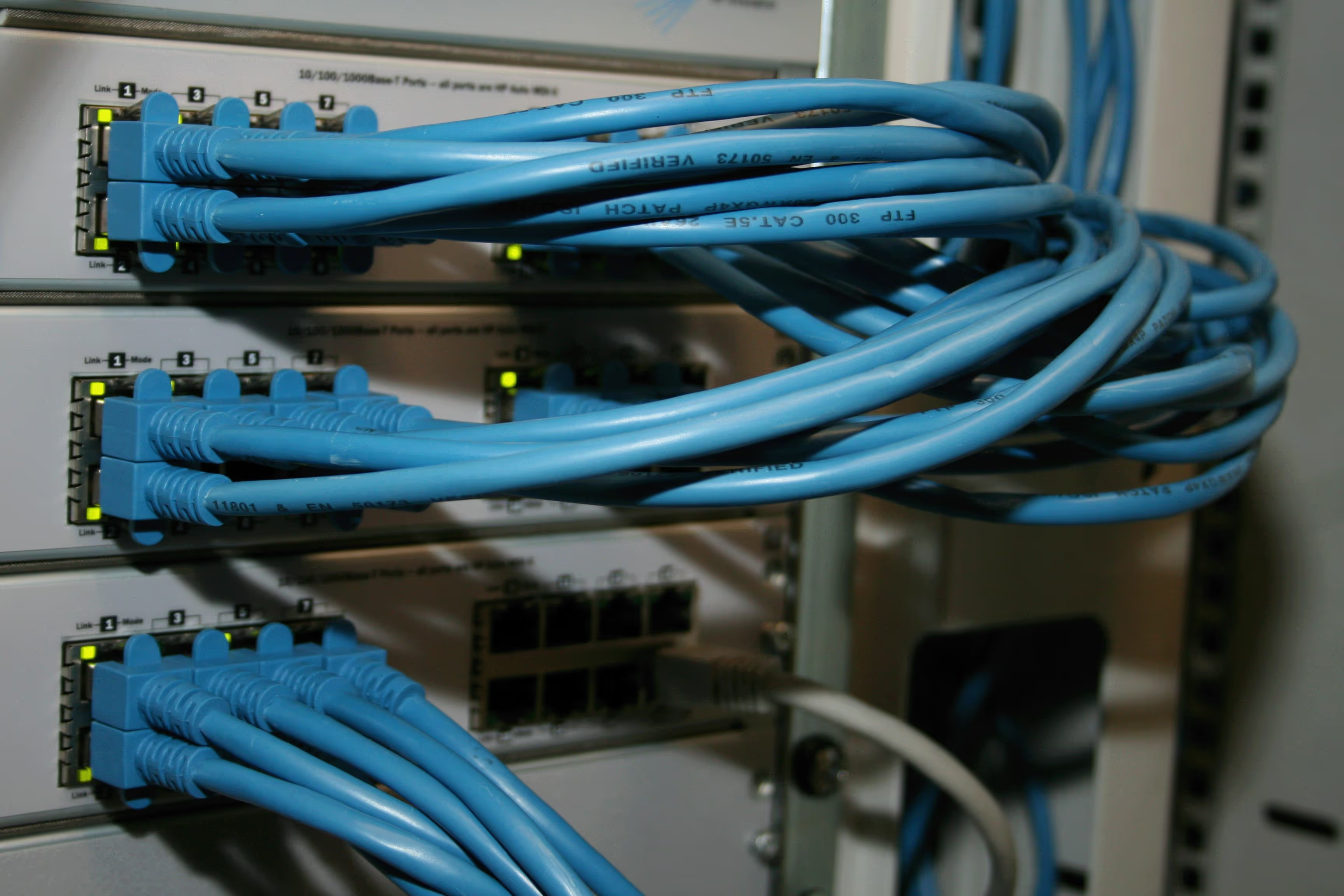
When building or managing a business network, you'll frequently encounter the terms Ethernet and IP. While they work together to connect your devices to the internet, they refer to two distinct and fundamental parts of your network infrastructure.
Understanding the difference is key for making informed procurement and architecture decisions. This article will provide a clear comparison of how each technology functions, helping you choose and manage the right services for your enterprise needs.
What is Ethernet?
At its core, Ethernet is a set of networking protocols that defines how devices communicate with each other over a Local Area Network (LAN). Think of it as the foundational rulebook for wired networks, governing how data is formatted and transmitted between computers, switches, and routers within a single physical location.
It primarily operates at the lower levels of the networking model, focusing on local traffic delivery. Key characteristics include:
- Physical & Data Link Layers: Ethernet functions at the Physical (Layer 1) and Data Link (Layer 2) layers of the OSI model. It manages the physical hardware like cables and ports, and also how data is packaged into frames for local delivery.
- MAC Addresses: It uses unique Media Access Control (MAC) addresses, which are hardcoded into a device's network card, to send data frames to the correct destination on the local network.
- Wired Connections: It is the standard for wired connections, using twisted-pair copper or fiber optic cables to create a reliable, high-speed network infrastructure.
What is IP?
IP, or Internet Protocol, is the set of rules governing how data is sent from one device to another across the internet. While Ethernet handles communication within a single network, IP is responsible for routing data packets between different networks, making global communication possible.
It is the principal communications protocol for relaying datagrams across network boundaries. Its key functions include:
- Network Layer Operation: IP functions at the Network Layer (Layer 3) of the OSI model. Its primary job is to address and route data packets to their destination across various interconnected networks.
- IP Addresses: It uses logical IP addresses to identify devices on a network. Unlike the fixed MAC address, an IP address can be assigned dynamically and change depending on the network.
- Packet Routing: IP breaks down data into smaller units called packets. Each packet contains the source and destination IP addresses, allowing routers to forward it across the internet until it reaches its final destination.
Ethernet vs IP: Key Differences
While both are essential for connectivity, their roles and methods differ significantly. Here’s a breakdown of the main distinctions.
Scope and Function
Ethernet’s job is to manage traffic within a single, local network (LAN). It ensures data gets from your computer to a local router. IP takes over from there, handling the task of routing that data across multiple, separate networks to reach a destination anywhere in the world.
Data Structure
Ethernet organizes data into units called frames. Each frame contains the local hardware (MAC) addresses for the sender and receiver. For internet communication, an IP packet, which contains the global source and destination IP addresses, is placed inside an Ethernet frame to be transported across the local network.
Reliability
Ethernet includes error-checking for the data on a direct physical link, but it doesn't guarantee delivery across a network. IP, by itself, is a "best-effort" protocol; it doesn't confirm that packets arrive. That responsibility falls to higher-level protocols like TCP, which works with IP to ensure data is delivered reliably.
How Ethernet Works in Networking
Ethernet directs traffic within a local network through a systematic process. When one device needs to send data to another on the same LAN, it packages that data into a frame. This frame contains the unique MAC addresses of both the sending and receiving devices, acting like a specific hardware address for local delivery.
The frame travels over the physical cable to a network switch. The switch then reads the destination MAC address within the frame and intelligently forwards it only to the port connected to the intended recipient.
This targeted delivery is highly efficient. It prevents data from being unnecessarily broadcast to every device, keeping communication direct and containing traffic within the local network boundary.
How IP Works in Networking
IP’s role begins when data needs to travel beyond the local network. It wraps data into packets, each labeled with the source and destination IP addresses, which act as global addresses for devices on the internet.
These packets are sent to a router, which examines the destination IP address. The router then forwards the packet to the next network on the most efficient path toward its final destination.
This hop-by-hop routing process continues across the internet until the packet arrives at the correct destination network. At that point, the local network's Ethernet protocol handles the final delivery to the specific device, using the MAC address to find it.
Choosing Between Ethernet and IP for Your Business
It’s less about choosing one over the other and more about understanding which technology underpins the specific service you need. Both are critical, but they solve different business problems.
1. When to Procure Ethernet Services
Focus on Ethernet-based services when you need private, high-performance connectivity between your own locations. These are often called Layer 2 services and are sold by telecom carriers.
An Ethernet Private Line (EPL), for instance, creates a secure, dedicated link between your headquarters and a data center. This is ideal for sensitive data transfer, disaster recovery, or high-bandwidth applications that don't need to touch the public internet.
2. When to Procure IP-Based Services
IP-based services are your gateway to the wider world. You'll procure these when your primary need is connecting your business and its employees to the public internet.
Services like Dedicated Internet Access (DIA) or business broadband provide your offices with the bandwidth for daily operations, from email and web browsing to accessing cloud software. This is a Layer 3 service, designed for routing traffic globally.
Final Thoughts on Ethernet and IP
Ultimately, Ethernet and IP are not competitors but partners in building a functional network. Ethernet provides the local foundation, managing how devices connect within your office or data center. IP builds on that foundation, enabling communication across different networks and the internet.
For business procurement, the distinction is simple: choose Ethernet-based services for private, point-to-point connections and IP-based services for public internet access. Understanding this layered approach helps you select the right connectivity solutions for your specific operational needs.
Need Help Managing Your Network? Lightyear Can Help

Whether you're procuring Ethernet private lines or IP-based internet access, Lightyear helps you manage it all. By automating network service procurement, inventory management, and bill consolidation, we take the complexity out of your telecom infrastructure.
Enterprises that use Lightyear report over 70% in time savings and 20% in cost savings on their network services. Schedule a demo or get started with our questionnaire today.
Frequently Asked Questions about Ethernet vs IP
Can I have an IP network without Ethernet?
Yes. IP is a flexible protocol that can operate over many network types, not just Ethernet. For example, your Wi-Fi and cellular (4G/5G) connections use IP to connect to the internet, but they do not use the Ethernet protocol for their physical connection.
Which is faster, Ethernet or IP?
This question compares two different functions. Ethernet standards (e.g., 1 Gbps, 10 Gbps) define the maximum speed of your local wired connection. IP's performance is not about speed but about routing efficiency, which is affected by factors like network congestion across the internet.
Why does my device have both a MAC and an IP address?
Your device needs both for different jobs. The permanent MAC address is used by Ethernet to identify the device on the local network. The IP address, which can be temporary, is used to route data to and from your device across the wider internet.
Let us show you the product and discuss specifics on how it might be helpful.
Schedule a Demo





Revolutionize Your Telecom Experience
Learn how you can get one step closer to optimal business efficiency for all your telecom services.
