Ethernet vs SFP: Choosing the Right Connection
Ethernet vs. SFP: Understand the difference. Learn how the Ethernet protocol and SFP hardware modules work together for your network connections.

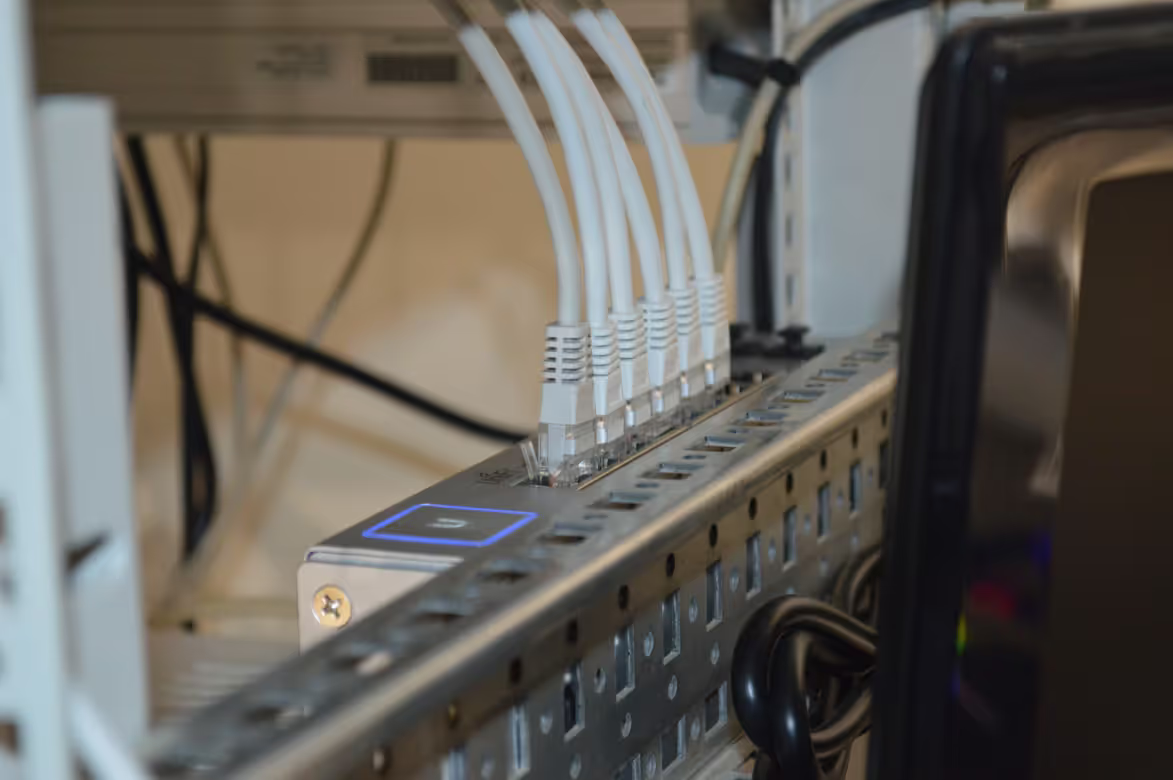
If you're an IT or network manager, you've likely faced this choice when looking at new hardware: should you go with a standard Ethernet port or a more flexible SFP port? It's a common question when building or upgrading a company's network infrastructure.
While both are used to establish a network connection, they aren't exactly interchangeable. An Ethernet port is a specific, built-in interface for copper cables. In contrast, an SFP port is a modular slot that lets you choose your connection type by inserting a transceiver for either copper or fiber optic cabling.
What is Ethernet?
Think of Ethernet as the foundational technology for most wired local area networks (LANs). It’s a standardized protocol (IEEE 802.3) that dictates how devices format and transmit data packets to one another. This universal standard is what allows hardware from different vendors to communicate seamlessly on the same network.
- Cabling and Connectors: Ethernet typically relies on copper twisted-pair cables terminated with an RJ45 connector. This is the standard plug you'll find on most office computers, printers, and switches.
- Fixed Speeds: An Ethernet port is built for a specific speed, most commonly 1 Gbps (Gigabit Ethernet) or 10 Gbps. This speed is fixed and cannot be changed without replacing the hardware itself.
- Primary Function: Its main job is to provide reliable, high-speed connectivity for devices within a limited geographical area, like a single office or building.
What is SFP?
SFP stands for Small Form-factor Pluggable. It’s a compact, hot-swappable transceiver that plugs into an SFP port on a network switch or other device. Think of the port as a modular dock and the SFP module as the tool you choose for a specific job. This design offers significant flexibility for network administrators because the connection type isn't fixed to the hardware.
- Modularity: The key feature of SFP is its modular nature. You can easily swap out modules to change connection types or upgrade speeds without replacing the entire network switch.
- Versatility: SFP modules support a wide range of communication standards. They can be used for fiber optic connections over long distances or for standard copper Ethernet cables for shorter runs.
- Hot-Swappable: Most SFP modules are hot-swappable, meaning you can insert or remove them while the device is powered on, which prevents network downtime during upgrades or maintenance.
Ethernet vs SFP: Key Differences
While both connect your network, their fundamental differences come down to adaptability, reach, and overall cost.
1. Flexibility and Upgradability
An Ethernet port offers a fixed connection. If your switch has a 1 Gbps copper port, that’s its permanent function. Upgrading to a different speed or media type means replacing the hardware.
In contrast, an SFP port is defined by the module you insert. You can easily swap a 1G fiber module for a 10G one or switch to a copper connection, allowing for on-the-fly network upgrades without significant downtime.
2. Connection Distance and Performance
This is a critical differentiator. Ethernet connections using standard copper cables are generally limited to a maximum distance of 100 meters (328 feet) before signal degradation becomes an issue.
SFP ports break this barrier. When used with fiber optic modules, they can support connections spanning from 500 meters up to many kilometers, which is essential for linking separate buildings or data centers. Fiber also offers superior immunity to electromagnetic interference (EMI).
3. Cost Considerations
From a pure hardware standpoint, switches equipped only with standard Ethernet ports are generally more budget-friendly. The technology is ubiquitous and integrated directly into the device.
Devices with SFP ports have a higher initial purchase price. You also have the separate cost of the SFP transceivers themselves, which vary in price based on speed and type. This modular approach costs more upfront but can save money later by simplifying upgrades.
Use Cases for Ethernet
Ethernet is the workhorse for most local area network (LAN) connections, especially when simplicity and cost-effectiveness are the main drivers. Its reliability and widespread adoption make it the default choice for connecting devices within a confined physical space, like an office floor.
In a typical corporate environment, Ethernet is used to link essential end-user devices. This includes everything from employee workstations and VoIP phones to printers and wireless access points that need a stable connection to the network switch. Since these connections rarely exceed the 100-meter distance limit, standard copper cabling is perfectly sufficient and economical.
It's also a practical choice for high-density environments like data centers. For connecting servers to top-of-rack switches, the straightforward nature of a fixed Ethernet port provides reliable performance for short runs without the added cost or complexity of modular transceivers.
In short, if your networking requirements are stable and geographically contained, and you don't foresee a need to switch to fiber optics for longer distances, Ethernet provides a dependable and budget-friendly foundation for your infrastructure.
Use Cases for SFP
SFP ports are the go-to choice when network requirements demand more flexibility than a fixed Ethernet port can offer. They are ideal for building scalable and high-performance networks that need to cover large physical areas or handle significant traffic loads.
The primary use case is for long-distance connectivity. When you need to link buildings across a campus, connect to a remote data center, or run cable in a large facility where runs exceed the 100-meter limit of copper, fiber optic SFP modules are essential.
SFP ports are also critical for creating high-speed uplinks between network switches. For example, multiple access switches can be connected via fiber SFP modules to a central core switch, ensuring a fast and reliable backbone for the entire network.
This modular design is also perfect for future-proofing. If your network currently operates at 1 Gbps but you plan to upgrade to 10 Gbps later, you only need to swap the SFP transceiver, not the entire switch, saving both time and money.
Choosing Between Ethernet and SFP
So, how do you decide which port type is right for your specific needs? The choice often comes down to a few practical questions about your environment, budget, and long-term goals.
- Scale and Purpose: For connecting standard end-user devices like computers and VoIP phones within a single office, Ethernet is the most direct and cost-effective solution. If you are building a network backbone or connecting high-performance servers, SFP ports offer the necessary speed and scalability.
- Physical Distance: Evaluate your physical layout. If all your connections are well under the 100-meter limit for copper cable, Ethernet is sufficient. For linking switches between buildings or across a large campus, the long-distance capability of fiber optic SFP modules is essential.
- Future Growth: Consider your network's roadmap. If you anticipate needing to upgrade from 1 Gbps to 10 Gbps or require different media types in the future, SFP ports provide that flexibility. With fixed Ethernet, your only upgrade path is replacing the hardware.
- Budgeting: Analyze the costs. Switches with only Ethernet ports have a lower initial price. Devices with SFP ports cost more upfront, especially after purchasing the modules, but can save money on future upgrades.
Making the Right Choice for Your Network
Ultimately, the decision between Ethernet and SFP ports isn't about which technology is superior overall. It’s about selecting the right tool for the job based on your specific operational needs and strategic goals.
For straightforward, cost-sensitive deployments like connecting office workstations or printers, fixed Ethernet ports provide reliable, plug-and-play simplicity.
However, when your network requires long-distance links between buildings, high-speed uplinks, or the flexibility to adapt to future demands, SFP ports offer an invaluable modular approach.
By carefully evaluating your requirements for distance, speed, and scalability against your budget, you can build a network infrastructure that is both efficient today and prepared for tomorrow’s growth.
Need Help Managing Your Network? Lightyear Can Help

Making the right hardware choices is just the beginning. Once your network is built, managing the entire telecom lifecycle—from procurement and inventory to billing—presents its own set of challenges.
Lightyear automates network service procurement and inventory management, taking the pain out of infrastructure management. Enterprises using our platform achieve over 70% time savings and 20% cost savings on their network services.
Schedule a demo or get started with our questionnaire today.
Frequently Asked Questions about Ethernet vs SFP
Can I plug an Ethernet cable directly into an SFP port?
Not directly. To connect a standard Ethernet cable, you must first insert a copper SFP transceiver into the port. This module provides the necessary RJ45 connector, effectively converting the SFP port for copper-based connections over shorter distances.
Are all SFP modules compatible with all SFP ports?
Not necessarily. While SFP is a standardized format, some hardware vendors code their devices to only accept their own branded modules. It's important to check for compatibility or use universally coded transceivers to ensure they will function correctly in your switch.
What is the difference between SFP and SFP+?
The main difference is speed. SFP ports typically support speeds up to 1 Gbps, while SFP+ is an enhanced version that supports data rates up to 10 Gbps. SFP+ ports are usually backward-compatible with SFP modules, but not the other way around.
Let us show you the product and discuss specifics on how it might be helpful.
Schedule a Demo





Revolutionize Your Telecom Experience
Learn how you can get one step closer to optimal business efficiency for all your telecom services.
