Ethernet vs Wi-Fi 7: Enterprise Connectivity Comparison
Choosing between Ethernet and Wi-Fi 7? Our guide compares speed, reliability, and security to help you decide on the best network for your enterprise.


When setting up or upgrading an enterprise network, one of the fundamental decisions is choosing between wired and wireless connectivity. This choice often comes down to two primary options: the long-standing reliability of Ethernet and the new capabilities of Wi-Fi 7.
Both technologies offer distinct advantages for business environments, but they serve different needs when it comes to speed, reliability, and security. This article provides a straightforward comparison to help IT and network managers determine the right approach for their organization's infrastructure.
What is Ethernet?
Ethernet is the standard technology for connecting devices within a local area network (LAN). It has been the backbone of business networking for decades, providing a reliable and structured way to manage data traffic.
At its core, Ethernet works by using physical cables to create a direct link between devices and the network switch or router. This wired approach is what sets it apart.
- Direct Physical Connection: Data is transmitted over cables, most commonly twisted-pair copper wires (like Cat5e or Cat6) or fiber optic cables. This physical link minimizes interference and provides a stable connection.
- High Reliability: Because it's a wired system, Ethernet is not prone to signal disruptions from physical obstacles or other wireless devices, resulting in consistent performance.
- Consistent Speed and Low Latency: Ethernet connections offer predictable speeds and minimal delay (latency) in data transfer, which is critical for applications that require a steady, high-bandwidth connection.
What is Wi-Fi 7?
Wi-Fi 7 is the latest standard in wireless networking, officially known as IEEE 802.11be Extremely High Throughput (EHT). It represents a major step forward from previous Wi-Fi generations, designed to support the growing demand for high-bandwidth, low-latency applications in dense environments.
- Extremely High Throughput: Wi-Fi 7 introduces 320 MHz channel widths and 4096-QAM modulation, which work together to pack more data into transmissions. This results in significantly higher theoretical speeds, making it ideal for data-intensive tasks.
- Lower Latency and Higher Reliability: It features Multi-Link Operation (MLO), allowing devices to transmit and receive data across multiple frequency bands simultaneously. This creates more resilient connections and reduces delays, which is critical for real-time applications like video conferencing and cloud computing.
- Greater Capacity: The technology is engineered to handle a much larger number of devices at once without performance degradation. This makes it well-suited for crowded office spaces, public venues, and IoT-heavy enterprise networks.
Ethernet vs. Wi-Fi 7: Key Differences
When you get down to it, the choice between Ethernet and Wi-Fi 7 hinges on a few practical trade-offs. Here’s how they stack up in the areas that matter most for day-to-day operations.
Speed and Performance
Think of an Ethernet connection as a dedicated, private lane for data. If you plug a device into a 10 Gbps Ethernet port, it gets a stable, predictable 10 Gbps connection that isn't shared with other devices.
Wi-Fi 7, on the other hand, offers massive theoretical speeds, but this bandwidth acts more like a multi-lane highway. All connected devices share the total capacity, so real-world performance can fluctuate depending on how many users are active and their distance from the access point.
Latency and Reliability
For applications where every millisecond counts, Ethernet remains the champion. Its direct physical connection delivers ultra-low latency and a jitter-free signal, ensuring a rock-solid link that is immune to wireless interference.
Wi-Fi 7 makes significant strides in closing this gap with features like Multi-Link Operation (MLO), which creates a more stable and responsive wireless connection than ever before. While it dramatically improves reliability over past Wi-Fi standards, it is still a wireless signal susceptible to physical barriers and radio frequency congestion.
Mobility and Physical Infrastructure
This is where Wi-Fi 7 has a clear, undeniable advantage. It untethers your workforce, allowing devices to connect seamlessly from anywhere within the network's range—conference rooms, common areas, or individual desks without physical constraints.
An Ethernet network requires running a physical cable to every single endpoint. This creates a fixed infrastructure that is more rigid, costly to install, and less adaptable to changing office layouts or the needs of mobile employees.
Security Considerations for Ethernet and Wi-Fi 7
When it comes to security, the fundamental difference between wired and wireless connections creates distinct considerations for protecting your network.
Ethernet's security is rooted in its physical nature. Because a device must be physically plugged into a network port, it creates a strong first line of defense against remote intrusion. This makes it an inherently secure choice for fixed workstations handling sensitive information, as unauthorized access requires physical entry to the premises.
Wi-Fi 7, on the other hand, relies on robust encryption to secure data transmitted over the air. It mandates the use of WPA3, the latest security protocol, which provides significantly stronger protection against password guessing and ensures traffic is encrypted. While WPA3 is a major security upgrade, maintaining a secure wireless network still requires diligent configuration and monitoring.
Cost Implications of Ethernet and Wi-Fi 7
From a budget perspective, the costs for Ethernet and Wi-Fi 7 break down differently, shifting between upfront investment and long-term operational expenses.
- Ethernet costs are heavily weighted toward the initial installation. The primary expenses come from purchasing and running physical cables, along with the network switches needed to connect everything. While this can be a significant capital investment, ongoing costs are generally low, mainly involving hardware maintenance.
- Wi-Fi 7 costs are concentrated on the access points (APs) and supporting software. New Wi-Fi 7 APs carry a premium price, and you may also need to upgrade network switches to handle their power and data demands. Many enterprise systems also include recurring licensing fees for management and security platforms.
Future-Proofing Your Network: Ethernet or Wi-Fi 7?
When planning for the long term, it’s less about picking a winner and more about building a network that can adapt. Both Ethernet and Wi-Fi 7 have a place in a forward-thinking infrastructure strategy.
Ethernet provides a stable foundation. The physical cabling installed today, such as Cat6a or fiber, can support progressively higher speeds for years to come. Future upgrades often only require changing the network switches and endpoint devices, not re-running wires through the walls.
Wi-Fi 7 offers flexibility for an evolving workplace. While it delivers top-tier wireless performance now, its upgrade path involves replacing hardware. To gain the advantages of future Wi-Fi standards, you will need to invest in new access points every few years.
Ultimately, a future-proofed network uses both. Ethernet serves as the reliable backbone for critical, stationary devices, while Wi-Fi 7 supports the growing demand for high-performance mobility.
Making the Right Choice for Your Enterprise
The decision between Ethernet and Wi-Fi 7 isn't about picking a single winner for your entire enterprise. The most effective strategy involves using both technologies to meet different operational needs, creating a balanced and high-performing network.
Ethernet remains the superior choice for stationary, critical infrastructure. Use it for servers, desktop computers handling sensitive data, and any fixed device where consistent speed and the lowest possible latency are non-negotiable.
Wi-Fi 7, in contrast, is built for mobility and density. Deploy it to support laptops, tablets, and smartphones in conference rooms, open-plan offices, and common areas where flexibility is key.
By combining a reliable Ethernet backbone with a powerful Wi-Fi 7 overlay, you build a network that is both resilient and adaptable. This hybrid approach ensures every user and application has the right connection for optimal performance.
Need Help Managing Your Network? Lightyear Can Help
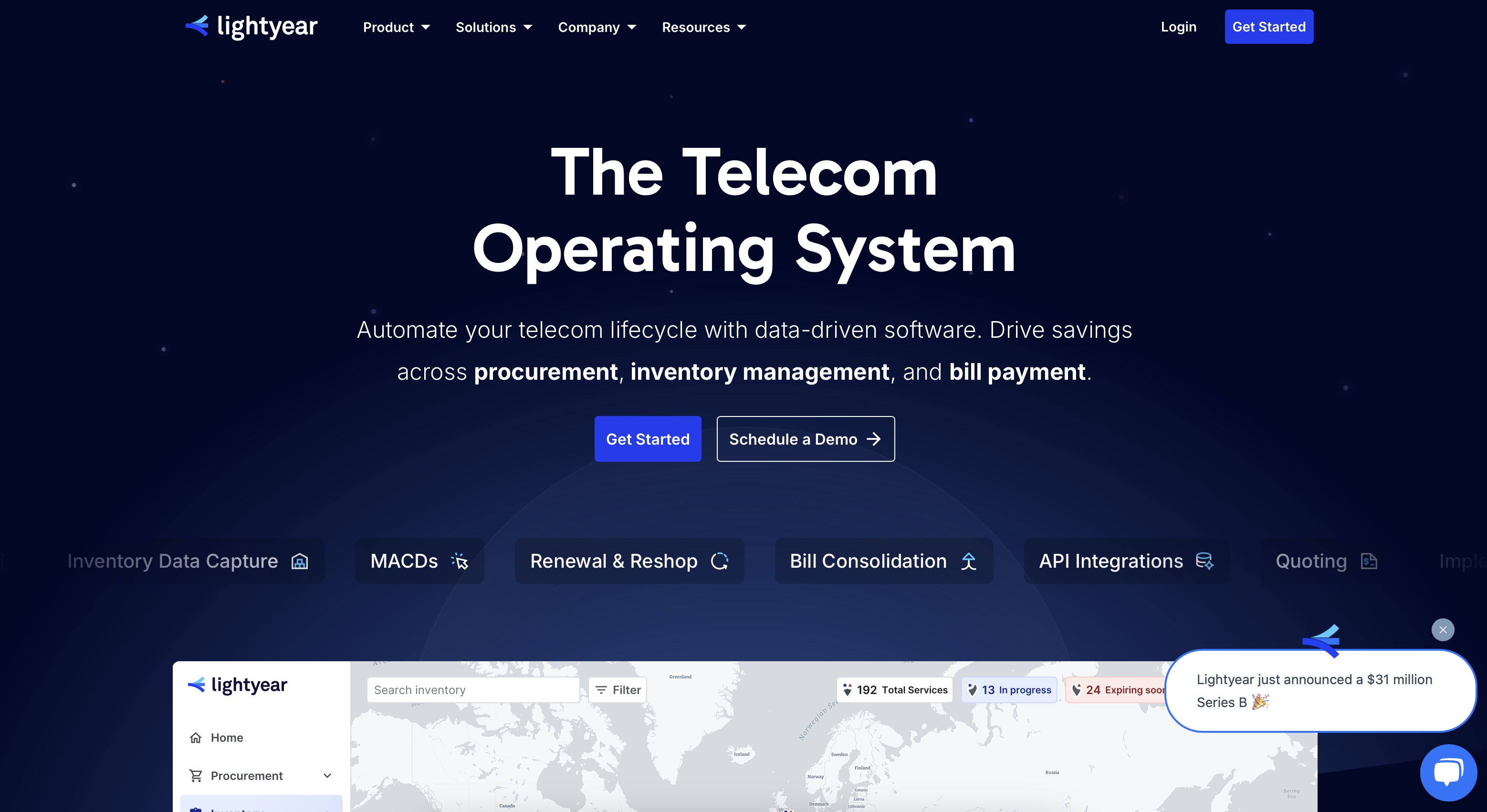
Once you decide on the right mix of Ethernet and Wi-Fi 7 for your enterprise, Lightyear can help you procure and manage those services. Our platform automates network service procurement, inventory management, and bill consolidation, taking the pain out of infrastructure management.
The hundreds of enterprises who trust Lightyear achieve over 70% time savings and 20% cost savings on their network services.
Schedule a demo or get started with our questionnaire today.
Frequently Asked Questions about Ethernet vs Wi-Fi 7
Can Wi-Fi 7 completely replace Ethernet in an office?
For most businesses, no. While Wi-Fi 7 is powerful, Ethernet still provides unmatched reliability and security for critical stationary devices like servers and desktops. A hybrid approach using both is the most effective strategy for a modern enterprise network.
Do I need new cables to support Wi-Fi 7 access points?
Not for the Wi-Fi signal itself, but your access points still need a wired connection. To get the full speed benefits of Wi-Fi 7, you'll want at least a 2.5G or 10G Ethernet connection running to each access point.
Is Wi-Fi 7 backward compatible with older Wi-Fi devices?
Yes, Wi-Fi 7 is fully backward compatible. Your older Wi-Fi 6, 5, and even Wi-Fi 4 devices will be able to connect to a Wi-Fi 7 network, though they won't get the new speed and latency benefits.
How does device support for Wi-Fi 7 affect my network?
To experience the full benefits of Wi-Fi 7, both the access point and the client device (like a laptop or phone) must support the standard. While the network will work with older devices, only Wi-Fi 7-enabled clients will achieve the highest speeds.
Let us show you the product and discuss specifics on how it might be helpful.
Schedule a Demo





Revolutionize Your Telecom Experience
Learn how you can get one step closer to optimal business efficiency for all your telecom services.
