ISP Router vs Aftermarket: Enterprise Buyer Guide
ISP router or buy your own? Learn the key differences in features, control, and long-term costs to find the right fit for your enterprise network.

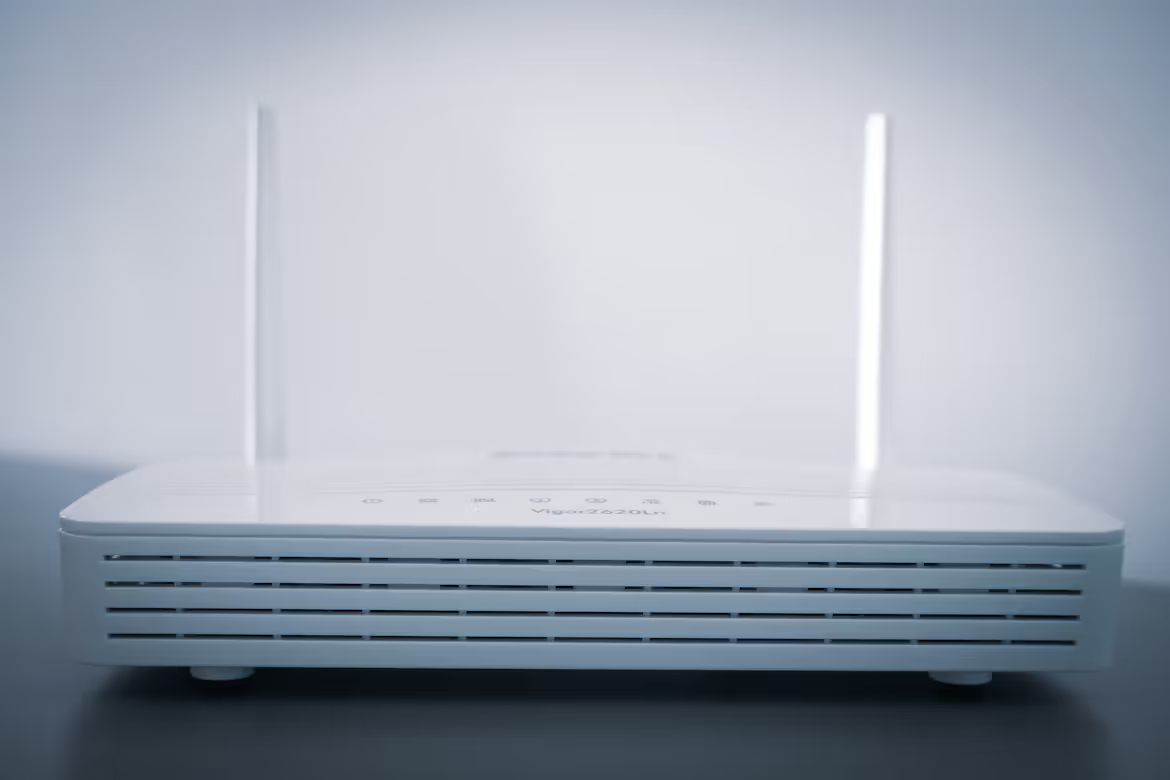
When your business sets up a new internet connection, one of the first decisions you'll face is about the router. You can either use the equipment your Internet Service Provider (ISP) offers or purchase a separate, aftermarket router from a third party.
This choice might seem straightforward, but it has significant implications for your network's performance, security, and long-term costs. This guide will compare ISP-provided hardware against aftermarket options to help you make an informed decision for your enterprise needs.
What is an ISP Router?
An ISP router is the hardware your internet provider gives you when you activate a new business internet service. It's the standard, out-of-the-box equipment designed to get your office connected with minimal fuss.
This device often functions as a combination unit, containing both a modem and a router. The modem establishes a connection to the ISP's network, while the router distributes that internet connection to the computers, phones, and other devices in your local area network (LAN).
Typically, you don't own this equipment outright. Instead, it's leased from the provider for a monthly fee that's rolled into your internet bill. The primary benefit is convenience; it's a plug-and-play solution, and the ISP is responsible for troubleshooting and support.
Because these routers are mass-deployed, they are built to meet the essential requirements of your subscribed plan. The ISP handles all firmware updates and security patches remotely, offering a hands-off management experience. This model favors ease of use and guaranteed compatibility over advanced customization or peak performance capabilities.
100-150 words
Cost Considerations
The financial breakdown is a key differentiator between leasing from your ISP and purchasing your own equipment. While the convenience of an ISP-provided router is clear, the long-term costs tell a different story.
- ISP Router: You will pay a recurring monthly rental fee that is added to your internet bill. While this avoids a large initial payment, these fees accumulate over time and can eventually surpass the cost of buying a router. On the plus side, the provider typically covers all repairs and replacements.
- Aftermarket Router: This involves a one-time purchase, which means a higher upfront cost. However, you own the device, and it often leads to significant long-term savings by eliminating monthly fees. Keep in mind that you are responsible for replacement costs if the hardware fails outside its warranty period.
bullet pointsWhat is an Aftermarket Router?
An aftermarket router is a device you purchase independently from a third-party manufacturer, rather than leasing it from your ISP. You can find these routers at electronics stores or online, with models available from a wide range of brands.
Unlike the standardized equipment from an ISP, aftermarket routers offer a broad spectrum of features and capabilities. This allows you to select a device tailored to your specific business needs, whether that's enhanced security protocols, greater Wi-Fi range for a large office, or the ability to handle a high volume of connected devices.
Choosing an aftermarket router gives you full control over your network hardware. You can manage firmware updates yourself and configure advanced settings that are often locked down on ISP-provided equipment, giving your IT team greater flexibility.
100-150 words
Security Features
When it comes to protecting your network, the level of control you have over security settings varies significantly between the two options.
- ISP Router: Security is largely managed by the provider. They push automatic firmware updates and security patches, offering a baseline level of protection. However, this convenience comes at the cost of control. Advanced features like granular access controls, robust firewall rules, or dedicated VPN support are often limited or inaccessible, providing a standardized security setup that may not be sufficient for businesses with specific compliance or data protection requirements.
- Aftermarket Router: You get full administrative control over your network's security. This allows your IT team to configure advanced firewalls, set up secure guest networks, and implement specific access policies. Many models come with enhanced security suites, including intrusion prevention systems and support for business-grade VPNs. This hands-on approach enables you to create a security posture tailored to your organization's risk profile, though it places the responsibility for updates squarely on your team.
bullet pointsISP Router vs Aftermarket Router: Key Differences
Choosing between an ISP and an aftermarket router comes down to a trade-off between convenience and control. While we've already looked at cost and security, other fundamental differences in management and features will shape your network experience.
- Control and Customization: ISP routers are locked down, offering a simple, hands-off experience where the provider manages all settings and updates. An aftermarket router gives your IT team full administrative control. This allows for advanced configurations like Quality of Service (QoS) to prioritize critical traffic (e.g., video calls or VoIP) and the ability to choose when to apply firmware updates.
- Support and Troubleshooting: With an ISP router, you have one company to call for support, as they are responsible for the entire connection. If you use your own router, you are responsible for the hardware. Your ISP will only troubleshoot the connection up to their modem, meaning your team must diagnose whether issues stem from the router or the service.
- Hardware and Features: ISP equipment is generally a one-size-fits-all solution that meets the basic requirements of your plan. The aftermarket provides access to a wider range of hardware, often featuring newer Wi-Fi standards, more LAN ports, and greater processing power to support a higher density of devices.
200-250 words
Making the Right Choice for Your Enterprise
The decision between an ISP-provided router and an aftermarket model depends entirely on your organization's operational needs and internal resources. There is no single best answer, only the right fit for your business context.
An ISP-provided router is often the most practical choice for businesses that value simplicity and have limited on-site IT support. If your primary goal is a straightforward connection without the need for complex network management, leasing from your provider is a logical path. This approach consolidates support and billing into a single relationship, creating a predictable, hands-off experience for standard office environments.
Conversely, an aftermarket router is the superior option for enterprises with specific technical demands or in-house IT expertise. If your operations require granular control over security, traffic prioritization for applications like VoIP, or support for a high volume of devices, purchasing your own hardware is necessary. This path gives your team the autonomy to build a network that directly supports your business processes and security policies. It is the standard for organizations with compliance obligations or performance-sensitive applications.
Ultimately, evaluate your team's technical capacity against your business's network requirements. Your choice should reflect whether you prioritize streamlined vendor management or direct control over your network infrastructure.
H3sPerformance and Reliability
Beyond features and cost, the hardware itself plays a major role in your network's daily stability and speed.
Performance
ISP-provided routers are built to deliver the internet speeds you pay for, and they generally do that job well. However, aftermarket routers often have more powerful internal components. This translates to better performance within your office, such as stronger Wi-Fi coverage and faster file transfers between local devices. A more capable router can also handle a higher number of simultaneous connections without slowing down, which is critical for a growing business.
Reliability
While ISP hardware is generally dependable, you have no say in the model or its build quality. Purchasing your own router allows you to choose a device from a manufacturer known for hardware longevity and stable firmware. This also gives you control over updates, letting your team test a new firmware version before deployment. This prevents a faulty automatic update from the ISP from causing unexpected network downtime.
Need Help Managing Your Network? Lightyear Can Help

Choosing the right router is just one piece of the telecom puzzle. By automating network service procurement, inventory management, and bill consolidation, Lightyear takes the pain out of managing your entire infrastructure.
The hundreds of enterprises who trust Lightyear achieve 70%+ time savings and 20%+ cost savings on their network services, helping them make smarter procurement decisions for all their network needs.
Schedule a demo or get started with our questionnaire today.
Frequently Asked Questions about ISP Router vs Aftermarket
Can I use any aftermarket router with my ISP?
Generally, yes, but you must ensure it's compatible with your service type (e.g., fiber, cable). You will still need the ISP's modem or a compatible one to connect to their network. It's always best to check compatibility before purchasing.
Will using my own router affect my internet speed?
It won't increase the maximum speed you subscribe to from your ISP. However, a high-quality aftermarket router can provide more consistent speeds, better Wi-Fi coverage, and handle more devices simultaneously without performance degradation, improving your overall network experience.
What if my ISP provides a modem/router combo unit?
You can often put the ISP's combo unit into "bridge mode." This disables its routing functions, allowing it to act purely as a modem. You can then connect your own high-performance aftermarket router to manage your local network and security.
Is it difficult to set up an aftermarket router?
Setup is typically straightforward for those with basic IT knowledge and involves following a web-based wizard. However, configuring advanced security, VPNs, or Quality of Service (QoS) settings requires more technical expertise from your IT team.
Let us show you the product and discuss specifics on how it might be helpful.
Schedule a Demo





Revolutionize Your Telecom Experience
Learn how you can get one step closer to optimal business efficiency for all your telecom services.
