Juniper Virtual Router vs VRF Explained
Confused by Juniper Virtual Router vs. VRF? Learn the key differences and see how VRF technology enables virtual routing in this clear comparison.

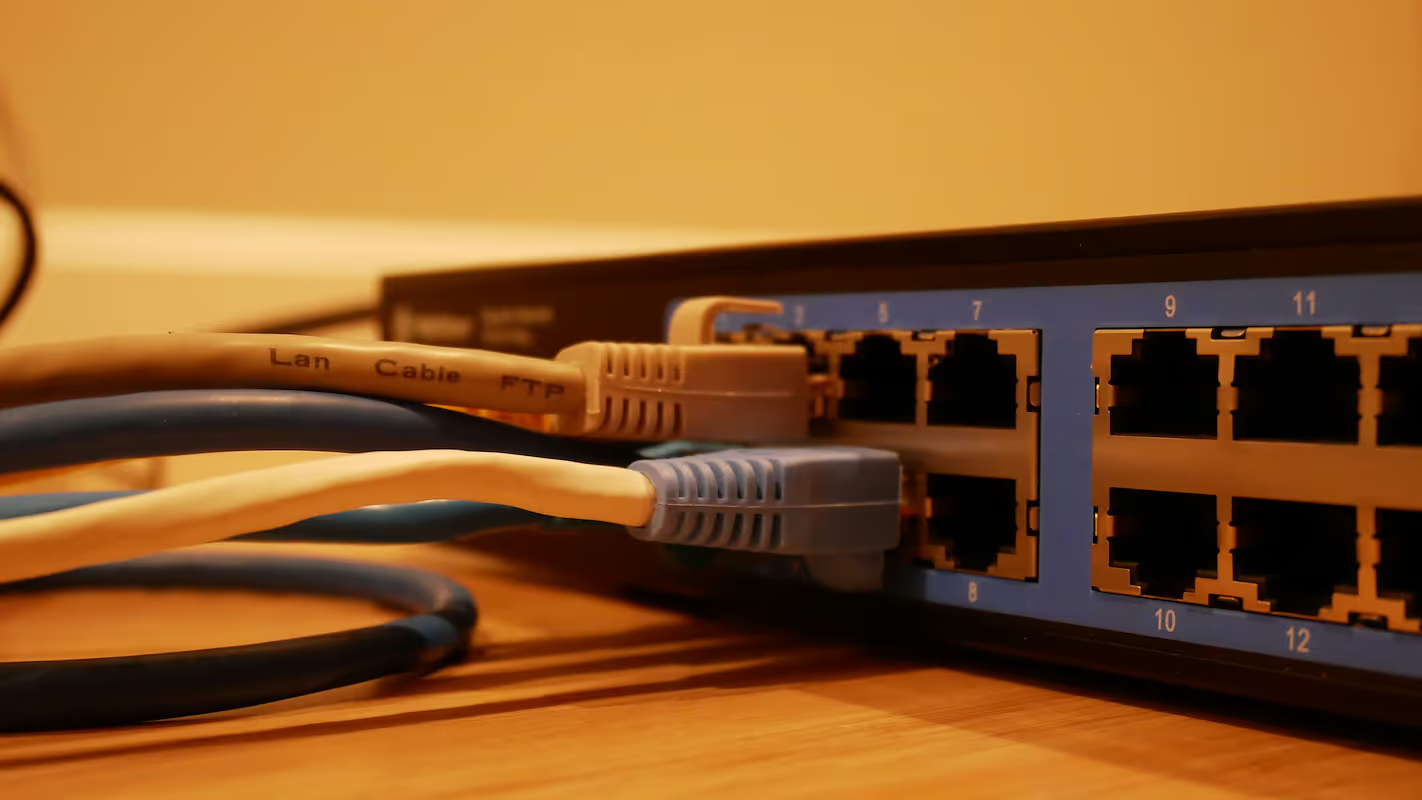
When managing complex enterprise networks, you'll often encounter terms like Virtual Router and VRF. While they both involve network virtualization, they refer to different concepts and serve distinct purposes.
VRF (Virtual Routing and Forwarding) is a feature that allows a single physical router to host multiple, independent routing tables. In contrast, a Juniper Virtual Router is a complete routing platform that runs as software, and understanding this distinction is key to making the right architectural decisions.
What is a Juniper Virtual Router?
Think of a Juniper Virtual Router as a complete, software-based version of a physical Juniper router. It packages the full power of Juniper's routing hardware into a virtual machine (VM) that can run on standard x86 servers. This gives you a flexible and scalable routing solution without needing dedicated hardware for every function.
- Full-Featured OS: It runs the same Junos OS as Juniper's physical routers. This provides access to a complete set of advanced routing protocols, firewall policies, and network services.
- Independent Operation: Each virtual router operates as a standalone entity. It has its own dedicated control plane, forwarding plane, and management interface, functioning just like a physical device.
- Deployment Flexibility: Because it's software, you can deploy it quickly in various environments, from data centers and enterprise branch offices to public cloud platforms.
What is a VRF (Virtual Routing and Forwarding)?
VRF, or Virtual Routing and Forwarding, is a technology that partitions a single physical router into multiple, separate virtual routing instances. Think of it as creating logical subdivisions within one device, allowing for network segmentation without needing extra hardware.
- Traffic Isolation: Each VRF instance maintains its own distinct routing and forwarding tables. This ensures that traffic within one VRF is completely isolated from another, which is ideal for separating traffic for different departments, customers, or applications on the same router.
- Shared Resources: Unlike a virtual router, all VRF instances run on the same physical device and share its hardware resources, such as the CPU and memory.
- Layer 3 Segmentation: VRF is a key component for building Layer 3 VPNs, especially in MPLS networks. It allows service providers to manage multiple clients with overlapping IP address ranges on shared infrastructure securely.
Key Differences Between Juniper Virtual Router and VRF
While both technologies virtualize routing functions, they operate at fundamentally different levels. Understanding these distinctions is crucial for proper network design and resource planning.
1. Resource Dedication vs. Sharing
A Juniper Virtual Router operates as a self-contained virtual machine, receiving its own dedicated CPU, memory, and storage resources from the host server. This guarantees predictable performance for its tasks. In contrast, all VRF instances on a router must share the device's single pool of hardware resources, which can create performance contention if multiple VRFs are heavily used.
2. System vs. Feature
A virtual router is a complete, independent routing system with its own control plane and management interface. You manage it as a separate network device. A VRF is a feature that partitions a single router's routing table. It provides logical separation but remains a component configured and managed within the host router's single operating system.
3. Isolation and Fault Domains
The isolation model directly impacts reliability. Since a virtual router is a distinct VM, a software crash is contained and won't affect other virtual routers on the same server. Because all VRFs run on one physical device, a critical hardware or OS failure on that router will simultaneously take down every VRF instance it hosts.
Benefits of Using Juniper Virtual Router
Opting for a Juniper Virtual Router brings several operational and financial advantages, especially when you need full routing capabilities without the physical footprint of dedicated hardware.
- Reduced Hardware Costs: By running on standard x86 servers, you can consolidate network functions onto existing hardware. This eliminates the need to purchase, power, and maintain separate physical routers for every task, leading to significant cost savings.
- Rapid Deployment and Scalability: New virtual routers can be provisioned in minutes, not weeks. This agility allows you to scale your network capacity up or down on demand, responding quickly to changing business requirements without waiting for hardware shipments.
- Simplified Lab and Staging Environments: You can easily create isolated, full-featured lab environments to test new configurations, OS upgrades, or network designs. This allows for thorough validation before implementing changes in your live production network, reducing risk.
Advantages of Implementing VRF
- Improved Security: By keeping routing tables separate, VRF creates secure boundaries between network segments. This is ideal for isolating traffic from different departments or customers, preventing unauthorized data access between them.
- Simplified Administration: Managing multiple network segments on one device is far simpler than managing a fleet of physical routers. This consolidation reduces administrative complexity and the potential for configuration errors.
- Cost-Effective Segmentation: VRF lets you maximize the investment in your routing hardware. You can create logically separate networks for different functions without the cost of purchasing, powering, and maintaining additional physical devices.
- Flexible IP Addressing: It solves the common problem of overlapping IP address spaces. Different tenants or business units can use identical private IP ranges on the same router without any conflicts, a major advantage for service providers.
Use Cases for Juniper Virtual Router and VRF
So, when does it make sense to use one over the other? Here are some common scenarios where each technology is the right fit for the job.
Juniper Virtual Router: For Full System Replication
A virtual router is ideal when you need the complete functionality of a physical router in a software form factor. This is common in cloud environments, where you can deploy a virtual router to extend your on-premises network into a public cloud with a consistent operating system.
Another key use is for Network Functions Virtualization (NFV), where you can spin up a virtual router alongside other virtual services like firewalls on a single server. This is also perfect for creating high-fidelity lab environments to safely test network changes.
VRF: For Secure Network Segmentation
VRF is the go-to solution for partitioning a single, powerful router to handle multiple isolated networks. Service providers use this extensively to support numerous customers on shared infrastructure, ensuring each client's traffic remains separate and secure.
Within an enterprise, you might use VRF to create distinct network segments on a core router. For example, you could isolate traffic for your corporate users, guest Wi-Fi, and IoT devices, all without needing separate physical hardware for each segment.
Making the Right Choice for Your Network Needs
Choosing between a Juniper Virtual Router and VRF comes down to your specific goals for resource allocation and isolation. The decision depends on whether you need to replicate an entire routing system or simply partition an existing one.
- Choose a Juniper Virtual Router when you need a complete, standalone routing platform with its own dedicated resources. This is the right fit for cloud deployments, network functions virtualization (NFV), or creating high-fidelity test labs.
- Choose VRF when you need to securely segment a single physical router into multiple logical networks. This is ideal for isolating customer traffic or separating internal traffic for different departments on shared hardware.
Need Help Managing Your Network? Lightyear Can Help

Whether you're implementing virtual routers or VRFs, managing the underlying network services adds another layer of complexity. By automating service procurement, inventory management, and bill consolidation, Lightyear takes the pain out of telecom infrastructure management.
The hundreds of enterprises who trust Lightyear achieve over 70% time savings and 20%+ cost savings on their network services.
Schedule a demo or get started with our questionnaire today.
Frequently Asked Questions about Juniper Virtual Router vs VRF
Can a Juniper Virtual Router use VRFs?
Yes, absolutely. Since a Juniper Virtual Router runs the full Junos OS, it supports the same features as a physical router, including VRF. You can create multiple VRF instances within a single virtual router to further segment traffic inside your virtualized environment.
How does licensing differ between them?
A Juniper Virtual Router requires its own software license, which is often based on factors like throughput or feature sets. VRF, however, is a feature included within the Junos OS license of the host router, so it typically does not require a separate license to implement.
Which has a greater impact on network performance?
A virtual router's performance depends on the server resources (CPU, RAM) you allocate to it. VRFs share the host router's hardware, so high traffic across many VRFs can create resource contention and impact the overall performance of the single physical device more directly.
Let us show you the product and discuss specifics on how it might be helpful.
Schedule a Demo





Revolutionize Your Telecom Experience
Learn how you can get one step closer to optimal business efficiency for all your telecom services.
