Layer 2 Switching vs Layer 3 Routing Explained
Layer 2 switching vs. Layer 3 routing explained. Learn how each works, their key differences, and how to choose the right one for your network.

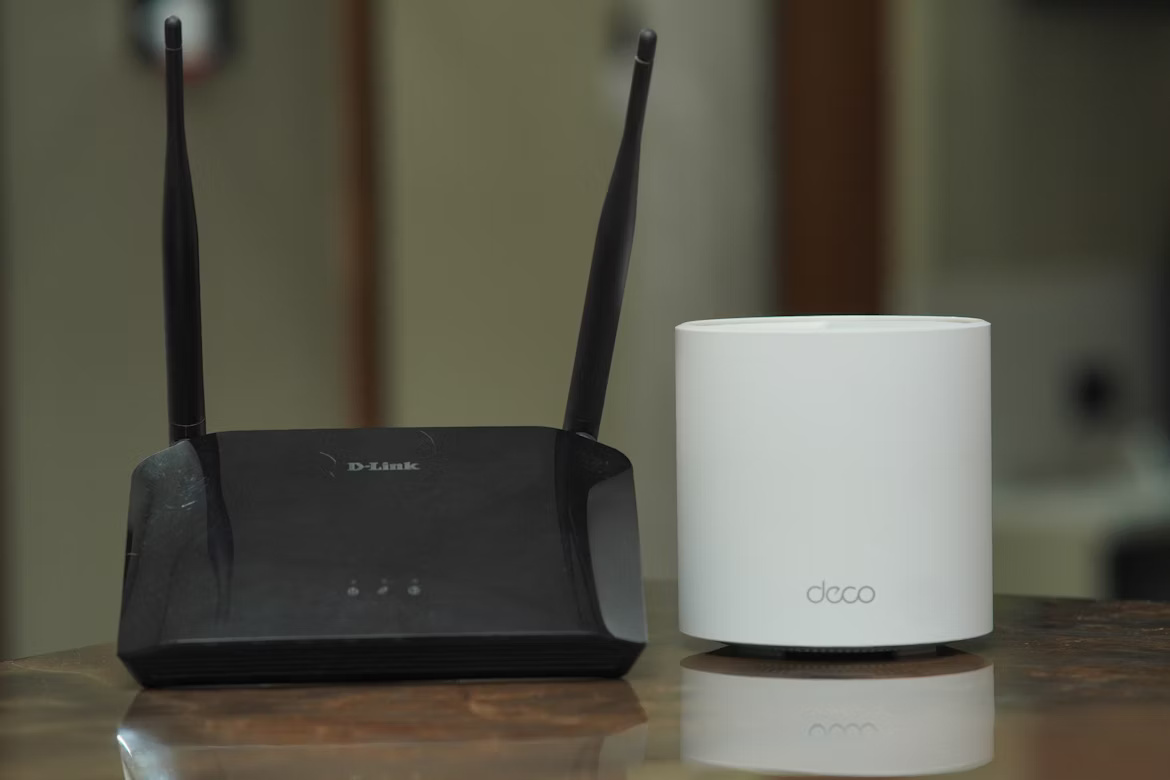
When building or managing a business network, understanding how data moves is fundamental. This process is often explained using the OSI (Open Systems Interconnection) model, a framework that standardizes network functions into seven distinct layers.
Two of the most critical layers for any IT professional are Layer 2 (the Data Link Layer) and Layer 3 (the Network Layer).
At a high level, Layer 2 switching handles data traffic within a single local network, while Layer 3 routing directs data between different networks. This article will explain the key differences between these two functions to help you make informed decisions for your company's infrastructure.
What is Layer 2 Switching?
Layer 2 switching operates at the Data Link Layer of the OSI model. It manages data flow within a single local network by using hardware-based MAC addresses to forward data frames to the correct destination device.
- Uses MAC Addresses: Switches use the unique Media Access Control (MAC) address of a device's network card to make forwarding decisions.
- Builds a Forwarding Table: A Layer 2 switch creates a MAC address table that maps each device's address to the physical port it's connected to on the switch.
- Reduces Network Congestion: By sending data only to the intended recipient instead of broadcasting it to all devices, switching reduces unnecessary traffic on the network.
- Operates Within a Single Network: This process is confined to a single broadcast domain or local area network (LAN) and cannot route traffic to external networks.
What is Layer 3 Routing?
In contrast to Layer 2's local focus, Layer 3 routing functions at the Network Layer of the OSI model. Its primary job is to move data packets between different networks, like connecting your office LAN to the internet or linking separate office networks together. This is accomplished using logical IP addresses instead of physical MAC addresses.
- Uses IP Addresses: Routers inspect the destination IP address of each data packet to determine where to send it next.
- Determines the Best Path: Layer 3 devices maintain routing tables that contain information about available network paths and use this data to calculate the most efficient route for a packet.
- Connects Different Networks: This is the core function of routing—enabling communication across separate broadcast domains, such as connecting multiple LANs or providing access to the internet.
- Makes Decisions with Software: Unlike hardware-based Layer 2 switching, routing decisions are typically handled through software and configurable protocols.
Key Differences Between Layer 2 Switching and Layer 3 Routing
While both are essential for network communication, they function quite differently. Here are the primary distinctions an IT leader should know.
1. Addressing and Scope
Layer 2 switching uses physical MAC addresses to forward data frames within a single local network (LAN). It is only concerned with getting data to the correct device on the same network segment.
In contrast, Layer 3 routing uses logical IP addresses to direct traffic between different networks. Its job is to find the best path to a destination that is outside the local network, such as another office or the internet.
2. Decision-Making Process
Layer 2 switching is typically faster because its decisions are made in specialized hardware (ASICs). The process is straightforward: look up a MAC address in a table and forward the frame to the corresponding port.
Layer 3 routing is more deliberative. It uses software to analyze routing tables and calculate the most efficient path for a packet, which allows for more intelligent traffic management but introduces more processing overhead.
3. Handling of Broadcast Traffic
A key functional difference is how they manage broadcasts. A Layer 2 switch forwards a broadcast frame to all other devices on its network, which can create unnecessary traffic, often called a "broadcast storm."
Routers, by design, do not forward this broadcast traffic between networks. This segmentation contains network noise, improving overall efficiency and security by creating separate broadcast domains.
Benefits of Layer 2 Switching for Enterprises
For local network environments, Layer 2 switching offers several practical advantages that make it a foundational component of enterprise infrastructure. It excels at managing traffic efficiently within a single location.
- High Performance and Low Latency: Because switching decisions are handled in hardware, data is forwarded at near wire speed. This results in very fast communication between devices on the same network, which is ideal for high-traffic local environments.
- Cost-Effectiveness: Layer 2 switches are generally less expensive than Layer 3 devices. They provide a high number of ports for a lower cost, making them an economical choice for connecting large numbers of devices within a single office or building.
- Simplicity of Implementation: These switches are typically easy to deploy. For basic operations, they function out of the box without needing complex IP configuration, simplifying the process of adding new users and devices to the network.
Advantages of Layer 3 Routing in Business Networks
When your business needs to connect multiple locations or ensure critical applications run smoothly, Layer 3 routing provides the intelligence and control required for a modern network.
- Greater Scalability: Routing is essential for business growth. It allows you to connect multiple office sites, data centers, and cloud services into a single, functional wide area network (WAN), enabling communication across geographically separate locations.
- Enhanced Security: By segmenting the network, routers act as a firewall between broadcast domains. They can be configured with access control lists (ACLs) to filter traffic and enforce security policies, preventing unauthorized access between different parts of the network.
- Improved Resilience: Layer 3 routing protocols can dynamically reroute traffic if a network link fails. This creates redundancy and fault tolerance, which is critical for maintaining network uptime and business continuity.
- Traffic Prioritization (QoS): Routers can implement Quality of Service (QoS) policies to prioritize time-sensitive traffic, such as VoIP calls or video conferences, over less critical data. This ensures a better user experience for essential applications.
Choosing Between Layer 2 and Layer 3 for Your Network
The decision isn't about picking one over the other; it's about using the right tool for the right job. Modern networks rely on both to function effectively.
1. For Local Network Connectivity
Use Layer 2 switches for the core task of connecting devices within a single physical location, like an office or a data hall. Their primary function is to provide fast, efficient connections for computers, printers, and servers that only need to communicate with each other on the same local network.
2. For Inter-Network Communication
When your network needs to talk to the outside world or other separate networks, Layer 3 routing is necessary. This is essential for connecting your office LAN to the internet, linking multiple office sites together, or segmenting your internal network for security or performance reasons.
3. The Hybrid Approach: Layer 3 Switches
In many modern enterprise environments, the lines are blurring thanks to Layer 3 switches. These devices combine the high-speed switching of a Layer 2 device with the routing capabilities of a Layer 3 device.
This allows for more flexible network designs and supports routing between different internal user groups (VLANs) without needing a separate, dedicated router. They offer a powerful solution for complex internal networks that require both speed and intelligent traffic management.
Making the Right Network Decision for Your Enterprise
Ultimately, building an effective enterprise network isn't about choosing Layer 2 over Layer 3, but about strategically combining them. Your decision should be guided by your specific operational needs, from connecting local devices to linking global offices.
- For high-speed local traffic: Use Layer 2 switches as the foundation for connecting endpoints like computers and printers within a single location. They are simple, fast, and cost-effective for this role.
- For network growth and security: Implement Layer 3 routing when you need to connect multiple networks, enforce security policies between departments, or provide reliable access to the internet and other sites.
- For modern, flexible networks: Consider Layer 3 switches for complex internal environments. They provide the speed of Layer 2 with the routing intelligence of Layer 3, offering a powerful and efficient solution for managing traffic between different user groups (VLANs).
Need Help Managing Your Network? Lightyear Can Help

Whether you're managing Layer 2 switches or Layer 3 routers, the underlying network services require constant oversight. Lightyear helps you manage the entire telecom lifecycle for these services, from procurement to payment.
By automating network service procurement, inventory management, and bill consolidation, Lightyear takes the pain out of telecom infrastructure management. Hundreds of enterprises trust Lightyear to achieve over 70% time savings and 20% cost savings on their network services.
Schedule a demo or get started with our questionnaire today.
Frequently Asked Questions about Layer 2 Switching vs Layer 3 Routing
Can a Layer 2 switch connect my office to the internet?
Not directly. A Layer 2 switch only manages traffic within your local network. You need a Layer 3 device, like a router, to handle the IP addressing and routing required to connect your internal network to the internet.
Is a Layer 3 switch the same as a router?
While they share routing functions, they aren't identical. A Layer 3 switch excels at high-speed routing between internal networks (VLANs). A dedicated router typically offers more advanced WAN features and security for connecting to an ISP.
How do VLANs relate to Layer 2 and Layer 3?
VLANs are a Layer 2 method for segmenting a single physical network into multiple logical ones to improve security and manage traffic. However, communication between these different VLANs requires a Layer 3 device to route the traffic.
Let us show you the product and discuss specifics on how it might be helpful.
Schedule a Demo





Revolutionize Your Telecom Experience
Learn how you can get one step closer to optimal business efficiency for all your telecom services.
