Managed vs Unmanaged Routers: Enterprise Guide
Managed vs. unmanaged routers: which is right for your business? Learn the key differences in control, security, and cost for your enterprise network.

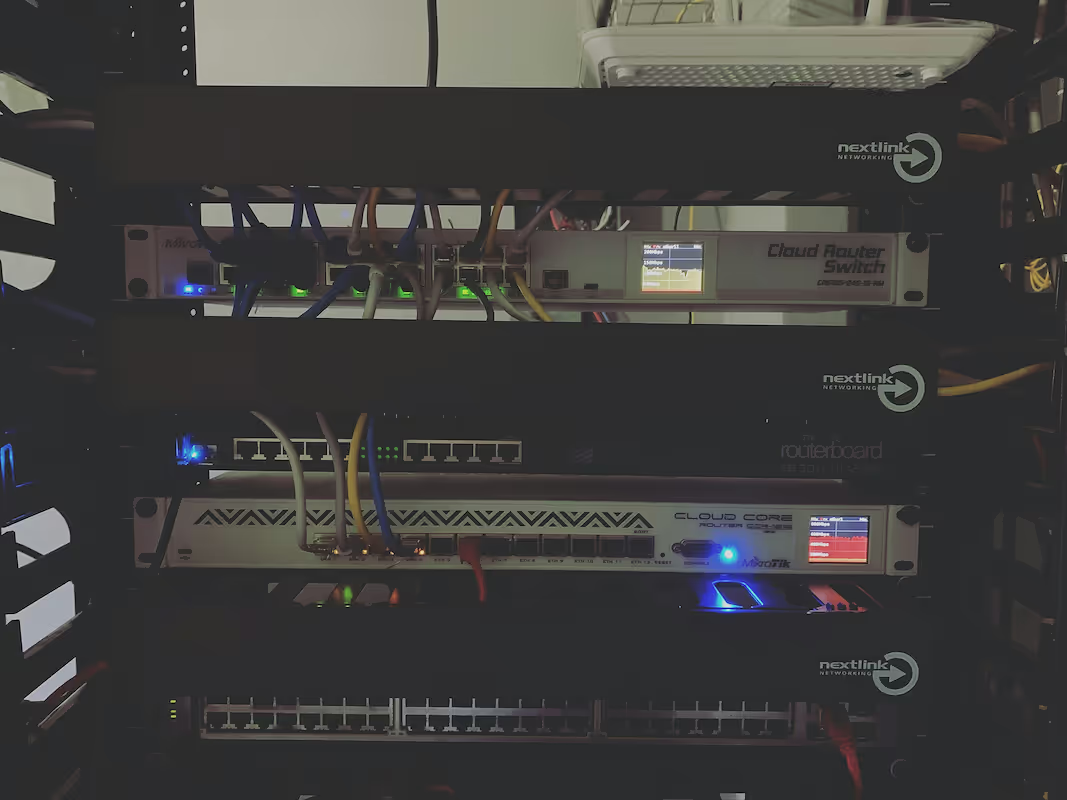
Every business network relies on a router to direct traffic and connect to the internet. When setting up or upgrading your network, one of the first decisions you'll face is whether to use a managed or an unmanaged router.
This choice affects everything from your network's security and performance to the amount of time your IT team spends on maintenance. This guide will explain the key differences between the two, helping you determine the right fit for your enterprise.
What is a Managed Router?
A managed router is a networking device that comes with professional oversight and support from a third-party, such as your internet service provider (ISP) or a managed service provider (MSP). Essentially, it's "router-as-a-service." The provider handles the initial setup, configuration, software updates, and ongoing maintenance, which allows your IT team to focus on other priorities.
These routers are designed for business environments where network reliability and security are critical. Key features typically include:
- Remote Management: The provider can remotely access the router to troubleshoot issues, apply security patches, and update firmware, minimizing downtime.
- Advanced Security: They come with robust security protocols like firewalls, VPN capabilities, and intrusion detection systems that are actively monitored.
- Quality of Service (QoS): This allows for traffic prioritization, ensuring critical applications like VoIP or video conferencing get the bandwidth they need to run smoothly.
- Performance Monitoring: Providers offer detailed analytics and reports on network uptime, traffic patterns, and overall health for better capacity planning.
What is an Unmanaged Router?
An unmanaged router is essentially a "do-it-yourself" device. These are the plug-and-play routers commonly available for home or small office use, designed for straightforward internet connectivity without ongoing professional support. Once installed, all management, from initial setup to security updates and troubleshooting, is handled internally by your team.
They offer a basic, hands-on approach to network management. Key characteristics include:
- Local Configuration: All settings are managed on-site, typically through a web-based admin panel. There is no remote access for a third-party provider.
- Fixed Functionality: They come with a standard set of features that cannot be customized or expanded upon, such as a basic firewall and password protection.
- Manual Updates: Your IT team is responsible for manually checking for and applying all firmware updates and security patches to protect the network.
- No Service Guarantees: They lack the performance monitoring and Quality of Service (QoS) capabilities needed to prioritize critical business applications.
Key Differences Between Managed and Unmanaged Routers
While the definitions highlight their core functions, the practical differences emerge in day-to-day operations, cost, and security.
1. Cost Structure
A managed router is typically billed as a recurring operational expense (OpEx) through a monthly subscription fee. This fee covers the hardware, support, and management services.
In contrast, an unmanaged router is a one-time capital expense (CapEx). The initial purchase price is lower, but it does not account for the internal labor costs required for setup and ongoing maintenance.
2. Ongoing Management and Support
With a managed solution, your provider handles all configuration, monitoring, and troubleshooting, often guaranteed by a Service Level Agreement (SLA). This frees up your IT team from routine network tasks.
An unmanaged router requires your internal team to manage everything. All maintenance, updates, and troubleshooting fall on your staff, who may not have specialized telecom expertise.
3. Security Responsibility
Managed router providers take on the responsibility for network security. They proactively monitor for threats, apply security patches, and ensure the device configuration is secure.
For an unmanaged router, security is entirely in your hands. Your team is responsible for tracking vulnerabilities and manually performing all necessary firmware updates and patches.
4. Scalability
Managed router services are designed to scale with your business. Providers can easily adjust services and configurations as your bandwidth or location needs change.
Unmanaged routers offer fixed functionality. If your business outgrows the router's capacity or feature set, you must purchase and deploy new hardware.
Benefits of Using a Managed Router
Beyond the technical features, opting for a managed router brings several key business advantages, especially for enterprises managing complex network needs.
- Frees Up Your IT Team: By outsourcing router configuration, monitoring, and troubleshooting, your technical staff can shift their focus from routine network maintenance to strategic projects. This is particularly valuable for lean IT departments where every hour counts.
- Guaranteed Performance and Uptime: Managed services are backed by a Service Level Agreement (SLA) that contractually guarantees network performance and uptime. This provides reliable connectivity for critical applications and protects against costly disruptions.
- Proactive Security Management: With a managed solution, security is an ongoing service, not a static feature. The provider actively manages firewall rules, applies patches, and monitors for threats, reducing the risk of a breach from a missed update or misconfiguration.
- Simplified Budgeting and Growth: The subscription model offers predictable monthly costs, turning a large capital expense into a manageable operating expense. As your business needs change, your provider adjusts the service, making it simple to scale your network without procuring and deploying new hardware.
Advantages of an Unmanaged Router
While managed routers offer extensive support, unmanaged routers have their own set of advantages, particularly for organizations with specific needs and in-house expertise.
- Lower Upfront Cost: As a one-time hardware purchase, an unmanaged router avoids recurring monthly fees. For small offices or locations with basic connectivity needs, this can lead to a lower total cost of ownership, especially if your team can handle the setup and maintenance internally.
- Complete Autonomy: Your IT team has direct and total control over the device's configuration. This is ideal for environments with unique security requirements or for teams that prefer to manage their network settings without involving a third party.
- Simple Deployment: Their plug-and-play design makes them easy to install for basic internet access. In situations where you just need to get a connection up and running quickly without complex features, an unmanaged router offers a straightforward solution.
Choosing the Right Router for Your Business Needs
The right choice depends entirely on your organization's specific operational needs, resources, and growth plans. To make an informed decision, consider the following factors.
1. Evaluate Your In-House IT Resources
If your company has a dedicated IT department with deep networking expertise, an unmanaged router can be a practical choice. This approach gives your team full control.
However, if your IT staff is lean or focused on other strategic initiatives, a managed router frees them from day-to-day network administration and troubleshooting.
2. Assess Security and Compliance Demands
For businesses handling sensitive customer data or operating in regulated industries, a managed router is often the safer bet. The provider’s active security monitoring and management helps ensure compliance and protect against threats.
An unmanaged router places the full security burden on your team, which is a significant responsibility.
3. Consider Your Scale and Growth Trajectory
A managed router service is built to scale. If you plan to add new locations or your bandwidth needs are likely to change, a managed solution offers the flexibility to adapt without requiring new hardware procurement.
For a single-site business with stable, straightforward connectivity needs, an unmanaged router can be a cost-effective and sufficient solution.
Final Thoughts on Managed vs Unmanaged Routers
Choosing between a managed and unmanaged router boils down to a key trade-off: hands-on control versus outsourced expertise.
A managed router is the practical choice for businesses that prioritize uptime, security, and freeing up internal IT resources. The subscription model provides expert support and scales easily with your company.
An unmanaged router offers complete autonomy and a lower upfront cost. It's a solid option for organizations with strong in-house networking skills and straightforward connectivity needs.
Ultimately, the best fit depends on your operational capacity, security requirements, and growth strategy.
Need Help Managing Your Network? Lightyear Can Help

Regardless of your router choice, managing the underlying network services can be a major headache. Lightyear simplifies this by automating telecom procurement, inventory management, and bill consolidation, giving you a central system of record for your entire infrastructure.
The hundreds of enterprises using Lightyear report saving over 70% in time and 20% in costs on their network services.
Schedule a demo or get started with our questionare today.
Frequently Asked Questions about Managed Router vs Unmanaged Router
Can I switch from an unmanaged router to a managed service?
Yes, you can transition to a managed service at any time. Your new provider will typically supply their own hardware and handle the entire migration process, ensuring a smooth switch with minimal disruption to your operations.
Does a managed router mean I lose all control?
Not necessarily. While the provider handles day-to-day management, most services offer a customer portal. This gives you visibility into network performance and allows you to request changes, providing a balance between expert oversight and your own control.
Is a managed router the same as SD-WAN?
No, but they are related. A managed router service can be a component of a larger SD-WAN solution, which intelligently routes traffic across multiple connections. Think of a managed router as the device and SD-WAN as the advanced software managing it.
Are unmanaged routers inherently less secure?
Not by design, but often in practice. The security risk comes from a lack of consistent management. If your team doesn't diligently apply firmware updates and security patches, an unmanaged router can quickly become a network vulnerability.
Let us show you the product and discuss specifics on how it might be helpful.
Schedule a Demo





Revolutionize Your Telecom Experience
Learn how you can get one step closer to optimal business efficiency for all your telecom services.
