Mesh Router vs Access Point: Enterprise Differences
Confused by mesh vs. access points for your enterprise? Learn the key differences in setup, performance, and scalability to make the right choice.

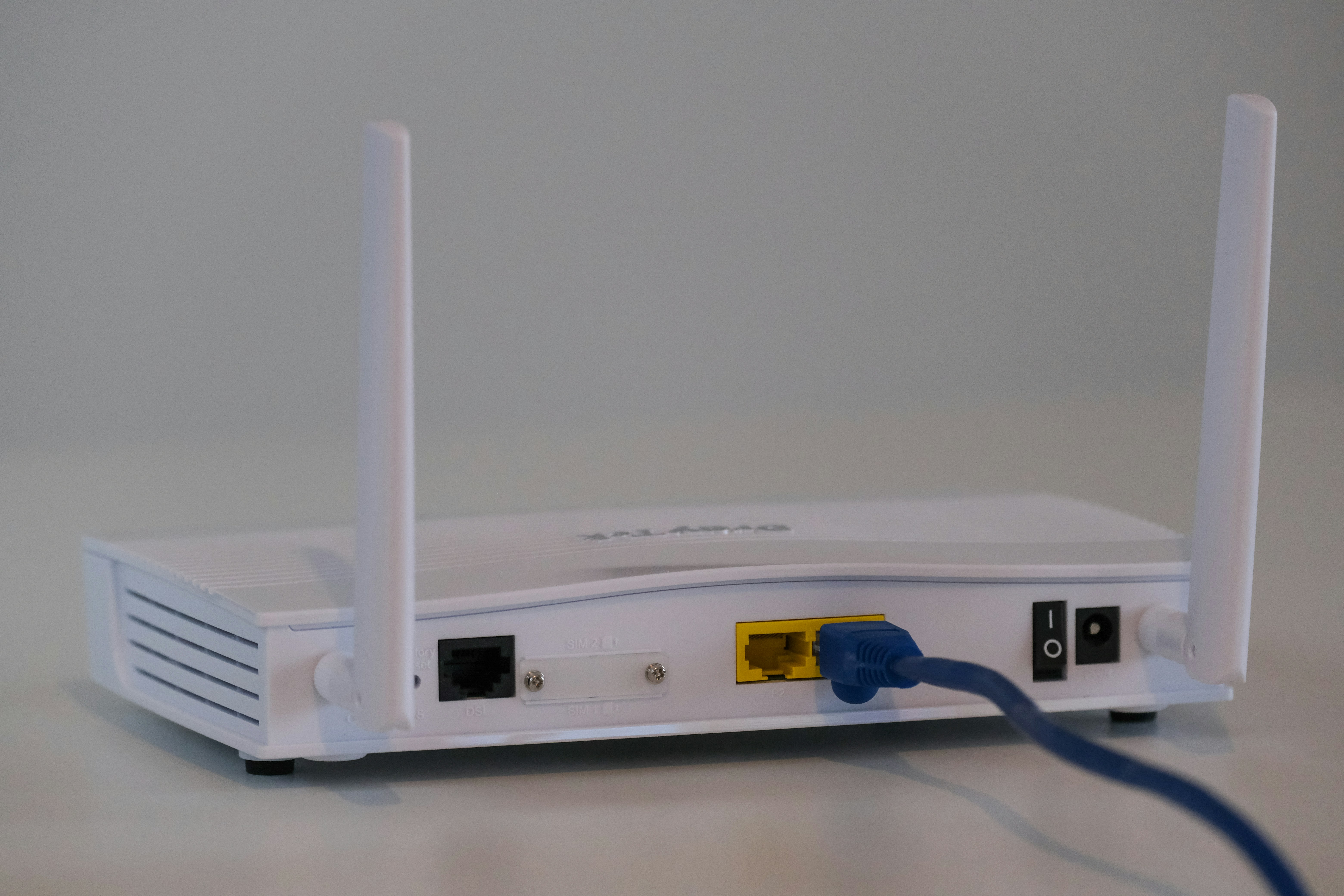
Getting strong, reliable Wi-Fi across a large office or multiple business locations can be a challenge. Two common pieces of hardware often come up as solutions: mesh routers and access points.
While both can extend your wireless network's reach, they are built for fundamentally different environments and scale in unique ways. This guide will explain the key distinctions to help you decide which is the right fit for your business's network infrastructure.
What is a Mesh Router?
A mesh router system is designed to blanket an entire area, like a large home or small office, with consistent Wi-Fi coverage. It replaces a single, traditional router with a group of interconnected "nodes" that work together as a single team.
The system includes a primary router that connects to your modem and several satellite nodes placed strategically around the space. These nodes communicate with each other to form a single, unified wireless network under one name. As you move around, your devices automatically connect to the node with the strongest signal, ensuring a stable connection without interruption.
- Unified Network: All nodes broadcast a single network name (SSID), so you don't have to manually switch networks as you might with older Wi-Fi extenders.
- Intelligent Routing: The nodes automatically find the most efficient path for data to travel back to the main router. If one node fails, the others reroute traffic to maintain the connection.
- Simple Setup: Mesh systems are typically designed for ease of use, often managed through a mobile app that simplifies installation and network management.
- Wireless Connectivity: The nodes primarily connect to each other wirelessly, making them a good solution for locations where running Ethernet cables is not practical.
What is an Access Point?
An Access Point (AP) is a networking device that creates a wireless local area network (WLAN) by connecting to a wired router, switch, or hub. It acts as a central transmitter and receiver of wireless radio signals, effectively extending a wired network's reach to wireless devices.
APs are hardwired directly into the network via an Ethernet cable. This physical connection is a key part of their design, providing a stable and high-bandwidth link back to the core network infrastructure. This makes them a standard component in most corporate and enterprise settings.
- Wired Backbone: Each access point requires an Ethernet cable connection, which often supplies both data and power through Power over Ethernet (PoE). This creates a very reliable link.
- Designed for Density: APs are built to support a high number of simultaneous device connections, making them suitable for busy offices, campuses, and public venues.
- Centralized Management: Multiple APs are typically managed via a central controller (either hardware or software-based), giving IT teams a single point of control for configuration and monitoring.
- Granular Control: They offer advanced features important for business networks, such as creating multiple network names (SSIDs), traffic segmentation with VLANs, and robust security options.
Mesh Router vs Access Point: Key Differences
While both solutions aim to improve Wi-Fi coverage, they operate on fundamentally different principles. Let's break down the core distinctions that matter for a business environment.
1. Infrastructure and Cabling
The biggest difference lies in how they connect to your network. Mesh systems primarily use wireless connections between nodes, making them easy to set up in places where running cables is difficult.
Access Points, on the other hand, require a physical Ethernet cable connection back to the main network switch or router. This wired backbone provides a highly stable and dedicated link for both data and, often, power via Power over Ethernet (PoE).
2. Scalability and Device Density
Mesh networks are effective at expanding coverage across a physical area, but performance can degrade as you add more nodes or connect a large number of devices.
APs are specifically engineered for high-density environments. A single access point is designed to handle many simultaneous connections without performance loss, making them suitable for crowded offices, conference rooms, and public venues.
3. Management and Control
Mesh systems are typically managed with a simple, user-friendly mobile app. This is great for straightforward setups but offers limited configuration options.
Multiple APs are managed from a centralized controller, which can be a physical appliance or software. This gives IT teams granular control over the entire wireless network, including security policies, user access, and traffic segmentation.
4. Performance and Reliability
In a mesh network, the signal can weaken with each wireless "hop" a node makes to get back to the primary router. This can create performance bottlenecks.
Because each AP has its own dedicated wired connection, it delivers a more consistent and reliable high-speed connection to users, unaffected by the performance of other APs on the network.
Benefits of Using Mesh Routers
Despite their limitations in large enterprise settings, mesh routers offer distinct advantages, particularly for smaller or more flexible office environments where extensive cabling isn't feasible.
- Reduced Installation Costs: Because mesh systems don't require running new Ethernet cables for every node, installation is faster and less disruptive. This can significantly lower labor costs associated with network expansion.
- Flexible Deployment: Their wireless nature makes them ideal for temporary sites, historic buildings with wiring restrictions, or office layouts that change frequently. Nodes can be moved and repositioned with minimal effort.
- Improved User Experience: The system's ability to create a single, unified network allows users to move throughout the space without manually switching networks or experiencing dropped connections, which is beneficial for mobile devices and laptops.
- Cost-Effective for Smaller Spaces: For small businesses or satellite offices that need reliable coverage but not the high-density capacity of APs, a mesh system is often a more affordable all-in-one solution.
Advantages of Access Points
For larger or more demanding business environments, access points provide a set of powerful advantages rooted in their wired design. They are the standard for building a robust and manageable corporate network.
- Superior Performance: Because each AP is hardwired, it gets a dedicated, high-speed connection to the network. This prevents the performance degradation and signal hops that can slow down a wireless mesh system, ensuring consistent speed for users.
- Structured Scalability: Expanding an AP network is predictable. You can add new APs to increase coverage or handle more devices without impacting the performance of the existing network, allowing for systematic growth as your business needs change.
- Advanced Security and Control: APs are built for enterprise security. They allow IT teams to create multiple segmented networks (e.g., for guests and internal staff), enforce strict access policies, and monitor traffic from a central management console.
- Simplified Installation with PoE: Power over Ethernet (PoE) support means a single Ethernet cable can deliver both data and electricity to the AP. This simplifies installation and allows for cleaner placement on ceilings or walls where power outlets aren't available.
Choosing the Right Solution for Your Enterprise Network
Making the right choice comes down to evaluating a few key aspects of your business operations and physical environment. By asking the right questions, you can determine which solution aligns with your specific needs.
1. Assess Your Physical Space and Cabling
Start by looking at your building's infrastructure. If you have existing Ethernet drops or can easily run new cables, access points are the more robust option due to their wired foundation.
For historic buildings, temporary sites, or layouts where cabling is impractical or too costly, a mesh system offers a much more flexible and less disruptive installation.
2. Count Your Users and Devices
Consider how many people and devices will connect to the network simultaneously. Access points are engineered to handle high-density environments like busy offices or conference halls without performance issues.
If you need to cover a large area with a lower number of users, such as a small business or a sparsely populated warehouse, a mesh network can provide adequate coverage effectively.
3. Define Your Management and Security Needs
Think about the level of control your IT team requires. Access points provide granular control for creating separate guest and internal networks, implementing advanced security policies, and monitoring traffic.
If your needs are simpler and you prefer straightforward management through a mobile app without complex configurations, a mesh system is often sufficient.
Final Thoughts on Mesh Routers and Access Points
Ultimately, the choice between a mesh router and an access point comes down to your environment's specific demands. Access points are the standard for building a robust, scalable corporate network, offering superior performance and control through a wired infrastructure. They are designed for high-density settings where reliability is key.
In contrast, mesh systems provide a flexible and cost-effective way to deliver good Wi-Fi coverage in smaller offices or areas where running Ethernet cables is impractical. Your decision should be guided by your needs for scalability, management, and the physical constraints of your space.
Need Help Managing Your Network? Lightyear Can Help

Whether you choose mesh routers or access points, managing the underlying network services is the next challenge. Lightyear automates the entire telecom lifecycle, from procuring new circuits to consolidating bills.
By automating network service procurement, inventory management, and bill consolidation, Lightyear helps enterprises achieve over 70% in time savings and 20% in cost savings. We take the pain out of managing your telecom infrastructure.
Schedule a demo or get started with our questionnaire today.
Frequently Asked Questions about Mesh Router vs Access Point
Can I use a mesh system with my existing router?
Yes, most mesh systems can be set to "bridge mode" or "AP mode." This allows them to work with your current router, letting the mesh nodes handle Wi-Fi coverage while your main router continues to manage the network's core functions.
Can you mix mesh nodes and access points in the same network?
While technically possible, it is not recommended. Mixing them creates two separate management systems, which complicates administration and can cause device roaming issues. It's best to stick with one unified solution for consistency and simpler management.
Which is better for outdoor coverage?
For professional outdoor use, dedicated outdoor-rated access points are the superior choice. They are built to withstand the elements and provide reliable, high-performance coverage. Some mesh systems offer outdoor nodes, but they are typically better for residential or light commercial use.
Let us show you the product and discuss specifics on how it might be helpful.
Schedule a Demo





Revolutionize Your Telecom Experience
Learn how you can get one step closer to optimal business efficiency for all your telecom services.
