Mesh Router vs WiFi Extender: Enterprise Network Solutions
Mesh router vs. WiFi extender: which is right for your business? Learn the key differences in coverage, performance, and cost for enterprise networks.

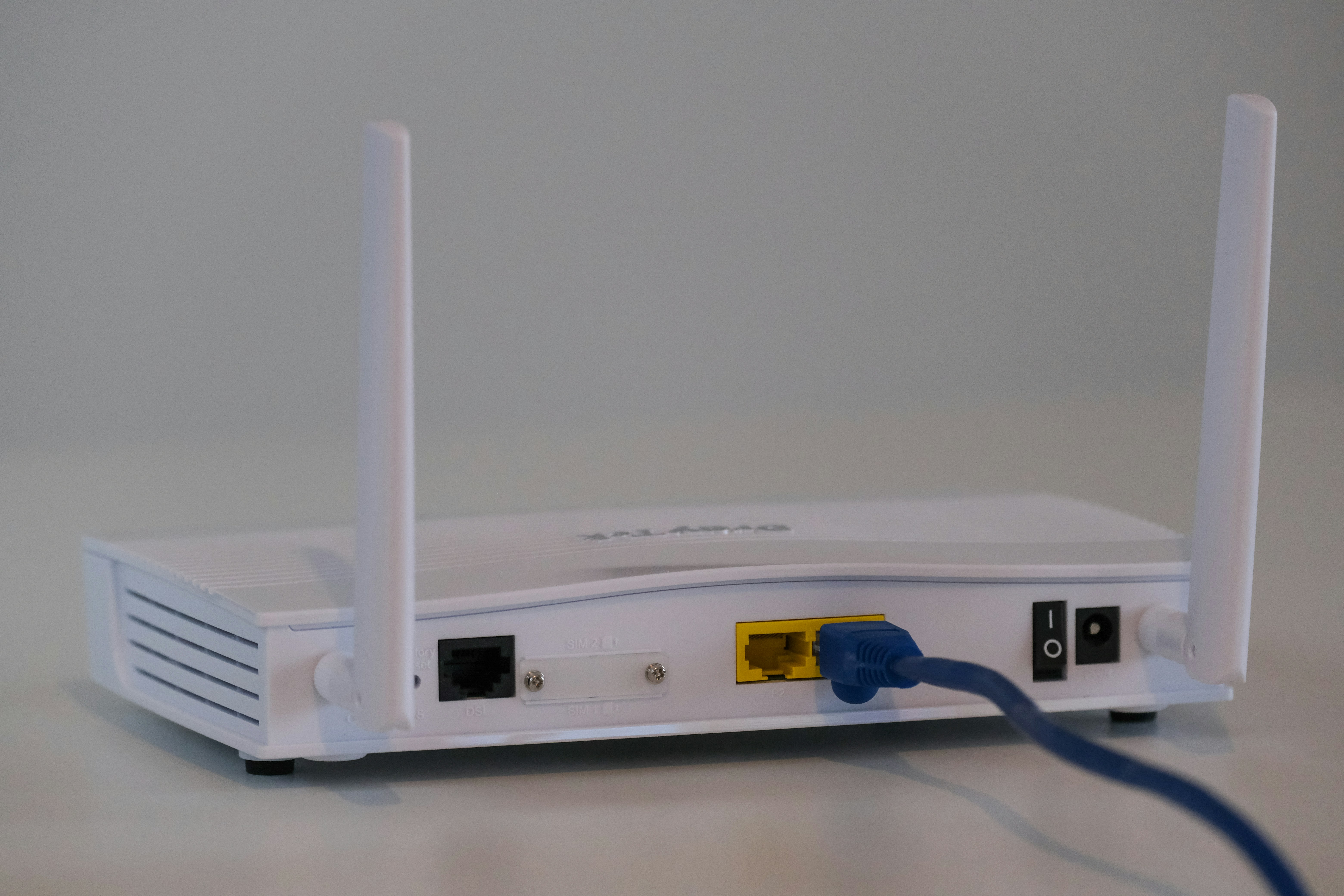
Ensuring consistent, high-speed WiFi across a large office or multiple business locations is a common challenge for IT teams. When your primary router can't cover the entire area, you're often left choosing between two popular solutions: a mesh router system or a WiFi extender.
While both are designed to broaden your network's reach, they operate very differently and are suited for distinct business needs. This article will break down the key differences in how they work, their performance, and which is the better fit for your enterprise network.
What is a Mesh Router?
A mesh router system is a modern approach to creating a powerful and unified WiFi network across a large area. Instead of relying on a single, central router, it uses multiple access points, or "nodes," placed strategically throughout your office or building. These nodes communicate with each other to form a single, cohesive network.
- Unified Network: All nodes work together to broadcast a single network with one name (SSID) and password. This creates a seamless experience for all users connected to the WiFi.
- Intelligent Connectivity: Your devices automatically connect to the node with the strongest signal as you move through the space, ensuring a stable connection without interruption or manual network switching.
- Eliminates Dead Zones: By creating an overlapping web of coverage, mesh systems effectively eliminate WiFi dead zones, providing consistent performance in every corner of your facility.
What is a WiFi Extender?
A WiFi extender, sometimes called a WiFi repeater, is a straightforward device used to boost your wireless signal. It works by capturing the existing signal from your main router and rebroadcasting it to cover a specific area where the connection is weak or non-existent, like a conference room or a distant corner of the office.
- Signal Relay: An extender connects wirelessly to your primary router, acting as a middleman to push the signal further out.
- Separate Network: It typically creates a new, distinct network (often with "_EXT" added to the original network name). Users must connect to this secondary network to get service in the extended zone.
- Manual Connection: Unlike a mesh system, devices don't automatically switch between the router and the extender. Users may need to manually change networks to ensure they are on the strongest signal as they move around.
Mesh Router vs WiFi Extender: Key Differences
The way these two solutions handle network traffic and expandability leads to significant differences in performance, management, and cost.
1. Performance and Speed
Mesh systems are designed to maintain high speeds throughout the coverage area. Nodes communicate with each other, often using a dedicated wireless channel (backhaul) or a wired Ethernet connection, which prevents network congestion and preserves bandwidth.
A WiFi extender, in contrast, typically cuts your available bandwidth in half. It must use the same radio to both receive the signal from the router and rebroadcast it to your devices, which inherently reduces speed for connected users.
2. Scalability and Coverage
Mesh networks are built to be modular. You can easily add more nodes to the system to expand coverage into new areas or strengthen the signal in complex office layouts, all while maintaining a single, unified network.
An extender is best suited for fixing a single, isolated dead zone. While you can use more than one, daisy-chaining them is not recommended as it severely degrades performance with each additional link in the chain.
3. Management
A key advantage of a mesh system is centralized management. The entire network is configured and monitored from a single interface, usually a mobile app or web dashboard, which simplifies setup and any future adjustments.
Each WiFi extender is a separate device that needs to be configured individually. Managing multiple extenders can become complex, as each has its own settings and may require separate firmware updates.
4. Cost
WiFi extenders are the more economical choice for a simple fix. A single unit can be purchased for a relatively low price, making it an attractive option for solving a specific, small-scale coverage problem on a tight budget.
Mesh systems represent a larger upfront investment. The cost reflects the more advanced technology and multiple hardware units, but it provides a more robust and comprehensive network solution for an entire enterprise site.
Benefits of Using a Mesh Router
For businesses, the advantages of a mesh network go beyond just better coverage, translating into tangible operational improvements for IT teams and employees alike. The design directly addresses common pain points found in larger or more complex office environments.
- Improved User Experience and Productivity: With a single, unified network, employees can move throughout the office without dropped connections or the need to manually switch networks. This stability reduces frustrating interruptions and minimizes connectivity-related helpdesk tickets, allowing everyone to stay focused.
- Simplified Network Administration: Mesh systems are managed through a single, centralized dashboard. This gives IT teams a complete view of the network, making it far easier to monitor performance, apply security updates, and troubleshoot issues without configuring each access point individually.
- Flexible and Cost-Effective Scalability: The modular nature of mesh networks means your infrastructure can grow alongside your business needs. Expanding coverage to a new floor or section of the building is as simple as adding another node, avoiding the high cost and complexity of a full network replacement.
- Enhanced Security Management: Many business-focused mesh systems include advanced security protocols that are applied uniformly across the entire network. Features like guest network isolation and access controls are managed from one place, ensuring consistent protection.
Advantages of WiFi Extenders
While they may not offer the same performance as a mesh system, WiFi extenders provide practical benefits, especially when dealing with specific budget or infrastructure constraints.
- Targeted and Budget-Friendly: The primary advantage is cost. For fixing a single dead zone, like a remote office or conference room, an extender is a highly economical solution that doesn't require a large investment or a complete network overhaul.
- Works with Existing Hardware: WiFi extenders are generally compatible with any standard router, regardless of the brand. This flexibility allows you to add one to your current network without worrying about proprietary hardware conflicts.
- Simple Installation: Most extenders are designed for quick setup. The process often involves plugging the device into an outlet and using a simple web interface or WPS button to connect it to your main router, getting it running in minutes.
- Provides a Wired Connection: Many extenders include an Ethernet port, which is useful for connecting wired devices like printers, desktop computers, or VoIP phones to the network in a location where running a physical cable is impractical.
Choosing the Right Solution for Your Enterprise Network
Making the right choice comes down to evaluating your specific business environment, user needs, and long-term goals. The best solution depends entirely on the problem you're trying to solve.
Choose a Mesh Router System for a Comprehensive Solution
A mesh system is the strategic choice when you need to build a reliable, high-performance network foundation across your entire facility. It's the right fit if your organization faces these scenarios:
- Your office is large, has a complex layout, or multiple floors. Mesh nodes work together to blanket the entire area in a strong signal, overcoming physical barriers like thick walls that would stop a single router.
- You have a high density of users and devices. In busy offices where dozens of employees are simultaneously on video calls, accessing cloud apps, and using mobile devices, a mesh network intelligently manages traffic to prevent slowdowns.
- You prioritize simplified, centralized IT administration. If your IT team wants to manage security, updates, and performance from a single dashboard, a mesh system offers a unified approach that saves significant time and effort.
Choose a WiFi Extender for a Targeted Fix
A WiFi extender is a tactical tool that works well when you have a very specific and limited connectivity problem. Consider an extender in these situations:
- You only need to solve a single, isolated dead zone. If the WiFi signal is strong everywhere except for one particular conference room or a remote corner office, an extender is a direct and simple solution.
- The budget is tight and the need is immediate. As a low-cost device, an extender provides a quick fix for a minor coverage gap without requiring a large capital expenditure or network overhaul.
- You need to connect a stationary wired device wirelessly. Many extenders include an Ethernet port, making them a practical way to get a printer or desktop computer online in a location where running a physical cable is difficult.
Final Thoughts on Mesh Routers and WiFi Extenders
Choosing between a mesh router and a WiFi extender ultimately comes down to your specific goals. One is a foundational network upgrade, while the other is a targeted fix for a specific problem.
A mesh system is the right choice for creating a robust, unified network across a large or complex office. It provides consistent performance and simplified, centralized management for IT teams, making it a strategic investment for your infrastructure.
In contrast, a WiFi extender is a practical, low-cost solution for a single, isolated dead zone. It's ideal when you have a limited budget and a very specific coverage gap to fill without altering your existing network.
By evaluating your office layout, user density, and administrative needs, you can confidently select the solution that aligns with your operational requirements and solves your connectivity challenge effectively.
Need Help Managing Your Network? Lightyear Can Help

Choosing the right hardware is just one part of building a great network. For everything else, from procuring the best internet circuits to managing your telecom inventory, Lightyear can help.
By automating network service procurement, inventory management, and bill consolidation, Lightyear helps hundreds of enterprises achieve over 70% in time savings and reduce telecom costs by 20% or more.
Schedule a demo or get started with our questionare today.
Frequently Asked Questions about Mesh Router vs WiFi Extender
Can I use a WiFi extender with my existing mesh network?
While technically possible, it's not recommended. Adding an extender creates a separate network, which defeats the purpose of a mesh system's single, unified network and can introduce performance issues and management complexity.
Do mesh systems and extenders work with any internet service provider (ISP)?
Yes, both solutions are generally compatible with any ISP. They connect to your existing modem or gateway, so as long as you have an internet connection, you can use either to expand your WiFi coverage.
Is one better for VoIP and video conferencing?
A mesh system is far better for real-time applications like VoIP and video calls. Its intelligent traffic management and seamless roaming prevent the connection drops and lag that are common with extenders, which typically cut bandwidth in half.
How do security features compare between the two?
Mesh systems offer more robust, centralized security features like network-wide updates and guest network isolation. An extender's security is usually limited to mirroring the main router's settings and requires separate management.
Let us show you the product and discuss specifics on how it might be helpful.
Schedule a Demo





Revolutionize Your Telecom Experience
Learn how you can get one step closer to optimal business efficiency for all your telecom services.
