Modem Router vs Modem: Enterprise Network Differences
Modem vs. modem router: which is right for your business? Learn the key differences in performance, security, and control for enterprise networks.

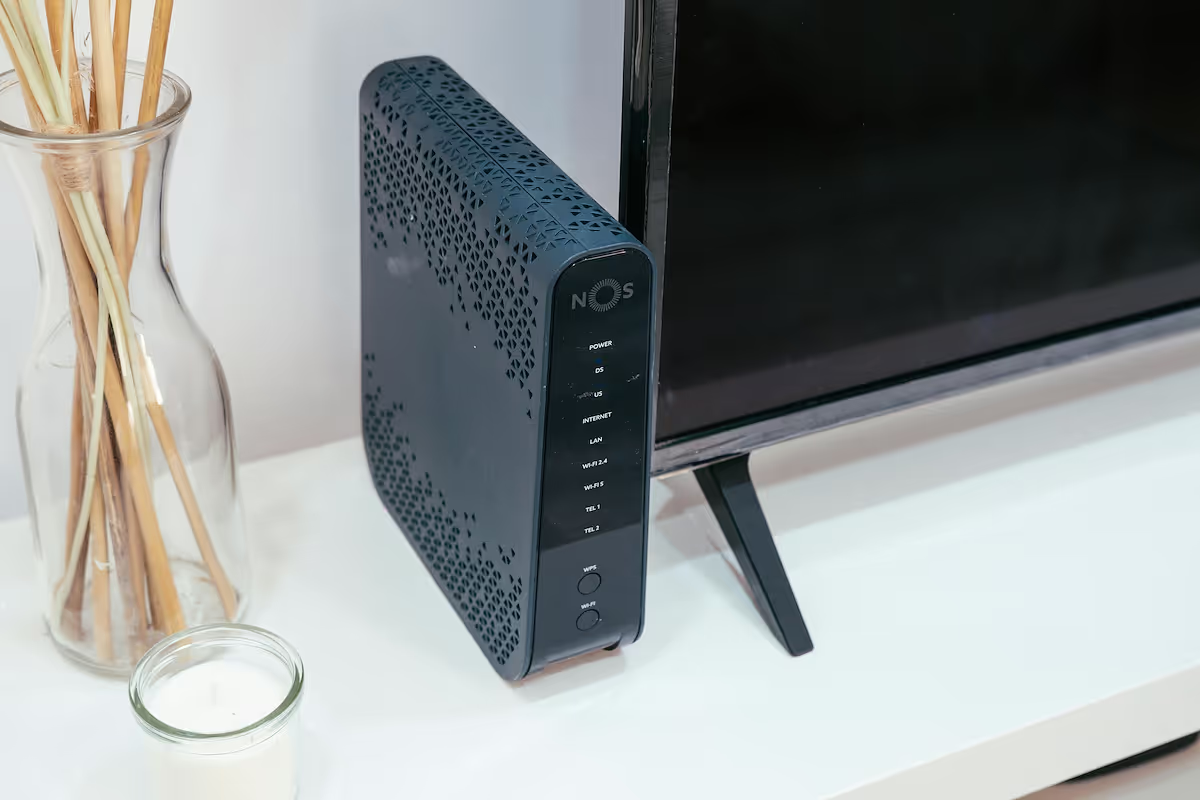
When setting up an office network, you'll often encounter two key pieces of hardware: the modem and the router. While they are often packaged into a single combination device, they are fundamentally different pieces of equipment with distinct roles.
A modem connects your business to the internet, while a router distributes that connection to create a local network. Understanding this difference is essential for enterprise IT buyers making decisions about network performance, security, and management.
What is a Modem?
Think of a modem—short for modulator-demodulator—as the specialized translator for your internet connection. It’s the essential piece of hardware that connects your physical location to your Internet Service Provider (ISP), converting signals back and forth so your business can get online. A modem doesn't create a local network; it simply establishes a single, direct link to the wider internet.
Here’s a breakdown of its core functions:
- Signal Conversion: Its main job is to modulate outgoing digital signals from your computer into analog signals for the ISP's infrastructure (like cable or fiber lines) and demodulate incoming analog signals back into digital data your devices can use.
- ISP Handshake: The modem communicates directly with your ISP's network to establish and maintain a stable internet connection.
- Single Connection Point: A standard modem provides a single Ethernet port, designed to give one device access to the internet.
- Public IP Address: Your ISP assigns one public IP address to your modem, which serves as your network's unique address on the internet.
What is a Modem Router?
A modem router, also known as a gateway, is a single device that combines the functionality of both a modem and a router. It’s an all-in-one solution designed to both connect you to your ISP and create a local network for your office devices.
Instead of two separate boxes, you get one that handles everything. Here are its primary functions:
- Dual Functionality: It directly connects to your ISP's network and converts signals, while simultaneously creating and managing your local area network (LAN).
- Local Network Creation: It typically provides multiple Ethernet ports and broadcasts a Wi-Fi signal, allowing computers, phones, and other hardware to connect to the network.
- Traffic Management: The router component assigns unique local IP addresses to each connected device and directs internet traffic to ensure data gets to the right place.
- Simplified Hardware: By integrating two essential functions, it reduces clutter and simplifies the physical setup of your network infrastructure.
Modem vs Modem Router: Key Differences
The primary distinction between these devices lies in their scope of work, physical connections, and management capabilities. Here’s a direct comparison of the key differences an IT buyer should know.
Functionality
A standalone modem has one job: establishing and maintaining the internet connection with your ISP. A modem router is a hybrid device that performs two functions: it connects to the ISP and simultaneously creates and manages your local office network.
Connectivity
A modem typically has only one Ethernet port, designed to provide an internet connection to a single piece of hardware. A modem router comes equipped with multiple Ethernet ports and built-in Wi-Fi, allowing numerous wired and wireless devices to connect at once.
Network Control
A modem provides no tools for managing local network traffic. In contrast, the router component in a combo unit gives you control over your LAN, handling tasks like assigning local IP addresses (DHCP), offering firewall protection, and managing Wi-Fi access and security.
Flexibility and Upgrades
Using separate devices allows you to upgrade your modem or router independently. If you need a router with a newer Wi-Fi standard, you can replace it without touching the modem. With an all-in-one modem router, the entire unit must be replaced if one component becomes outdated or fails.
Benefits of Using a Modem
Opting for a standalone modem offers several distinct advantages, particularly for businesses that require more control over their network architecture. While a combo unit provides simplicity, separating these devices gives you greater command and adaptability.
- Greater Network Customization: A separate modem allows you to pair it with any router you choose. This means you can select an enterprise-grade router that meets specific security, traffic management, or Wi-Fi performance standards that a generic combo unit might not offer.
- Simplified Troubleshooting: When connectivity problems occur, having two devices makes it easier to pinpoint the source of the issue. You can quickly determine whether the fault lies with your ISP connection (the modem) or your internal network (the router).
- Targeted Upgrades: Technology moves fast. With a standalone modem, you can upgrade your router to support new Wi-Fi standards or security features without needing to replace your modem, and vice-versa. This modular approach can be more cost-effective over time.
Advantages of a Modem Router
While a separate setup offers flexibility, a modem router combo brings its own set of benefits centered on convenience and efficiency, especially for businesses looking for a straightforward solution.
- Cost-Effectiveness: A single combo unit is often more affordable than buying a modem and a high-quality router separately. For businesses leasing equipment from an ISP, it also means one consolidated rental fee.
- Simplified Setup: With only one device to configure and plug in, the initial setup is faster and requires less technical effort. This simplicity is ideal for smaller offices or locations without dedicated IT staff on-site.
- Unified Vendor Support: When you use a combo unit provided by your ISP, troubleshooting becomes easier. There's a single point of contact for support, eliminating any blame-shifting between different hardware manufacturers.
- Space Efficiency: The compact, all-in-one design saves physical space and reduces cable clutter, a practical advantage in small offices or retail locations where every inch counts.
Choosing the Right Device for Your Enterprise Network
The right choice depends entirely on your business's specific needs for control, scale, and simplicity. Your decision will shape your network's performance and how easily your team can manage it.
Opt for a Standalone Modem for Control and Scale
A separate modem is the superior choice for enterprises that require granular control over network security and performance. If your business operates across multiple sites, needs advanced traffic shaping, or requires specific VPN and firewall configurations, this is the way to go.
This setup allows you to pair the modem with a powerful, enterprise-grade router that meets your exact specifications. It provides the flexibility to adapt your network as your company grows or security needs change.
Choose a Modem Router for Simplicity and Efficiency
A modem router combo is a practical solution for smaller offices, retail locations, or any site without dedicated IT staff. If the primary goal is to provide a reliable, straightforward internet connection with minimal fuss, this device is highly effective.
The all-in-one design simplifies installation and troubleshooting, with a single point of contact for support. It's a cost-effective and space-saving option for locations where advanced network management is not a priority.
Final Thoughts on Modem and Modem Router
Ultimately, the choice between a modem and a modem router comes down to a simple trade-off: control versus convenience. A standalone modem gives you the freedom to build a customized, high-performance network that meets specific security and traffic needs.
A modem router, on the other hand, offers a straightforward, all-in-one solution that is easy to set up and manage. Your decision should be guided by your company's unique operational requirements, balancing the need for advanced configuration with the value of simplicity.
Need Help Managing Your Network? Lightyear Can Help

Choosing the right hardware is just the first step. By automating network service procurement, inventory management, and bill consolidation, Lightyear takes the pain out of managing your telecom infrastructure across every location.
The hundreds of enterprises who trust Lightyear achieve 70%+ time savings and 20%+ cost savings on their network services. Schedule a demo or get started with our questionnaire today.
Frequently Asked Questions about Modem Router vs Modem
Can I use my own modem with any ISP?
Not always. Many ISPs maintain a list of approved modems to ensure network compatibility and performance. Before purchasing equipment, you should always confirm with your provider that the specific model is supported on their network.
Is a modem router combo less powerful than separate devices?
Often, yes. While convenient, the router component in a combo unit may not match the performance and advanced features of a dedicated, enterprise-grade router, especially regarding Wi-Fi range, speed, and security customization options.
Can I use a separate router if I already have a modem router?
Yes. You can typically configure the modem router to operate in "bridge mode." This disables its built-in routing functions, allowing it to act solely as a modem that passes the connection to your preferred, more powerful router.
Do I need a different modem for fiber versus cable internet?
Yes, the hardware is specific to the connection type. Cable internet uses a DOCSIS modem, while fiber optic services require an Optical Network Terminal (ONT). The two are not interchangeable, so ensure your hardware matches your service.
Let us show you the product and discuss specifics on how it might be helpful.
Schedule a Demo





Revolutionize Your Telecom Experience
Learn how you can get one step closer to optimal business efficiency for all your telecom services.
