Network Router vs Switch: Enterprise Buyer Guide
Choosing between a router and a switch? This guide explains the core differences for IT pros, helping you decide which device your network needs.

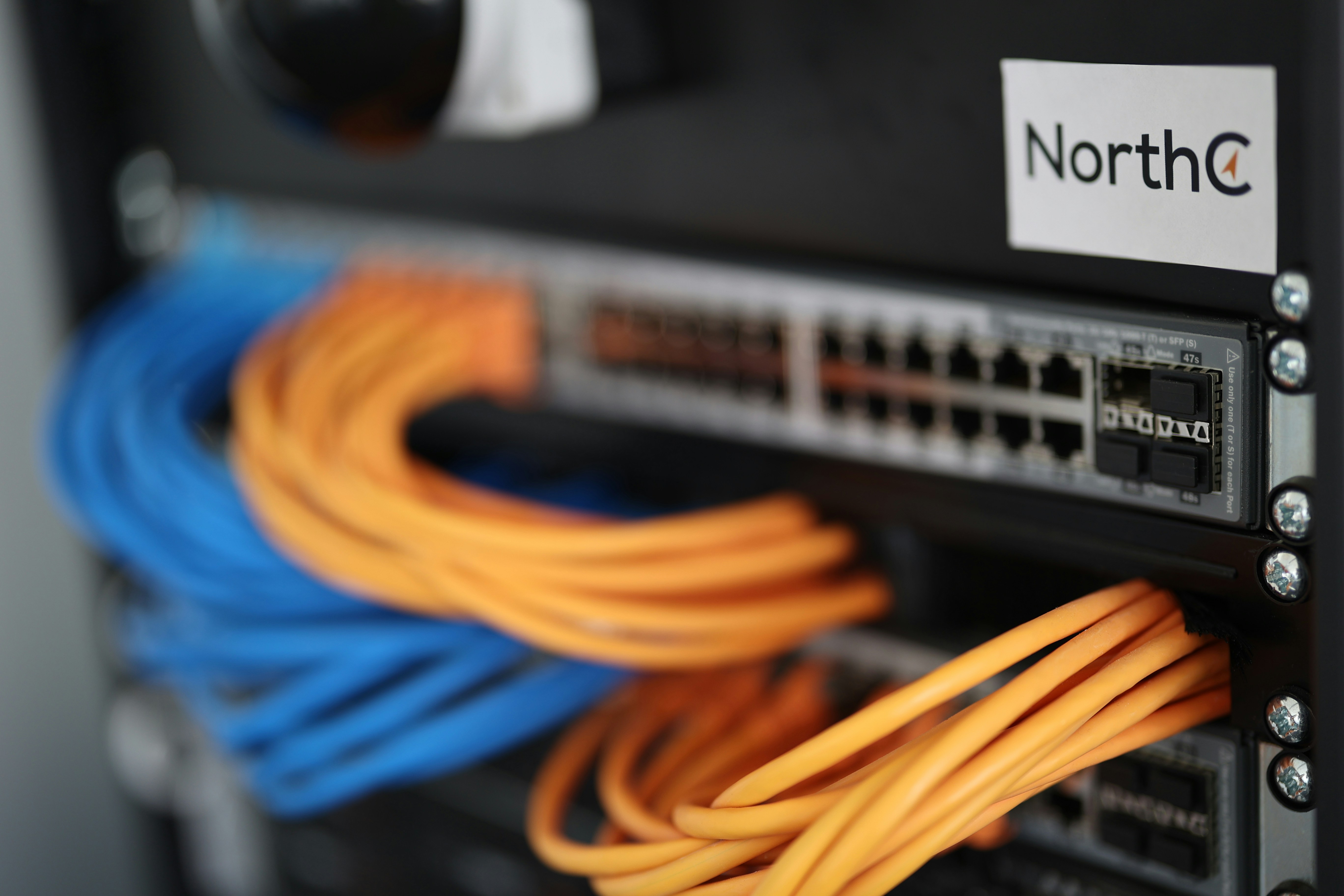
When building or upgrading a business's network infrastructure, two of the most fundamental components you'll encounter are routers and switches.
While they often work together and can look similar, they perform distinct and critical functions in directing network traffic.
For any IT or operations leader, knowing the specific roles of each device is essential for designing a network that is efficient, secure, and cost-effective. This guide will break down their core differences and help you determine which device you need for specific enterprise use cases.
What is a Network Router?
Think of a network router as the traffic director for data traveling between different networks. Its primary role is to connect your internal business network (LAN) to other networks, most commonly the internet (WAN). It operates at Layer 3 of the OSI model, meaning it uses IP addresses to make decisions.
When a data packet arrives, the router inspects its destination IP address and consults its internal routing table to determine the most efficient path to send it on its way. This process ensures information gets to the correct destination, even if it's thousands of miles away.
- Connects Networks: A router’s fundamental job is to join two or more distinct networks, managing the flow of information between them.
- Directs Traffic: It intelligently forwards data packets toward their final destination based on IP addresses, choosing the best available path.
- Assigns IP Addresses: Routers often act as a DHCP (Dynamic Host Configuration Protocol) server, automatically providing unique IP addresses to devices on the local network.
- Provides Security: Most business routers include a built-in firewall and other security functions to protect the internal network from external threats.
What is a Network Switch?
If a router connects different networks, a network switch is what creates the network in the first place. Its job is to connect devices—like computers, printers, and servers—that are all on the same local area network (LAN).
A switch operates at Layer 2 (the Data Link Layer) of the OSI model. It uses MAC (Media Access Control) addresses, which are unique hardware identifiers for each device, to intelligently forward data packets. When a packet arrives, the switch sends it only to the specific port connected to the intended recipient.
This targeted delivery makes communication within the LAN highly efficient. It prevents data from being unnecessarily broadcast to every device, reducing congestion and improving overall network speed for internal traffic.
- Connects Local Devices: Its primary function is to link multiple devices together on a single physical network.
- Forwards Data Intelligently: It uses a table of MAC addresses to send data frames directly to the correct device port.
- Reduces LAN Congestion: By directing traffic precisely, it minimizes unnecessary data flow and boosts internal network performance.
- Enables Device Communication: It creates the infrastructure that allows all connected devices on the LAN to communicate with one another at high speeds.
Key Differences Between Routers and Switches
While both devices manage data traffic, they do so in fundamentally different ways. Here’s a direct comparison of their core distinctions.
1. OSI Model Layer
The most fundamental difference lies in where they operate within the OSI networking model. A switch functions at Layer 2 (the Data Link Layer), managing traffic within a single network. A router operates at Layer 3 (the Network Layer), which allows it to direct traffic between different networks.
2. Address Type
This operational difference dictates the type of address each device uses to forward data. Switches use MAC (Media Access Control) addresses—the unique hardware identifier of a device—to send data frames to the correct physical port. Routers use IP (Internet Protocol) addresses to route data packets to the correct destination network.
3. Scope of Operation
The scope of their work can be thought of as local versus external. A switch’s domain is the local area network (LAN), creating the web of connections between your nearby office devices. A router’s primary domain is the wide area network (WAN), connecting your entire LAN to outside networks like the internet.
4. Data Handling and Broadcasts
The way each device handles data packets also differs, especially with broadcast traffic. A router creates separate broadcast domains and will not forward broadcast packets from one network to another, which contains network chatter. A switch, however, operates within a single broadcast domain and forwards broadcast frames to all connected devices, which is necessary for certain local protocols.
When to Use a Router
A router is the correct device whenever you need to manage traffic between different networks. Its role is fundamentally about connection and control at a network-to-network level, making it essential for several key business scenarios.
- Connecting to the internet: This is the most fundamental use case. A router is required to connect your entire local office network (LAN) to your Internet Service Provider (ISP), acting as the primary gateway for all external communication.
- Linking multiple sites or subnets: For businesses with several office locations or logically separated internal networks (e.g., guest vs. corporate), routers are used to connect these disparate networks into a cohesive wide area network (WAN).
- Implementing network security: When you need to protect your internal network from external threats, a router provides the first line of defense. It uses its built-in firewall and access control lists to filter unwanted traffic.
- Managing traffic flow: Routers are used to control bandwidth and prioritize critical applications. For example, you can configure a router to ensure voice and video traffic gets precedence over less time-sensitive data using Quality of Service (QoS) policies.
When to Use a Switch
A switch is the right choice whenever you need to build out or manage connections within a single local network. Its purpose is to efficiently link devices that are already on the same side of the router.
- Expanding network ports: The most straightforward use is to add more physical connections. If you need to connect more computers, printers, or IP phones in an office, a switch provides the necessary ports.
- Improving LAN performance: For environments with heavy internal traffic, like a data center or a team transferring large files, a switch is critical. It creates high-speed pathways between devices, preventing local network bottlenecks.
- Creating network segments: Managed switches allow you to create Virtual LANs (VLANs). This lets you logically group devices to improve security and traffic management—for instance, separating guest Wi-Fi traffic from the main corporate network.
- Connecting high-speed devices: Switches are ideal for linking servers, network-attached storage (NAS), and other critical infrastructure that requires fast, low-latency communication with other devices on the LAN.
Cost Considerations for Routers and Switches
When budgeting for network hardware, the price tags for routers and switches can range from surprisingly affordable to a significant capital expense. The final cost depends heavily on the device's capabilities, scale, and intended role within your infrastructure.
- Baseline Price: On a fundamental level, a basic, unmanaged switch is typically less expensive than a basic router. This is because a switch performs a simpler task within a local network, while a router handles more complex functions like connecting different networks and providing security.
- Features and Management: Costs rise sharply with advanced features. A managed switch with capabilities like VLANs, Power over Ethernet (PoE), and detailed traffic monitoring costs far more than a simple unmanaged one. Likewise, an enterprise router with robust security protocols, VPN support, and advanced Quality of Service (QoS) controls commands a premium price.
- Performance and Scale: The hardware's capacity is a major cost driver. A 48-port gigabit switch for a large office floor is more expensive than an 8-port model. Similarly, a core router designed to handle high-volume traffic for a corporate headquarters will be in a completely different price bracket than one for a small branch office.
Making the Right Choice for Your Network
Ultimately, the decision isn't about choosing a router or a switch; it's about understanding their distinct roles in a complete network. They are complementary, not competing, technologies.
A router is your gateway to the outside world, connecting your internal network to the internet and other remote locations. It manages traffic between different networks.
A switch, on the other hand, creates your internal network by linking all your local devices—computers, printers, and servers—together for efficient communication.
Nearly every business network requires both. A router provides the connection to your ISP, while one or more switches build out the internal infrastructure that your teams rely on daily.
The real choice comes down to selecting models with the right specifications for your needs, considering factors like port count, speed, security features, and management capabilities to support your operations.
Need Help Managing Your Network? Lightyear Can Help

Choosing the right hardware is just the first step; managing the network services that run on it is an ongoing challenge. By automating network service procurement, inventory management, and bill consolidation, Lightyear takes the pain out of telecom infrastructure management.
The hundreds of enterprises who trust Lightyear achieve 70%+ time savings and 20%+ cost savings on their network services.
Schedule a demo or get started with our questionnaire today.
Frequently Asked Questions about Network Router vs Switch
Why do some routers have multiple LAN ports like a switch?
Many routers, especially for small businesses, include a built-in switch to offer convenience. This hybrid device handles routing between your LAN and the internet while also providing ports to connect local devices. For larger networks, you would typically use a dedicated router and separate, larger switches.
What is a Layer 3 switch?
A Layer 3 switch is a hybrid device that can perform some routing functions, typically for internal network segmentation (VLANs). It's faster than a traditional router for internal routing but generally lacks the advanced security and WAN features needed to connect to the internet.
When is an unmanaged switch sufficient?
An unmanaged switch is perfect for simple connectivity needs, like adding more ports in a small office or conference room. If you just need to connect a few devices on the same network without needing security controls or traffic segmentation, it's a cost-effective, plug-and-play solution.
Let us show you the product and discuss specifics on how it might be helpful.
Schedule a Demo





Revolutionize Your Telecom Experience
Learn how you can get one step closer to optimal business efficiency for all your telecom services.
