Network Switches vs Hubs: Enterprise Buying Guide
Choosing between a network switch and a hub? This guide breaks down the differences in speed, security, and cost for enterprise IT decision-makers.

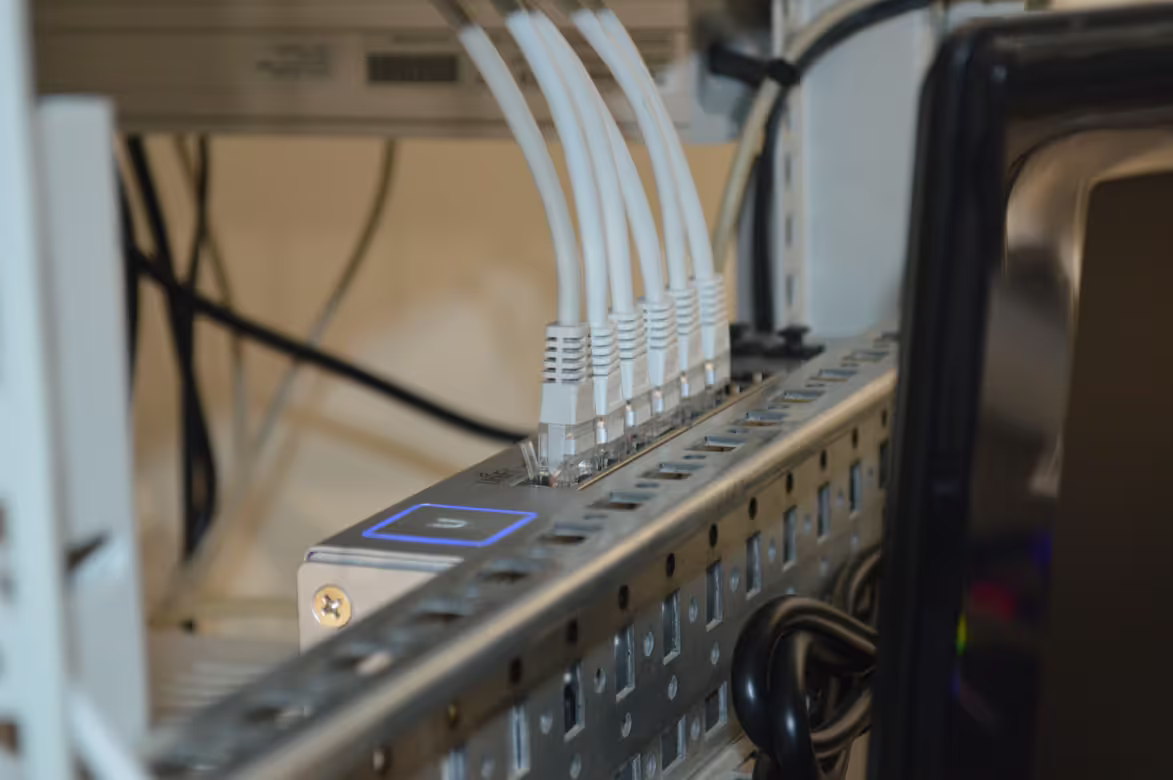
Building a reliable local area network (LAN) for your business means connecting multiple devices, from computers to printers. The two most fundamental pieces of hardware for this job are network hubs and switches.
Though they often look alike and serve a similar purpose, they operate in fundamentally different ways. Understanding these distinctions is key for any IT buyer, as they directly impact network performance, cost, and security.
What is a Network Switch?
A network switch is a networking device that connects various devices—like computers, servers, and printers—within a single local area network (LAN). Think of it as the traffic controller for your internal network.
It operates at the Data Link layer (Layer 2) of the OSI model, making it a more intelligent device than a hub. Here’s a closer look at how it functions:
- Intelligent Data Forwarding: When a switch receives a data packet, it reads the destination MAC (Media Access Control) address. It then forwards the packet only to the specific port connected to the intended recipient device.
- Reduced Network Congestion: By sending data directly to its destination instead of broadcasting it to all connected devices, a switch significantly cuts down on unnecessary network traffic. This improves overall network performance.
- Full-Duplex Communication: Switches allow for full-duplex data transmission, meaning devices can send and receive data simultaneously. This capability effectively doubles the potential bandwidth of the connection.
What is a Hub?
A network hub is a more basic networking device that acts as a common connection point for devices on a network. It’s a predecessor to the switch and operates at the Physical layer (Layer 1) of the OSI model, making it far less intelligent.
Unlike a switch, a hub doesn’t analyze the data it receives. When a data packet arrives at one port, the hub simply regenerates and broadcasts that packet to all other ports, regardless of the intended recipient. This simple mechanism has several key implications for network performance.
- Broadcast Transmission: Because it sends every packet to every device, a hub creates a single collision domain. This means if two devices try to send data at the same time, the packets collide, and both devices must retransmit.
- Shared Bandwidth: All devices connected to a hub share the total available bandwidth. If you have a 100 Mbps hub with ten devices, they all share that 100 Mbps pool, which can slow performance significantly.
- Half-Duplex Communication: Hubs operate in half-duplex mode, meaning connected devices can either send or receive data at one time, but not both simultaneously.
Key Differences Between Network Switches and Hubs
While both devices serve to connect your network, the way they manage data traffic leads to significant differences in performance, efficiency, and security. Here’s how they stack up in key areas.
Intelligence and Data Handling
The primary distinction lies in their intelligence. A network switch actively makes decisions, reading the destination address of each data packet and forwarding it only to the intended device.
A hub, on the other hand, is a passive device. It takes any data it receives on one port and simply broadcasts it out to all other ports, regardless of the destination.
Network Performance and Efficiency
This operational difference directly impacts network efficiency. By creating dedicated communication paths, a switch allows multiple devices to transmit data simultaneously without interference, maintaining high performance.
Because a hub broadcasts everything, it creates a single "collision domain." If two devices try to send data at once, the packets collide, forcing them to retransmit. This significantly slows down the network, especially as more devices are added.
Security Implications
From a security standpoint, switches have a clear advantage. Since data is sent only to its specific recipient, other devices on the network cannot easily see that information.
A hub’s broadcast method creates a security vulnerability. Any device on the hub can potentially intercept all traffic passing through it, making it easier for unauthorized parties to capture sensitive data.
Advantages of Using Network Switches
Given their intelligent design, network switches offer several practical benefits for modern business networks, especially as they grow in complexity.
- Greater Scalability: Switches are ideal for growing businesses. You can add more devices to the network without causing the significant performance drops that occur with hubs, ensuring your infrastructure can keep pace with your needs.
- Advanced Network Management: Managed switches provide powerful features like Virtual LANs (VLANs) and Quality of Service (QoS). VLANs let you segment your network for improved security and traffic organization, while QoS allows you to prioritize critical data, like voice calls.
- Support for Diverse Needs: Switches come in various configurations, including unmanaged for simple plug-and-play setups and managed switches for granular control. Options like Power over Ethernet (PoE) can also power devices like IP phones and cameras directly through the network cable.
Advantages of Using Hubs
While network switches have largely replaced hubs in modern business environments, hubs still offer a few advantages in very specific situations. Their benefits are rooted in their simplicity and low cost.
- Cost-Effectiveness: Hubs are extremely inexpensive. For small, temporary networks or labs where budget is the primary constraint and performance is not critical, a hub can be a viable, low-cost option for basic connectivity.
- Simple Operation: Hubs are true plug-and-play devices. They require no configuration, making them easy to deploy for users without technical expertise or for quick, non-critical network setups.
- Network Analysis: Because a hub broadcasts all data to every port, it can be a simple tool for network troubleshooting. An administrator can connect a monitoring device to any port to capture and analyze all traffic on that network segment.
Choosing the Right Device for Your Network Needs
Deciding between a switch and a hub comes down to your specific requirements for performance, security, and scale. Here’s a simple breakdown to guide your choice.
When to Choose a Network Switch
A switch is the standard choice for nearly all modern business networks. If your operations depend on reliable data transfer, support multiple users, or handle sensitive information, a switch is necessary.
Its ability to manage traffic efficiently prevents bottlenecks and provides a secure foundation for your LAN. This is the device for any business that plans to grow.
When a Hub Might Suffice
A hub should only be considered in very niche situations where cost is the absolute priority and performance is not a concern. Think of a small, temporary network setup or a testing lab for monitoring traffic.
For any professional business environment, a hub's limitations in speed and security make it an impractical choice for daily operations.
Final Thoughts on Network Switches vs Hubs
The choice between a network switch and a hub boils down to a fundamental trade-off between intelligence and simplicity. While both connect devices on a local network, their methods for handling data are worlds apart, directly impacting performance and security.
A switch intelligently directs traffic, creating a fast and efficient network that can support many devices without slowdowns. This makes it the standard for virtually all modern business environments.
In contrast, a hub broadcasts all data indiscriminately. This simple but inefficient approach creates network congestion and security risks, rendering it obsolete for most professional applications.
For any business that values performance, security, and scalability, a network switch is the definitive choice. Hubs are now legacy hardware, only practical for very specific, non-critical tasks where cost is the sole factor.
Need Help Managing Your Network? Lightyear Can Help

Choosing the right hardware is just the first step. The real challenge is managing your entire telecom infrastructure, from procuring services to tracking inventory and paying bills.
Lightyear automates this entire lifecycle. By handling network service procurement, inventory management, and bill consolidation, we help enterprises achieve 70%+ time savings and 20%+ cost savings.
Schedule a demo or get started with our questionnaire today.
Frequently Asked Questions about Network Switches vs Hubs
Can you use a hub and a switch on the same network?
Yes, you can connect a hub to a switch port to expand connectivity. However, all devices connected to that hub will share its bandwidth and performance limitations, so this is generally not recommended for business-critical applications.
How is a router different from a switch or a hub?
A router connects different networks, like your office LAN to the internet. A switch or hub only connects devices within one local network. Routers operate at a higher OSI layer (Layer 3) to direct traffic between networks.
Are hubs still manufactured and sold?
Yes, but they are considered legacy hardware. You can still find inexpensive hubs for sale, but they are typically used for very small home networks, testing labs, or specific troubleshooting tasks where their broadcast function is an advantage.
Let us show you the product and discuss specifics on how it might be helpful.
Schedule a Demo





Revolutionize Your Telecom Experience
Learn how you can get one step closer to optimal business efficiency for all your telecom services.
