Optical Network Router vs WiFi Router Explained
Optical Network Router vs. WiFi Router: What's the difference? Learn their distinct functions and where each fits in your network infrastructure.

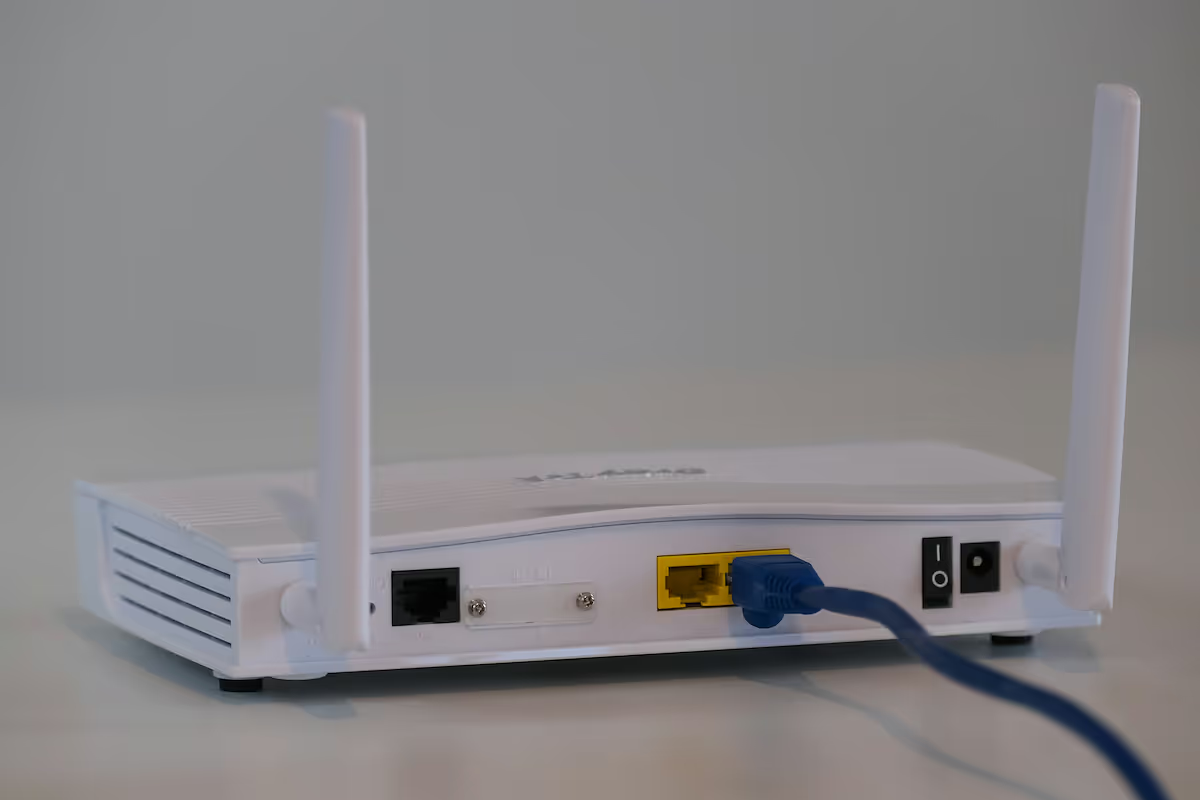
When managing your company's network, you'll likely come across two key pieces of hardware: the Optical Network Router and the WiFi router. Although they both help connect your business to the internet, they perform distinct and separate jobs.
Understanding their unique roles is important for building an efficient and reliable network. This article will explain the specific function of each device, where it fits in your infrastructure, and how they work together.
What is an Optical Network Router?
An Optical Network Router, often called an Optical Network Terminal (ONT), is a specialized device that acts as the main interface between your Internet Service Provider's (ISP) fiber-optic network and your company's internal network. It's the first piece of hardware inside your building that the fiber connection plugs into.
Its fundamental role is to translate signals. Fiber-optic cables transmit data using pulses of light, but your internal network devices—like computers, servers, and switches—operate using electrical signals. The Optical Network Router handles this essential conversion.
- Direct Fiber Connection: It connects directly to the main fiber-optic cable coming from your ISP, serving as the demarcation point for the service.
- Signal Conversion: Its core function is converting light-based data signals into electrical signals that can be distributed throughout your local area network (LAN).
- Wired Hand-off: It typically features one or more Ethernet ports to hand off the connection to your primary firewall or network switch for internal distribution.
- Provider-Managed: In most enterprise fiber installations, the ONT is provided, installed, and managed by the ISP, ensuring the connection meets service-level agreements.
What is a WiFi Router?
A WiFi router is the device responsible for creating your company's wireless network. It takes the wired internet connection provided by the Optical Network Router and broadcasts it as a wireless signal, allowing devices like laptops, smartphones, and printers to connect to the internet without physical cables. Think of it as the hub for your local network traffic.
Beyond simply providing a wireless signal, a WiFi router performs several key network management functions for all connected devices:
- Wireless Network Creation: It establishes a wireless local area network (WLAN) by broadcasting radio signals, typically on the 2.4 GHz and 5 GHz frequency bands.
- IP Address Assignment: It functions as a DHCP server, automatically assigning a unique local IP address to each device that connects, enabling them to communicate with each other and the internet.
- Traffic Routing: It manages the flow of data packets between your devices and the internet, directing information to its correct destination.
- Basic Security: It provides a foundational layer of security, including a built-in firewall to block malicious traffic and encryption protocols like WPA3 to protect your wireless communications.
Key Differences Between Optical Network Routers and WiFi Routers
While both devices are critical for getting your business online, they operate at different stages of the process and handle completely different tasks. Here’s a breakdown of where they diverge.
1. Core Function: Signal Conversion vs. Distribution
The Optical Network Router’s primary job is signal conversion. It translates the light signals from the ISP’s fiber-optic line into electrical signals that your internal network hardware can understand.
A WiFi router, on the other hand, is built for signal distribution. It takes that wired electrical signal and broadcasts it as radio waves, creating the wireless network your devices connect to.
2. Network Position: Edge vs. Local
The Optical Network Router sits at the very edge of your network. It serves as the official handoff point where the external ISP network connects to your building’s infrastructure.
The WiFi router operates squarely inside your local network. It connects after the Optical Network Router (and usually a firewall) to serve as the central hub for your company’s wireless devices.
3. Scope of Responsibility: Singular vs. Multifunctional
An Optical Network Router has a singular, dedicated purpose: to deliver a stable internet connection from the fiber line. Its focus is narrow and highly specialized.
In contrast, a WiFi router is multifunctional. It manages all wireless traffic, assigns local IP addresses to every connected device, and provides a foundational layer of security for your internal network.
4. Management and Control: Provider vs. In-House
In nearly all cases, the ISP provides, installs, and manages the Optical Network Router. Your team has limited access to its settings, as the provider is responsible for its performance and maintenance.
Your WiFi router, however, is entirely under your control. Your IT team manages its configuration, security settings, passwords, and performance tuning to meet your business’s specific needs.
Benefits of Using Optical Network Routers
The primary advantage of using an Optical Network Router is its ability to deliver the full performance of a fiber-optic connection. Because it connects directly to the fiber line, it supports extremely high speeds and significant bandwidth, which is essential for data-heavy business operations.
This direct fiber link also provides a highly stable and reliable internet connection. Unlike copper-based services, fiber is immune to electromagnetic interference, resulting in fewer disruptions and more consistent performance for your company.
Furthermore, these devices enable very low latency. This is critical for real-time applications like video conferencing, cloud-based software, and VoIP systems, where delays can impact productivity. The ONT ensures your network gets the fast response times that fiber-optic technology promises.
Advantages of WiFi Routers
The primary benefit of a WiFi router is the mobility it offers. It creates a wireless environment, freeing your team from physical network ports and allowing employees to connect laptops, tablets, and other mobile devices from anywhere in your facility.
This wireless approach can also be more cost-effective. It reduces the expense and complexity of running Ethernet cables to every workstation, which is particularly useful in large or dynamic office layouts.
Onboarding new devices is straightforward, as they only need credentials to join the network. Many WiFi routers also support the creation of separate guest networks, a key feature for providing visitors with internet access without compromising the security of your primary business network.
Choosing the Right Router for Your Enterprise
It’s important to clarify that you don’t choose one device over the other; you need both to run a modern office on a fiber connection. The Optical Network Router is almost always selected and provided by your ISP. The key decision for your IT team is selecting the right WiFi router or system to distribute that connection effectively.
When evaluating WiFi routers for your enterprise, focus on these factors:
- Coverage Area and Scale: Consider your office footprint. A small space may only need a single router, but a large or multi-floor office will require a mesh system with several access points for consistent coverage.
- Device Density: Calculate the number of devices that will connect simultaneously. An enterprise-grade router must handle high traffic volumes from computers, phones, and other equipment without performance drops.
- Security Requirements: Your business needs more than basic password protection. Look for routers that allow you to create secure guest networks and segment network traffic to protect sensitive internal data.
- Performance and Speed: To get the full benefit of your fiber service, choose a WiFi router that supports modern standards like WiFi 6 or WiFi 6E to handle high-speed data transfers.
Final Thoughts on Optical Network Routers vs WiFi Routers
Ultimately, the distinction between an Optical Network Router and a WiFi router is one of partnership, not competition. They are two separate components that work together to deliver a high-performance fiber internet connection to your business.
The Optical Network Router serves a single, critical function: it acts as the bridge between your ISP’s fiber network and your internal infrastructure, converting light signals into usable electrical ones.
Your WiFi router then takes that connection and handles everything related to your local wireless network, from broadcasting the signal to managing device traffic and security.
By understanding that one device brings the connection in and the other distributes it, your team can better manage and troubleshoot your network for optimal performance.
Need Help Managing Your Network? Lightyear Can Help

Once your hardware is sorted, managing the telecom services running on it is the next challenge. Lightyear automates the entire process, from procurement and inventory to bill consolidation, taking the pain out of infrastructure management.
By automating these workflows, enterprises achieve over 70% time savings and 20% cost savings on their network services. Schedule a demo or get started with our questionnaire today.
Frequently Asked Questions about Optical Network Router vs WiFi Router
Can I use my own Optical Network Router?
Generally, no. The Optical Network Router (ONT) is specific to your ISP's network technology and is almost always provided and managed by them to ensure service quality and compatibility. You typically cannot replace it with a third-party device.
Do I need a modem with a fiber connection?
No, the Optical Network Router serves the function of a modem in a fiber-optic setup. It directly converts the fiber's light signals into an Ethernet connection, eliminating the need for a separate traditional cable or DSL modem.
Are there devices that combine both functions?
Yes, some ISPs provide a combination ONT/WiFi router unit, often called a residential gateway. For business use, it's better to keep them separate for greater control, security, and performance from a dedicated enterprise-grade WiFi router.
Let us show you the product and discuss specifics on how it might be helpful.
Schedule a Demo





Revolutionize Your Telecom Experience
Learn how you can get one step closer to optimal business efficiency for all your telecom services.
