Optimum Router vs Modem: Enterprise Network Guide
Optimum router vs. modem: what's the difference? Our enterprise guide explains their distinct functions to help you choose the right network hardware.

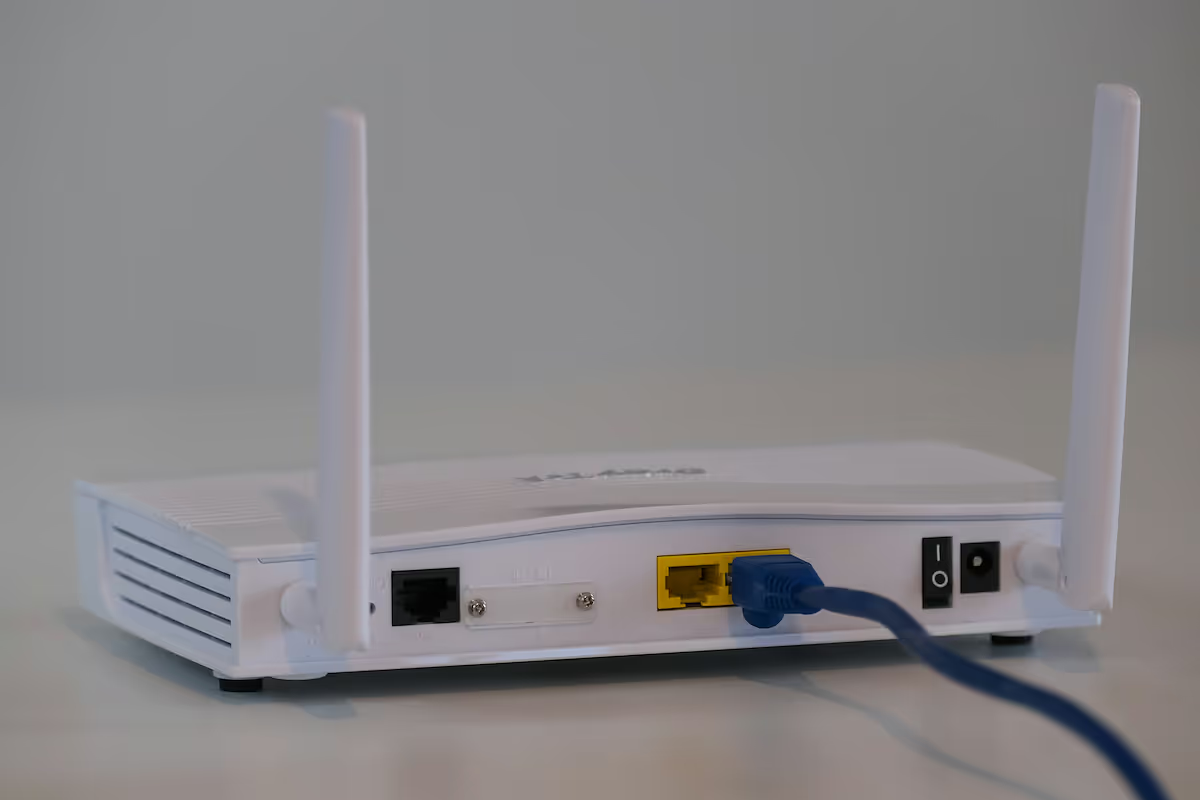
When setting up an enterprise network, the terms 'modem' and 'router' are often used interchangeably. For IT and operations teams, however, knowing the difference is fundamental to building a reliable and secure network.
A modem connects your business to the wider internet through your service provider, while a router creates a local network for your internal devices. This guide will clarify the specific roles of Optimum modems and routers to help you make the right choice for your company's needs.
What is a Router?
Think of a router as the traffic controller for your company's internal network. Once a modem brings an internet connection into your office, the router's job is to take that single connection and distribute it securely to all your devices. This process creates a private Local Area Network (LAN) for your business operations.
An Optimum Router handles several critical functions:
- Creates a Local Network: It allows multiple devices, such as computers, servers, and printers, to connect and communicate with one another.
- Manages Data Traffic: It directs incoming and outgoing data packets to ensure they reach the correct destination device on your network efficiently.
- Assigns IP Addresses: The router gives each device a unique local IP address, which is essential for identifying devices and routing information correctly within the LAN.
- Provides Security: Most routers come with a built-in firewall, offering a primary layer of defense against unauthorized access and external security threats.
What is a Modem?
A Modem is the hardware that connects your office to your Internet Service Provider (ISP), such as Optimum. Its name is a portmanteau of “modulator-demodulator,” which describes its core function of converting signals to make internet access possible.
An Optimum Modem is responsible for these key tasks:
- Establishes an Internet Connection: It serves as the bridge between your business and the wider internet, communicating directly with your ISP's network.
- Converts Data Signals: It translates the digital signals from your network into analog signals that can travel over the ISP's infrastructure (like cable or fiber lines) and reverses the process for incoming data.
- Receives a Public IP Address: The modem is assigned one public IP address from your ISP, which identifies your network on the internet.
- Offers a Direct Link: A standalone modem typically provides a single Ethernet port designed to connect to one device—in most business setups, this device is a router.
Key Differences Between Routers and Modems
While they work together, their roles in your network architecture are fundamentally different. Here’s a direct comparison to clarify their distinct responsibilities.
Core Function
A modem’s primary job is to establish a connection to the internet. It acts as the bridge between your business and your ISP, translating signals to bring internet access into your building.
A router, on the other hand, takes that single internet connection from the modem and distributes it to create a private local network for all your office devices.
Network Scope and IP Addresses
A modem operates on the Wide Area Network (WAN) and is assigned a single public IP address by your ISP, making your network visible to the internet.
In contrast, a router operates on the Local Area Network (LAN). It assigns unique private IP addresses to each internal device, allowing them to communicate with each other and share the single internet connection securely.
Security
A standalone modem typically provides no security features. It simply passes data between your network and the ISP.
A router is your network's first line of defense. It includes a built-in firewall to block unauthorized access and protect all connected devices from external threats.
Benefits of Using an Optimum Router
Opting for a router supplied directly by Optimum can offer several practical advantages for businesses, primarily centered on convenience and streamlined network management.
- Guaranteed Compatibility: An Optimum router is designed to work seamlessly with their internet service, which eliminates potential hardware conflicts and simplifies the initial setup process for your IT team.
- Unified Technical Support: When you use an Optimum router, you have a single point of contact for troubleshooting. If a network issue arises, you avoid the complexity of coordinating between your ISP and a separate hardware vendor.
- Automatic Updates: Optimum typically manages firmware updates for their routers, ensuring your device is always running the latest software with up-to-date security patches without requiring manual intervention.
- Optimized Performance: The hardware is often pre-configured to perform best on Optimum's network, which can contribute to more stable and reliable connectivity for your daily business operations.
Advantages of an Optimum Modem
Similar to their routers, using a modem provided by Optimum offers benefits centered on reliability and ease of management. For a business, this translates to less downtime and simpler problem-solving.
- Certified Network Performance: An Optimum modem is certified to work on their network, ensuring it can handle the subscribed speeds and service tiers without compatibility issues.
- Single Point of Accountability: When connectivity issues arise, having an Optimum modem means there is one company to call. This eliminates the common problem of ISPs blaming third-party hardware for service disruptions.
- Streamlined Setup and Provisioning: Optimum handles the device provisioning, which can simplify the initial setup and any future service changes, freeing up your IT team's time.
- Access to Full Service Features: Some advanced services or speed tiers may require specific modem firmware or hardware, which is guaranteed when using Optimum's own equipment.
Choosing the Right Device for Your Enterprise Network
The decision isn't about picking one over the other, but about determining the right configuration for your specific operational needs. The choice between a combined unit or separate devices depends entirely on your company's scale, security posture, and plans for growth.
The Case for a Modem-Router Gateway
For smaller offices or locations with straightforward connectivity needs, a combined modem-router unit, often called a gateway, can be an efficient choice. This single device handles both the internet connection and local network distribution, simplifying hardware management. However, gateways typically offer less control over advanced network settings, which may not be suitable for environments with complex security requirements.
The Standard for Enterprises: Separate Devices
Most businesses benefit from using a standalone modem paired with a separate, dedicated router. This configuration provides maximum flexibility, allowing your IT team to select a router that meets precise security, traffic management, and performance standards. It also allows for independent upgrades; you can replace your router with a more powerful model as your company grows, without altering your internet service.
Key Factors for Your Decision
To make the right choice, evaluate your network's demands. Consider the number of devices that will connect, your requirements for guest networks, and any need for advanced security protocols like VLANs or custom firewall rules. Planning for future growth is also critical, as a scalable setup prevents the need for a complete overhaul down the line.
Final Thoughts on Optimum Router vs Modem
Ultimately, the distinction between an Optimum modem and a router comes down to their specific jobs. A modem is your gateway to the internet, while a router creates and manages your private local network.
For most businesses, pairing a standalone modem with a separate, high-performance router is the standard. This approach offers the most flexibility and control over your network's security and traffic. By understanding how these two essential devices work together, your team can build a reliable infrastructure that supports your company's operational needs and future growth.
Need Help Managing Your Network? Lightyear Can Help

Choosing the right hardware is just the first step. Once you've decided on your modem and router setup, Lightyear can help manage the entire lifecycle of your network services, from procurement to payment.
By automating network service procurement, inventory management, and bill consolidation, Lightyear removes the complexity of telecom infrastructure management. Enterprises using our platform report over 70% in time savings and 20% in cost savings.
Schedule a demo or get started with our questionnaire today.
Frequently Asked Questions about Optimum Router vs Modem
Can I use my own modem and router with Optimum Business service?
Yes, you can use your own equipment, but the modem must be on Optimum's approved list to ensure compatibility. While this offers more control, you become responsible for all hardware support, troubleshooting, and firmware updates, unlike with Optimum-provided gear.
Is Wi-Fi a function of the modem or the router?
Wi-Fi is a function of the router. The router is what creates your local wireless network, allowing devices to connect without cables. A standalone modem's only job is to establish the internet connection from your service provider.
For a multi-site business, does each location need its own modem and router?
Yes, every physical location requires its own modem to connect to the local ISP and a router to create a secure internal network. This architecture ensures each site has an independent and reliable connection for its specific operational needs.
Let us show you the product and discuss specifics on how it might be helpful.
Schedule a Demo





Revolutionize Your Telecom Experience
Learn how you can get one step closer to optimal business efficiency for all your telecom services.
