Router vs Cable Modem: Enterprise Differences Explained
Router vs. cable modem: What's the difference for your business? Learn how each device works to connect and manage your enterprise network.

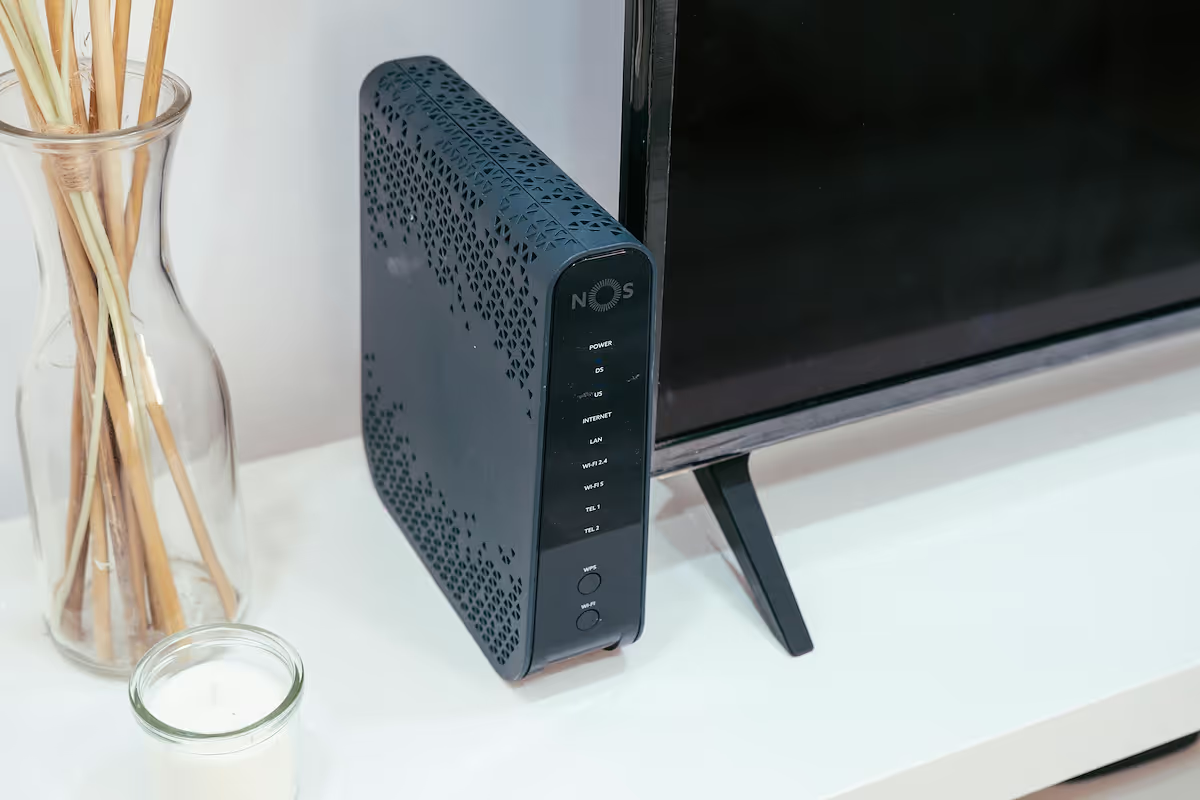
When building out an office network, the terms 'router' and 'cable modem' are frequently used together, but they serve distinct and separate functions.
A cable modem is the device that connects your physical location to your internet service provider (ISP), translating the incoming signal. A router then takes that internet connection from the modem and creates a private local network, allowing your various office devices to share it securely.
For any business, knowing the specific role of each is crucial for designing a network that is both high-performing and secure. This guide will explain the key differences and help you make informed decisions for your company's infrastructure.
What is a Router?
A router is the device that creates and manages your office's local network. It takes the internet connection provided by a modem and distributes it to multiple devices, while also allowing them to communicate with one another. Think of it as the traffic director for your internal network, ensuring data packets get where they need to go. Its core responsibilities include:
- Creating a Local Area Network (LAN): It connects devices like computers, printers, and servers, enabling them to share information and resources.
- Directing Data Traffic: It intelligently routes data packets between devices on your LAN and to and from the wider internet.
- Assigning IP Addresses: Using a system called DHCP, it assigns a unique local IP address to every connected device so they can be identified on the network.
- Providing Wireless Access: Most modern routers also function as wireless access points, creating the Wi-Fi signal that connects your wireless devices.
What is a Cable Modem?
A cable modem is the essential piece of hardware that connects your office to your Internet Service Provider (ISP) via their coaxial cable infrastructure. Its primary job is to act as a translator, converting the ISP's signal into a usable internet connection for your location.
This process involves modulating and demodulating signals—which is where the name "modem" comes from. It takes the signal from the cable line and turns it into a digital one your network can use, and vice versa for outgoing data. Its main functions are:
- Connecting to the ISP Network: It uses a coaxial cable to link your building directly to the provider's network, establishing the physical connection for service.
- Signal Translation: It decodes incoming signals from the ISP and encodes outgoing data from your network, enabling communication over the cable lines.
- Receiving a Public IP Address: The ISP assigns a single public IP address to the modem, which is how your network is identified on the global internet.
- Providing a Direct Internet Link: A modem typically has one Ethernet port to provide this connection to a single device, which is almost always a router.
Key Differences Between Routers and Cable Modems
While they work together, their roles in your network architecture are fundamentally different. Let's break down the specifics.
1. Function and Scope
A cable modem's primary function is to act as a bridge between your office and your ISP. It operates on the Wide Area Network (WAN), translating signals to bring an internet connection into your building.
A router, on the other hand, operates on the Local Area Network (LAN). It takes that single internet connection from the modem and distributes it to create a private network for your internal office devices.
2. Network Connections and Ports
Physically, the devices are quite different. A modem typically has just two connections: a coaxial input from the ISP's cable line and a single Ethernet port to output the internet connection.
A router is built for distribution, featuring one Ethernet input (WAN port) to connect to the modem and multiple Ethernet outputs (LAN ports) for wired devices. Most business-grade routers also have antennas for creating a Wi-Fi network.
3. IP Address Assignment
Your ISP assigns one public IP address to your modem, which is your network's unique, public-facing address on the internet.
The router then uses a process called Network Address Translation (NAT) to create and assign many private IP addresses to all the devices on your local network. This allows dozens or hundreds of devices to share that single public IP address from the modem.
How Routers Enhance Network Security
A router is more than just a traffic director; it's a critical security gatekeeper for your network. While a modem simply passes the internet connection through, a router actively protects your local network in several key ways:
- Built-in Firewall: Routers include a firewall to inspect data packets and block malicious traffic, acting as a primary defense against external threats.
- Network Address Translation (NAT): This feature masks the IP addresses of your internal devices, making it difficult for attackers to directly target individual computers on your LAN.
- Access Control: Administrators can set rules to permit or deny traffic from specific sources, providing granular control over who can access the network.
- VPN Capabilities: Many business routers support VPNs, encrypting connections for remote workers to secure data in transit.
The Role of Cable Modems in Internet Connectivity
A cable modem is your direct link to the internet, and its specifications are critical for performance. It acts as the gatekeeper for the service you receive from your provider, directly influencing the quality of your connection.
- ISP Plan Compatibility: The modem must support the speed of your subscribed internet plan. If you pay for a 1 Gbps connection but your modem is only rated for 500 Mbps, it will create a bottleneck and limit your performance.
- DOCSIS Standards: Modems use a specific standard, like DOCSIS 3.1, to communicate with the ISP. Using a modem with a standard certified by your provider is essential for a stable and fast connection.
- A Passive Bridge: Fundamentally, a modem is a passive device. It doesn't offer security features or manage local traffic; its sole purpose is to establish the connection and pass it on to a router.
Choosing the Right Device for Your Enterprise Network
When it comes to outfitting your enterprise, it's not a matter of choosing one device over the other—you need both. The real decision lies in selecting the right model of each to meet your business's specific demands.
1. Selecting Your Cable Modem
For your modem, the primary consideration is compatibility with your Internet Service Provider. Always check your ISP's approved device list to ensure the modem you choose is certified for their network and your subscribed speed tier.
It is also wise to avoid modem/router combination units. Keeping these functions in separate, dedicated devices provides greater control, easier troubleshooting, and more flexibility for future upgrades to your network architecture.
2. Selecting Your Enterprise Router
Choosing a router requires a closer look at your internal network needs. Consider scalability—the router must support not only your current device count but also your projected growth.
Look for enterprise-grade security features that go beyond a basic firewall, such as robust support for VPNs and access control lists. Finally, evaluate its management capabilities. A business-class router should offer granular control over traffic, including Quality of Service (QoS) settings to prioritize critical applications like VoIP or video conferencing.
Final Thoughts on Routers and Cable Modems
Understanding the distinction between a router and a cable modem is fundamental for building a reliable business network. In short, a modem connects your office to the internet, while a router creates the private, local network for your devices to use that connection.
They are not interchangeable but rather two parts of a team. The modem serves as the bridge to your ISP, while the router acts as the secure traffic controller and distributor for your internal operations.
By selecting the right device for each role—a compatible modem for your ISP and a secure, scalable router for your LAN—you establish a strong foundation for your company's connectivity. This clarity is the first step toward a better-managed network.
Need Help Managing Your Network? Lightyear Can Help

Once you've selected the right routers and modems, the next step is managing the services that run on them. Lightyear automates network service procurement, inventory management, and bill consolidation to take the complexity out of your telecom infrastructure.
The hundreds of enterprises who trust Lightyear achieve over 70% in time savings and 20% in cost savings on their network services.
Schedule a demo or get started with our questionnaire today.
Frequently Asked Questions about Router vs Cable Modem
Can I use a modem without a router?
Yes, but you could only connect a single device to the internet. For any business, a router is essential to create a secure local network, distribute the connection to multiple devices, and provide critical firewall protection that a modem alone does not offer.
Do I need a different modem for fiber internet?
Yes. Fiber optic service uses an Optical Network Terminal (ONT), not a cable modem. While it serves a similar purpose by translating the ISP's signal, an ONT is specifically designed for fiber technology. Your router would then connect to the ONT.
Why do some ISPs provide a single combination device?
ISPs offer modem/router combo units for user convenience, especially in residential settings. For business networks, separate devices provide superior performance, more robust security features, and greater flexibility for troubleshooting and future upgrades to your network infrastructure.
Let us show you the product and discuss specifics on how it might be helpful.
Schedule a Demo





Revolutionize Your Telecom Experience
Learn how you can get one step closer to optimal business efficiency for all your telecom services.
