Router vs Network Switch: Differences Explained
Router vs. switch: Understand the core difference. A router connects networks (like to the internet), a switch connects devices within one network.

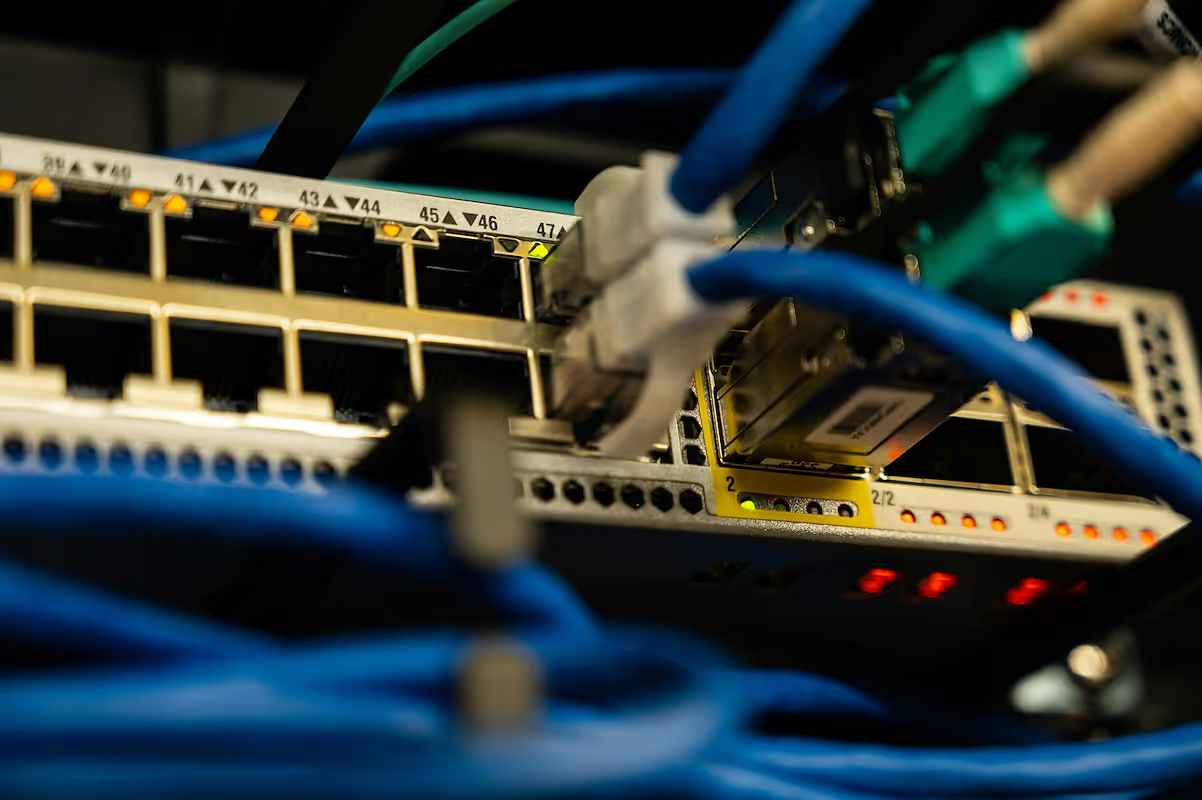
When building or upgrading a business network, two essential pieces of hardware often come up: routers and network switches. While they look similar and both play critical roles in connecting devices, they serve fundamentally different purposes.
This article will explain the key differences between them, helping you make informed decisions for your company's IT infrastructure. Knowing when to use a router, a switch, or both is fundamental to creating a reliable and performant network.
What is a Router?
A router is a networking device that connects multiple networks and forwards data packets between them. Its primary role is to act as a gateway, linking your internal local area network (LAN) to the external wide area network (WAN), which is typically the internet.
It essentially functions as the traffic controller for your network. Here are its core responsibilities:
- Connects different networks: It bridges the gap between your private office network and the public internet, allowing devices within your LAN to send and receive data from the outside world.
- Directs data traffic: A router inspects data packets to determine their destination and forwards them along the most efficient path. This routing process is critical for internet communication.
- Assigns IP addresses: Using Dynamic Host Configuration Protocol (DHCP), a router assigns a unique IP address to each device on the network, ensuring data is sent to the correct computer, printer, or server.
- Offers security: Business routers typically include a built-in firewall, which acts as a security barrier to monitor incoming and outgoing traffic and block potential threats from reaching your network.
What is a Network Switch?
A network switch operates within a single local area network (LAN) to connect multiple devices. While a router’s job is to connect different networks, a switch’s purpose is to create a network and allow devices like computers, printers, and servers within that single network to communicate directly with each other.
Here are its primary functions:
- Connects local devices: Its main role is to link devices within one physical location, such as an office. It acts as a central point of connection for all your wired equipment, creating the fabric of your local network.
- Forwards data intelligently: A switch identifies each connected device by its unique MAC address. When a data packet arrives, the switch sends it only to the specific device it is intended for, which prevents unnecessary traffic from slowing down the network.
- Reduces network congestion: By directing traffic precisely instead of broadcasting it to all devices, a switch improves overall network efficiency and performance.
- Expands network capacity: Switches come with a varying number of ports (from 5 to 48 or more), making it easy to add more wired connections as your business grows.
Router vs Network Switch: Key Differences
While both devices manage data traffic, they do so in fundamentally different ways and at different scales. Here’s a breakdown of the core distinctions an IT buyer needs to know.
1. OSI Model Layer
The most fundamental difference lies in where they operate within the OSI model. Routers function at Layer 3 (the Network Layer), making decisions based on IP addresses to route traffic between different networks.
Switches primarily operate at Layer 2 (the Data Link Layer). They use MAC addresses to forward data frames to the correct device within the same local network. Some advanced Layer 3 switches can perform routing, but a dedicated router is still the specialist for connecting to the internet.
2. Scope of Connection
A router’s purpose is to connect distinct networks. Its classic role is linking your company's private Local Area Network (LAN) to the public Wide Area Network (WAN), or the internet.
A switch, on the other hand, is used to create a single network. It connects endpoints like computers and printers within one location, allowing them to communicate with each other.
3. Address Type Used
Because they operate at different layers, they use different types of addresses. A router uses logical IP addresses to direct packets to a destination network.
A switch uses physical MAC addresses—the unique hardware identifier of a device—to pass data frames to a specific machine on the local network.
When to Use a Router
A router is the right tool whenever you need to connect different networks or manage traffic flowing between them. Its primary job is to serve as the gateway between your internal network and the outside world.
You absolutely need a router to connect your office LAN to the internet. It manages all communication between your local devices and the broader web. Routers are also used to link separate office networks together, for instance, connecting a branch office to your headquarters to form a cohesive wide area network (WAN).
Furthermore, if you need to provide wireless access for employees or guests, a wireless router is required to create and manage the Wi-Fi network.
When to Use a Network Switch
A network switch is the right choice whenever you need to connect multiple wired devices within the same local network. Its primary job is to expand your network's physical capacity and manage internal traffic efficiently.
If your router has only a few Ethernet ports but you need to connect dozens of computers, printers, and servers in an office, a switch is essential. You simply connect the switch to one of the router's ports, and you instantly gain many more ports for your devices.
This setup creates a high-speed local network where devices can communicate directly with one another. For any business that relies on fast, stable connections between its internal equipment, a switch is a non-negotiable part of the infrastructure, working alongside a router to build a complete network.
Common Misconceptions About Routers and Switches
Navigating the hardware market can be tricky, and a few common misunderstandings often pop up when discussing routers and switches. Let's clear up some of the most frequent ones to ensure you're building your network on a solid foundation.
- "All switches are the same." A common myth is that any switch will do. In reality, they range from simple unmanaged switches (plug-and-play) to sophisticated managed switches that give IT teams granular control over network traffic, security policies, and performance monitoring.
- "Routers are only for internet access." While this is their most frequent job, routers are fundamentally built to connect any two different networks. For example, a large company might use a router to link the corporate LAN with a separate, isolated network for guest Wi-Fi.
- "A switch can replace a router." A switch cannot perform a router's core functions. It cannot assign IP addresses to devices on the network or connect your entire office to the internet. That is always the router's responsibility.
- "You can get a 'wireless switch'." The term is often used incorrectly. Wireless connectivity is provided by a wireless router or a dedicated wireless access point (WAP). Switches are specifically for creating and managing wired connections on a local network.
Making the Right Choice for Your Network
Ultimately, the choice between a router and a switch isn't an either/or decision. The two devices perform distinct but complementary functions, and most business networks require both to operate effectively.
A router is essential for connecting your local network to the internet. It acts as the director of traffic, managing data flow between your internal systems and the outside world and assigning IP addresses.
A network switch is necessary when you need to connect multiple wired devices within a single office. It creates the local network, allowing computers, printers, and servers to communicate directly and efficiently with one another.
In nearly every business setting, you will use both. The most common setup involves connecting a switch to one of your router's ports, which expands your network's capacity far beyond what the router alone can support.
By understanding these separate roles, you can design a stable and scalable network. This ensures your team has reliable access to both internal resources and the internet, forming the foundation of your company's connectivity.
Need Help Managing Your Network? Lightyear Can Help

Choosing the right hardware is just the first step. Managing the telecom services and inventory for your routers and switches is where the real complexity begins.
By automating network service procurement, inventory management, and bill consolidation, Lightyear takes the pain out of telecom infrastructure management. The hundreds of enterprises who trust Lightyear achieve 70%+ time savings and 20%+ cost savings on their network services.
Schedule a demo or get started with our questionare today.
Frequently Asked Questions about Router vs Network Switch
Can a Layer 3 switch replace my router?
While a Layer 3 switch can handle internal routing between different network segments (VLANs), it typically lacks the specific WAN interfaces, NAT, and advanced firewall features of a dedicated router. For secure internet connectivity, a router is still the essential gateway.
How do a router and switch work together in an office?
In a standard office setup, an Ethernet cable connects one of the router's LAN ports to a port on the switch. The router provides the internet connection and assigns IP addresses, while the switch expands the port count to connect all your local wired devices.
Do network switches offer security features?
Yes, managed switches provide internal security features like port security, which can restrict device connections, and Access Control Lists (ACLs) to filter traffic. However, a router's firewall is the primary defense against external threats from the internet.
What is the difference between a managed and an unmanaged switch?
An unmanaged switch is a simple plug-and-play device with no configuration needed. A managed switch gives IT administrators control to prioritize traffic (QoS), segment the network (VLANs), and monitor performance, which is critical for growing business networks.
Let us show you the product and discuss specifics on how it might be helpful.
Schedule a Demo





Revolutionize Your Telecom Experience
Learn how you can get one step closer to optimal business efficiency for all your telecom services.
