Router vs Repeater: Differences for Enterprise Networks
Routers create your network, while repeaters extend it. Understand the distinct roles of each for building a reliable enterprise network infrastructure.

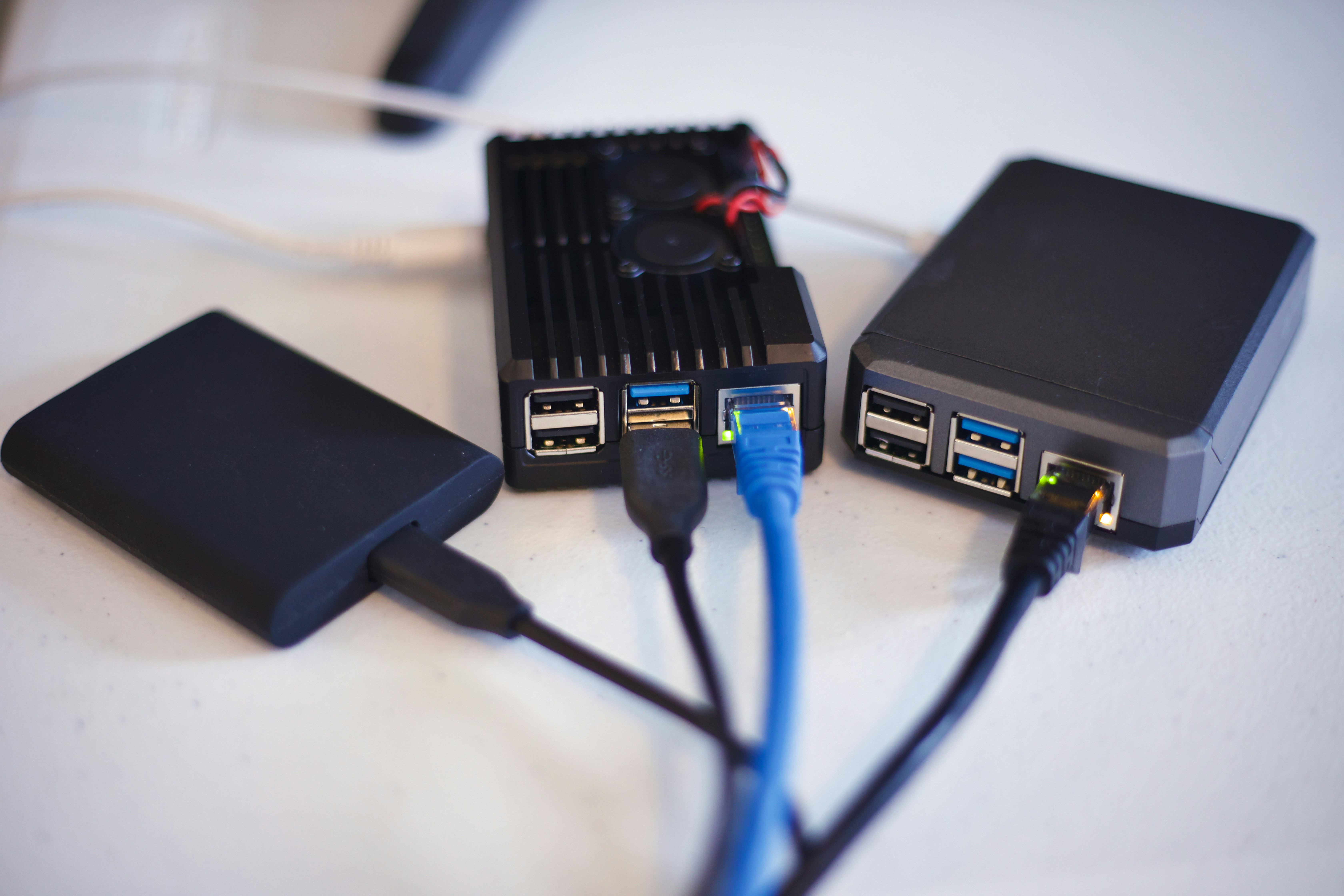
Building a reliable enterprise network means choosing the right hardware for the job. Two common devices you'll encounter are routers and repeaters, and while they both play a role in connectivity, they serve very different functions.
A router acts as the central hub of your network, directing traffic between devices and the internet. A repeater, on the other hand, is designed simply to extend the range of an existing Wi-Fi signal.
Understanding the distinction is crucial for designing an efficient and cost-effective network infrastructure.
What is a Router?
A router is the brain of your local area network (LAN). It connects multiple networks together—like your internal office network and the wider internet—and directs traffic between them. Think of it as an air traffic controller for your data, managing how information flows in and out.
Its primary jobs include:
- Directing Traffic: It receives data from the internet and sends it to the correct device on your network, whether that's a computer, printer, or server. It also manages outgoing traffic from your devices to the internet.
- Assigning IP Addresses: Every device on your network needs a unique identifier, known as an IP address. The router assigns these local IP addresses to ensure data packets are delivered to the right place without confusion.
- Providing Security: Most modern routers include a built-in firewall. This acts as a first line of defense, monitoring incoming and outgoing traffic and blocking potential threats before they can reach your devices.
- Creating a Local Network: It establishes a private network for your office, allowing connected devices to communicate with each other directly, separate from the public internet.
How Does a Repeater Work?
A repeater, often called a Wi-Fi extender, is a straightforward device that boosts your existing wireless signal to cover more ground. It functions as a relay station, capturing the signal from your main router and rebroadcasting it to areas where connectivity is weak or non-existent, such as distant offices or conference rooms.
The process is fairly simple, but it comes with important performance considerations that enterprise IT teams should know.
- Signal Reception and Rebroadcast: The repeater must be placed where it can still receive a strong, stable signal from the primary router. It then rebroadcasts this signal, creating a secondary network bubble that extends from its location.
- Bandwidth Impact: A key technical trade-off is that most repeaters halve the potential bandwidth for devices connected to them. This happens because the repeater uses the same radio to both listen to the router and talk to your devices, effectively splitting its capacity.
- Single-Function Device: Unlike a router, a repeater does not create a new network or manage traffic. Its sole purpose is to extend the range of an existing Wi-Fi signal.
Router vs Repeater: Key Differences
While both devices handle Wi-Fi signals, their roles and impact on your network are fundamentally different. Let's break down the primary distinctions an IT buyer needs to know.
Function and Intelligence
A router is an intelligent device that actively manages your network. It creates the network, assigns unique IP addresses to every connected device, and directs data traffic efficiently.
A repeater is a much simpler device. It doesn't create or manage a network; it only captures an existing Wi-Fi signal and rebroadcasts it to extend its range. It has no traffic management intelligence.
Performance and Bandwidth
A router is designed to deliver the maximum possible bandwidth provided by your internet service plan to connected devices. It acts as the primary gateway for all data.
A repeater, on the other hand, inherently reduces bandwidth. Because it uses the same radio to both receive the signal from the router and transmit it to devices, it typically cuts the available bandwidth by up to 50% for anything connected to it.
Security
Routers are a cornerstone of network security. They include built-in firewalls to block malicious traffic and allow for advanced configurations like creating separate guest networks or implementing access controls.
A repeater offers no new security features. It simply extends the security protocols already established by the main router. It does not add an additional layer of protection.
When to Use a Router
A router is the non-negotiable starting point for any network. You will always use a router when establishing a new network from scratch, such as for a new office location or a primary connection to the internet.
It is the only device that can connect your local area network (LAN) to your internet service provider (ISP), creating the gateway for all incoming and outgoing data.
A router is also necessary whenever you need to perform network administration tasks. This includes implementing security policies via a firewall, managing IP addresses, or segmenting network traffic for different departments or security levels.
In short, if the task involves creating, managing, or securing a network, a router is the required tool.
When to Use a Repeater
A repeater is the right tool when your existing Wi-Fi network is performing well but simply doesn't reach certain areas. It’s a tactical solution for extending coverage into signal dead zones.
Consider using a repeater in large office spaces, warehouses, or multi-floor buildings where concrete walls or distance weaken the signal from the main router. It can effectively bridge these gaps and provide connectivity in previously unreachable spots.
However, remember the performance trade-off. Since a repeater can cut bandwidth in half, it is best suited for areas where connectivity needs are less demanding. This might include break rooms, lobbies for guest Wi-Fi, or conference rooms used for light browsing rather than data-intensive tasks.
Common Misconceptions About Routers and Repeaters
When planning a network, it's easy to fall for a few common myths about these devices. Let's clear up some frequent points of confusion that can lead to poor network performance.
- Myth: A repeater will fix a slow network. The reality is that a repeater is designed to extend a Wi-Fi signal’s range, not improve its speed. Because it has to receive and rebroadcast data, it actually reduces the available bandwidth. If your core network connection is slow, a repeater will only extend that slow connection over a larger area.
- Myth: You can add multiple repeaters to cover a huge area. While you can extend a signal with a repeater, connecting multiple repeaters in a chain is highly inefficient. Each device in the chain degrades the signal and bandwidth further, leading to extremely poor performance. For large enterprise spaces, solutions like mesh systems or multiple wired access points are the correct approach.
- Myth: A repeater is just a cheaper, less powerful router. This confuses their functions. A router is an essential device for creating, managing, and securing a network. A repeater cannot do any of this; its only job is to rebroadcast an existing signal. You cannot substitute one for the other, as they solve completely different problems.
Making the Right Choice for Your Network
Choosing between a router and a repeater comes down to the specific problem you need to solve. A router is the non-negotiable foundation of any network, responsible for creating, managing, and securing your connection.
A repeater is a supplemental tool used only to extend the range of an existing Wi-Fi signal. It addresses coverage gaps but does not improve network speed or add management features.
For enterprise environments with large or complex layouts, it's often better to consider alternatives like mesh systems or wired access points. These solutions extend coverage more effectively than repeaters without the significant bandwidth penalty.
Ultimately, making the right choice means matching the device's function to your goal, ensuring you build a reliable and performant network from the start.
Need Help Managing Your Network? Lightyear Can Help

Choosing the right hardware is just the first step; managing the underlying network services is the next challenge. By automating network service procurement, inventory management, and bill consolidation, Lightyear takes the pain out of telecom infrastructure management.
The hundreds of enterprises who trust Lightyear achieve 70%+ time savings and 20%+ cost savings on their network services.
Schedule a demo or get started with our questionnaire today.
Frequently Asked Questions about Router vs Repeater
Can a router act as a repeater?
Some modern routers offer a "repeater mode" or "bridge mode," allowing them to function like a repeater. However, this is not a standard feature on all models, so you'll need to check your device's specifications to see if it's a supported option.
What’s the difference between a repeater and a mesh system?
A repeater rebroadcasts a signal, which cuts bandwidth in half. A mesh system uses multiple nodes that communicate with each other to create a single, seamless Wi-Fi network, providing better performance and coverage without the same significant bandwidth loss. Mesh is a more advanced solution.
Do I need a special router to use a repeater?
No, most repeaters are universally compatible with standard Wi-Fi routers. As long as your router uses common Wi-Fi protocols, any modern repeater should be able to connect and extend its signal without issue. Compatibility is rarely a concern for basic extension tasks.
Let us show you the product and discuss specifics on how it might be helpful.
Schedule a Demo





Revolutionize Your Telecom Experience
Learn how you can get one step closer to optimal business efficiency for all your telecom services.
