Second Router vs Extender: Enterprise Network Solutions
Router vs. extender for your business network? Learn the key differences in performance, security, and cost to make the right choice for your sites.

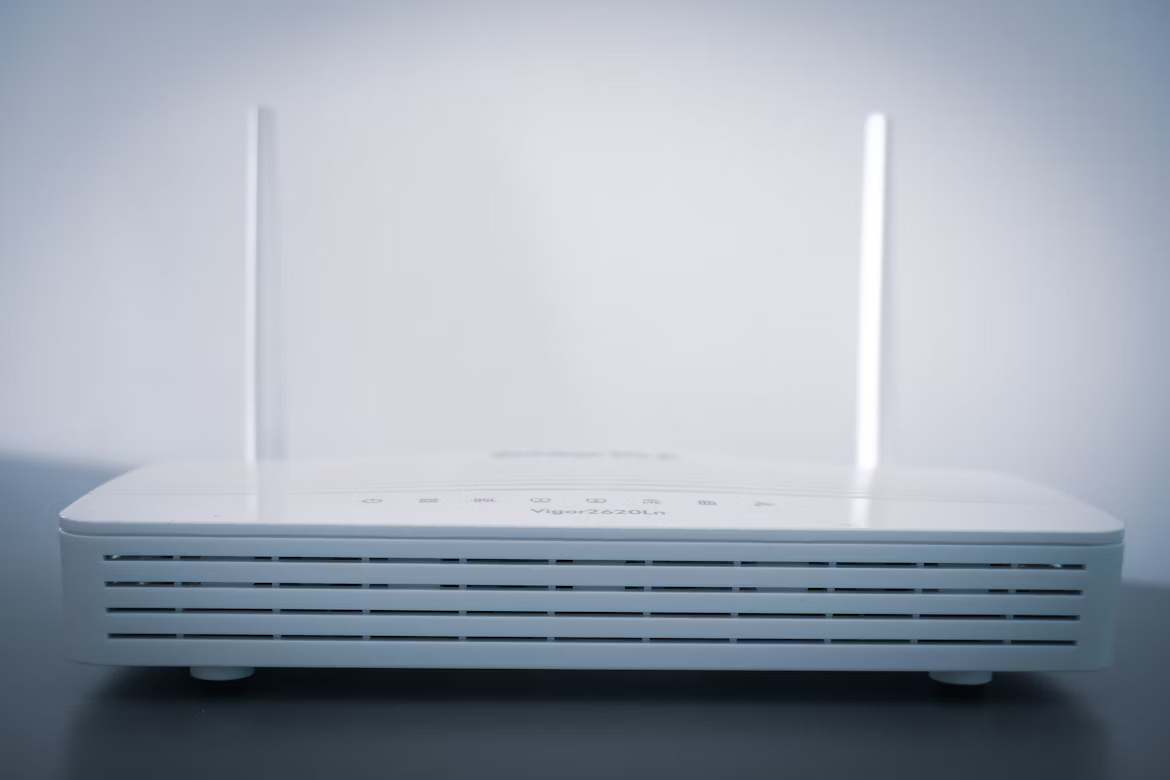
When your enterprise network needs better coverage, two common solutions often come up: adding a second router or installing a Wi-Fi extender.
While both options can expand your network's reach, they operate in fundamentally different ways and are designed for very different scenarios.
For any IT or operations leader, knowing the distinction is critical for making a cost-effective and technically sound decision for your company's infrastructure.
What is a Second Router?
Adding a second router to your existing network involves connecting another router to your primary one, typically with an Ethernet cable. This setup doesn't just extend your Wi-Fi signal; it creates an entirely new, independent network alongside your original one.
- Creates a New Network: A second router establishes its own distinct Wi-Fi network, complete with a separate name (SSID) and password. It operates independently from the primary router's network.
- Requires a Wired Connection: For this configuration to work, the second router must be physically connected to the main router using an Ethernet cable. This hardwired link is essential for its operation.
- Manages Its Own Traffic: It handles its own data traffic and device connections, which can help distribute the network load and prevent congestion on the primary network.
- Offers Advanced Configuration: A second router can be configured to create a subnet. This is useful for isolating guest traffic or specific departments for enhanced security and traffic management.
What is an Extender?
A Wi-Fi extender, also known as a repeater, is a device designed to boost and rebroadcast your existing Wi-Fi signal. It captures the wireless signal from your primary router and extends its coverage to areas where the signal is weak or non-existent, such as distant offices or floors.
- Extends the Existing Network: An extender rebroadcasts your current Wi-Fi signal, typically under the same network name (SSID). Devices can switch between the router and the extender as you move around.
- Connects Wirelessly: It connects to your primary router wirelessly, offering flexibility in placement. All it needs is a power outlet within the range of the main router's signal.
- Shares Bandwidth: The extender shares bandwidth from the primary router. This means that while coverage is expanded, the connection speeds for devices on the extender may be lower than on the main network.
- Simple Installation: Extenders are generally designed for a straightforward, plug-and-play setup, requiring minimal technical configuration to get running.
Second Router vs Extender: Key Differences
While both solutions expand your Wi-Fi coverage, they do so with significant trade-offs in performance, management, and setup. Here’s a closer look at the main distinctions.
1. Performance and Speed
A second router connects via an Ethernet cable, giving it a direct, stable link to your primary network. This means it can deliver speeds nearly identical to your main router without degrading overall network performance.
An extender, however, connects wirelessly and must split its bandwidth between receiving the signal from the router and rebroadcasting it to your devices. This process effectively cuts the available speed in half for any devices connected to it.
2. Network Management and Security
Because a second router creates an entirely separate network, it offers greater control. You can configure it as a subnet to isolate traffic for security, such as creating a dedicated guest network or segmenting departmental access.
An extender simply mirrors the settings of your primary router. It offers no independent management features and operates as a single, unified network, meaning there is no way to isolate traffic between the extender and the main router.
3. Installation and Physical Setup
Extenders are designed for simplicity and can be placed anywhere with a power outlet that is within range of the main router’s signal. The setup is typically a quick, plug-and-play process.
A second router requires a physical Ethernet cable run from the primary router to its location. This can be a more complex and costly installation, especially in larger buildings or across different floors.
Benefits of Using a Second Router
Opting for a second router brings several key advantages, especially in a business environment where performance and security are paramount.
- Greater Network Stability: The required Ethernet connection provides a reliable, high-speed link that isn't susceptible to the wireless interference that can disrupt extenders. This ensures consistent performance for critical operations.
- Advanced Security Segmentation: You can create a completely separate network for specific uses, like guest access or handling sensitive departmental data. This isolation is a powerful tool for protecting your core network infrastructure.
- Effective Load Balancing: By dividing devices between two routers, you prevent network congestion. This is particularly useful in device-heavy areas, ensuring that performance doesn't degrade for users on the primary network.
- Dedicated Network Functions: A second router can be configured for specialized tasks, such as creating a VPN gateway for secure remote work or prioritizing voice traffic to maintain clear communication.
Advantages of Using an Extender
Despite their limitations, extenders offer practical benefits in certain situations, particularly when simplicity and cost are the main drivers.
- Cost-Effective Solution: Extenders are significantly less expensive than purchasing a second router, making them an ideal choice for addressing coverage gaps on a tight budget.
- Rapid Deployment: Their plug-and-play nature means they can be set up in minutes without technical expertise or the disruption of running new cables through the office.
- Flexible Placement: Because they don't need a wired connection back to the main router, you can easily test different locations to find the optimal spot for eliminating a dead zone.
- Maintains a Single Network: An extender keeps your existing network name and password, providing a more straightforward user experience for employees who don't have to switch between different networks as they move through the workspace.
Choosing the Right Solution for Your Network Needs
Making the right choice comes down to a clear-eyed evaluation of your business requirements for performance, security, and scale. Your decision should be guided by the primary problem you are trying to solve, not just the desire for more coverage.
- Opt for a second router if: Your main priority is maintaining high performance for demanding applications like VoIP, video conferencing, or large data transfers. It is the correct choice when you need to create a separate, secure network for guests or specific departments to isolate traffic. A second router is also ideal for offloading a significant number of devices from a congested primary network, ensuring stability for everyone. This is the path for when performance and security are non-negotiable.
- Go with a Wi-Fi extender if: You simply need to eliminate a small Wi-Fi dead zone with minimal fuss and on a tight budget. An extender is perfectly suitable for areas where network usage is light—think basic email, web browsing, or connecting a few IoT devices. It's the most practical pick when running an Ethernet cable is not feasible or cost-effective, and you need a quick fix for a coverage gap without any complex configuration.
Final Thoughts on Network Expansion
Expanding your network isn't just about boosting a signal; it's about making a strategic choice for your infrastructure. A second router is a robust upgrade for performance and security, ideal for handling heavy traffic and segmenting your network.
An extender, on the other hand, is a simpler, cost-effective tool for patching minor coverage holes. The right decision depends entirely on your specific operational needs and long-term goals, so assess your requirements carefully to invest in the solution that truly supports your business.
Need Help Managing Your Network? Lightyear Can Help

Once you've decided between a second router or an extender, the next step is managing the procurement and lifecycle of your network services. By automating network service procurement, inventory management, and bill consolidation, Lightyear takes the pain out of telecom infrastructure management.
The hundreds of enterprises who trust Lightyear achieve 70%+ time savings and 20%+ cost savings on their network services.
Schedule a demo or get started with our questionnaire today.
Frequently Asked Questions about Second Router vs Extender
Can I use any router as a second router?
Yes, most modern routers can be configured to function as a second router in "access point mode." You will need to disable its DHCP feature to prevent conflicts with your primary router and connect it via an Ethernet cable for it to work correctly.
How do mesh networks compare to these two options?
Mesh systems are a more advanced solution. They use multiple nodes that communicate with each other to form a single, unified network. They provide better performance than extenders and are simpler to manage than a second router, though they often have a higher price point.
Will an extender slow down my entire network?
An extender will not slow down devices connected directly to your main router. However, because it uses bandwidth to function, heavy traffic on the extended part of the network can affect overall performance. Devices connected to the extender will always experience slower speeds.
Let us show you the product and discuss specifics on how it might be helpful.
Schedule a Demo





Revolutionize Your Telecom Experience
Learn how you can get one step closer to optimal business efficiency for all your telecom services.
