Subnetting vs Router: Differences for Enterprise Networks
Subnetting vs. a router: Learn the difference. Subnetting organizes your network, while routers connect the different segments to direct traffic.

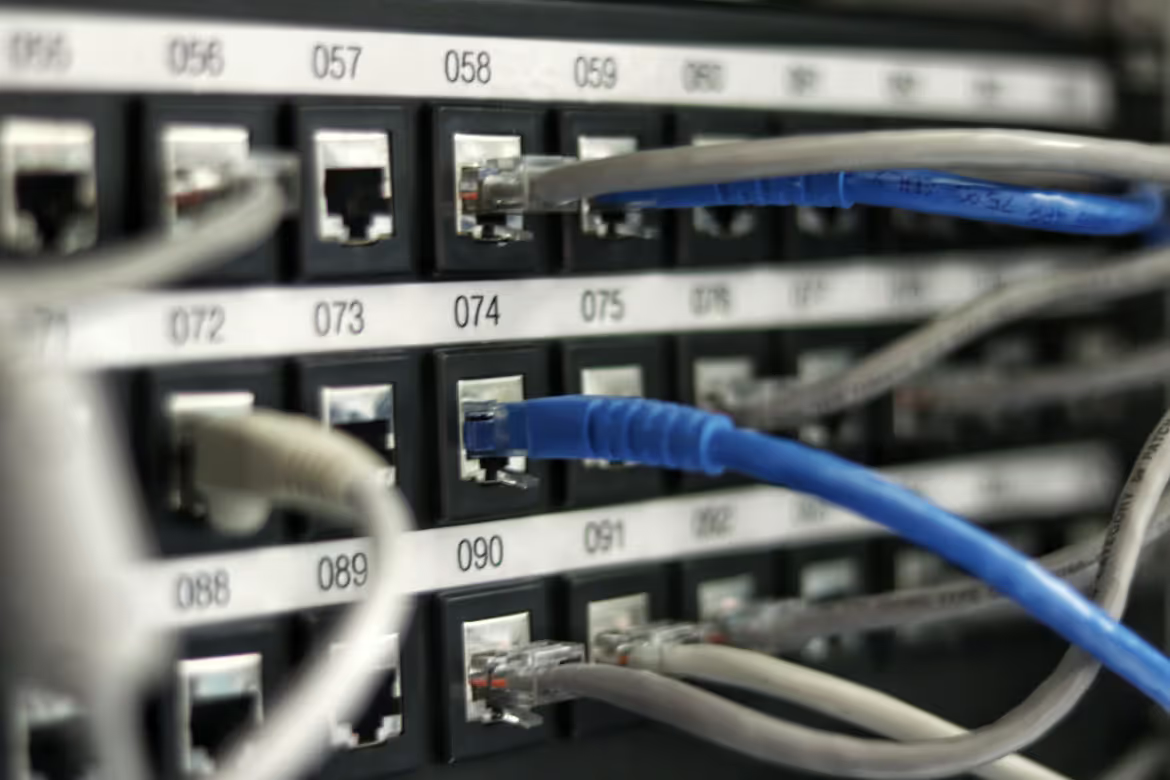
In enterprise network management, the terms 'subnetting' and 'router' are frequently used in the same breath, but they represent distinct concepts. Understanding their individual roles is fundamental to building an efficient and secure network architecture.
A router is a physical device that directs traffic between different networks, while subnetting is a logical method for dividing a large network into smaller segments, or subnets. This article will clarify the specific functions of each and explain how they work in tandem to support your organization's connectivity needs.
What is Subnetting?
Subnetting is the process of dividing a single, large IP network into multiple smaller, more manageable sub-networks, or "subnets." It's a logical partitioning, not a physical one, that organizes a network into a hierarchical structure. This is done by using a subnet mask to borrow bits from the host portion of an IP address, creating a unique identifier for each subnet.
This segmentation helps network administrators achieve specific goals:
- Improved Performance: It reduces unnecessary network traffic by confining broadcasts to their specific subnet, which helps minimize congestion.
- Enhanced Security: Subnetting allows for the isolation of network segments. This means you can implement specific security policies for each subnet, controlling traffic flow between them and containing potential security breaches.
- Simplified Administration: Breaking a large network into smaller parts makes it easier to manage and troubleshoot issues within a specific area.
What is a Router?
A Router is a hardware device that connects two or more networks, directing data packets between them. It operates at the network layer (Layer 3) of the OSI model, making decisions based on IP addresses to send information along the most efficient path. Essentially, it acts as the central traffic controller for data entering and leaving your network.
Key functions of a router in a business environment include:
- Directing Traffic: It analyzes the destination address of incoming packets and uses an internal routing table to forward them toward their final destination.
- Internet Connectivity: It serves as the primary gateway connecting your entire local area network (LAN) to the internet (WAN).
- Network Security: Most enterprise-grade routers include built-in firewalls and support access control lists (ACLs) to filter unwanted traffic and protect internal assets.
- IP Address Assignment: Routers often manage Dynamic Host Configuration Protocol (DHCP) to automatically assign unique IP addresses to devices on the network.
Subnetting vs Router: Key Differences
While both are essential for network management, their core functions and fundamental nature are distinct. Here’s a breakdown of the primary differences.
1. Core Function: Organization vs. Connection
Subnetting is a strategy for organizing and segmenting a single network. Its purpose is to create smaller, isolated broadcast domains to improve performance and apply specific security policies.
A router, on the other hand, is a device built for connection. Its primary job is to forward data packets between different networks, enabling communication between your subnets or connecting your entire local network to the internet.
2. Nature: Logical vs. Physical
Subnetting is a logical concept. It is not a piece of hardware but a configuration technique applied to IP addresses using a subnet mask. It’s a blueprint for how your network is divided.
In contrast, a router is a physical hardware device. It’s a box with ports, a processor, and software that you install to actively manage and direct network traffic.
3. Scope: Internal Division vs. Inter-Network Communication
The scope of subnetting is internal. It operates within a single, larger network to create partitions. Think of it as creating different departments within one office building.
A router’s scope is to handle traffic between different networks. It acts as the doorway that allows communication between those departments and with the outside world.
Benefits of Subnetting in Enterprise Networks
While we've touched on the core advantages, it's worth looking closer at how these benefits directly support enterprise operations.
- Granular Security Control: Create isolated zones for different business functions. For instance, a separate subnet can protect sensitive financial data with strict access rules, or wall off a guest Wi-Fi network from internal corporate resources.
- Optimized Network Performance: Containing broadcast traffic within each subnet prevents network-wide slowdowns. This ensures high-traffic activities in one department don’t degrade performance for critical systems like VoIP or ERP platforms elsewhere.
- Simplified Growth and Management: Subnetting provides a clear framework for expansion. Adding new departments or functions becomes a matter of creating a new subnet, rather than re-architecting the entire network, which simplifies troubleshooting and administration.
Advantages of Using Routers in Business Environments
- Centralized Network Control:A router provides a single point of oversight for all data moving between your internal network and the outside world. This simplifies applying security policies and monitoring traffic for threats.
- Reliable Connectivity:Advanced routers support redundancy by automatically rerouting traffic if a primary internet connection fails. This failover capability is critical for maintaining business operations without interruption.
- Secure Multi-Site Connection:For companies with multiple locations, routers use VPNs to create secure, encrypted tunnels over the internet. This allows branch offices to safely access central corporate resources.
- Application Performance Optimization:Routers enable Quality of Service (QoS) policies, which let you prioritize bandwidth for essential applications like voice calls and video conferencing, ensuring their performance is not affected by other network activity.
Choosing Between Subnetting and Routers for Your Network
The decision isn't about choosing one over the other; it's about understanding how they work together to build a robust network. Subnetting and routers are complementary tools that solve different problems, and your network needs both to function effectively.
1. When to Implement Subnetting
You should implement subnetting when your primary goal is to organize and segment your existing network. This becomes necessary as your organization grows and you need to reduce network congestion caused by broadcast traffic.
It is also the correct approach when you must create secure zones for different departments, like separating sensitive financial data from a public guest network.
2. When to Deploy a Router
A router is required for any form of inter-network communication. You need a router to connect your local network to the internet or to link multiple office locations.
Critically, routers are also what allow your carefully planned subnets to communicate with one another. Without a router, each subnet would be completely isolated from the others and the wider internet.
Making the Right Networking Decision for Your Enterprise
Building an effective enterprise network isn't about choosing one over the other. Instead, it's about using subnetting and routers together to create a secure and efficient system. Subnetting provides the logical blueprint for your network's internal organization, while routers are the hardware that brings that blueprint to life by directing traffic. To make the right decision, consider how they jointly support your operational goals.
- Implement subnetting to logically segment your network. This improves security by isolating sensitive data and boosts performance by reducing broadcast traffic.
- Deploy routers to connect your subnets and link your entire network to the internet. They are essential for any communication between different network segments.
- Plan strategically by designing your subnet architecture first, then selecting routers powerful enough to manage the traffic flow between them and your external connections.
Need Help Managing Your Network? Lightyear Can Help

Properly designing your network with subnets and routers is a critical first step. Lightyear helps with the next one by automating how you procure, manage, and pay for the telecom services that run on that infrastructure.
By automating network service procurement, inventory management, and bill consolidation, enterprises using Lightyear achieve over 70% time savings and 20% cost savings. Schedule a demo or get started with our questionnaire today.
Frequently Asked Questions about Subnetting vs Router
Can I have subnets without a router?
Yes, but they will be completely isolated from one another. Devices within the same subnet can communicate, but they cannot reach other subnets or the internet without a router to forward the traffic between them.
Does a router automatically create subnets?
No, a router does not create subnets. Its function is to connect different networks, including any subnets you have already configured. You create subnets by applying a subnet mask to your IP addressing scheme; the router then uses this information to direct traffic.
Is subnetting the same as creating a VLAN?
They are related but operate at different network layers. Subnetting logically divides an IP network at Layer 3 (Network Layer), while a VLAN segments a physical network at Layer 2 (Data Link Layer). It is a common best practice to map each VLAN to its own unique subnet.
How many devices can I have on one subnet?
The number of devices depends on the subnet mask you choose. A mask that creates many subnets will leave fewer available IP addresses for devices on each one. You must balance the need for network segmentation with the number of hosts required per subnet.
Let us show you the product and discuss specifics on how it might be helpful.
Schedule a Demo





Revolutionize Your Telecom Experience
Learn how you can get one step closer to optimal business efficiency for all your telecom services.
