Wi-Fi 5 vs Wi-Fi 6: Enterprise Router Comparison
Wi-Fi 5 vs. Wi-Fi 6 for your enterprise? See how they compare on speed, capacity, and efficiency to find the best fit for your network.

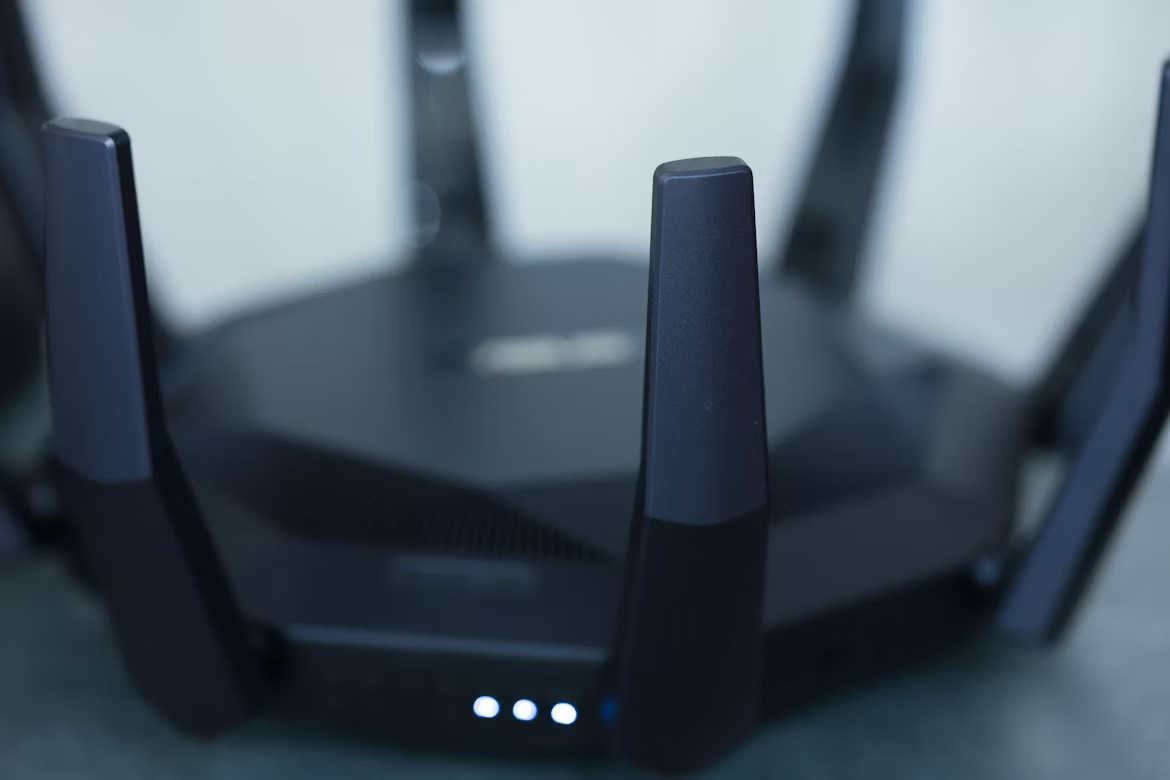
When selecting a new enterprise router, the choice often comes down to two primary standards: Wi-Fi 5 (802.11ac) and the newer Wi-Fi 6 (802.11ax). Understanding the key differences is essential for making a sound investment in your company's network infrastructure.
This guide provides a direct comparison of their technical specifications, performance in real-world business environments, and overall cost. We'll give you the information needed to decide which technology is the right fit for your operational needs.
What is Wi-Fi 5?
Wi-Fi 5, officially known as 802.11ac, was released in 2014 and quickly became the go-to standard for wireless networking in business and home environments. It delivered a major performance boost over previous generations, providing the speed and stability needed for modern digital operations. A Wi-Fi 5 router is built to support this specific standard.
- Operating Frequency: It functions exclusively on the 5 GHz band. This band is typically less congested than the 2.4 GHz band, leading to reduced interference from other devices and more stable connections.
- Core Technologies: Wi-Fi 5 brought key innovations like MU-MIMO (Multi-User, Multiple-Input, Multiple-Output), which allows an access point to communicate with several devices at once, and beamforming, which directs the Wi-Fi signal toward a specific device for a stronger link.
- Common Applications: It reliably handles demanding tasks such as HD video streaming, online collaboration, and transferring large files.
What is Wi-Fi 6?
Wi-Fi 6, or 802.11ax, is the successor to Wi-Fi 5, officially launched in 2019. It was engineered to address the growing number of devices on modern networks, focusing on efficiency and performance in congested environments rather than just raw speed increases. It represents a significant step forward in how wireless networks handle traffic.
- Operating Frequency: Wi-Fi 6 functions on both the 2.4 GHz and 5 GHz bands. This dual-band operation allows for greater flexibility and better management of network traffic, especially in crowded areas.
- Core Technologies: The standout feature is OFDMA (Orthogonal Frequency Division Multiple Access), which allows one channel to be subdivided to serve multiple clients simultaneously. It also enhances MU-MIMO, making it effective for both uploads and downloads.
- Designed for Density: It is specifically built for high-density settings like corporate offices, public venues, and environments with many IoT devices, ensuring stable connectivity for all.
Key Differences Between Wi-Fi 5 and Wi-Fi 6
While both standards deliver reliable wireless connectivity, the underlying technology that powers them is quite different. Here’s a look at the main technical distinctions that set them apart.
Data Encoding and Throughput
Wi-Fi 6 uses a more advanced modulation scheme, 1024-QAM, compared to the 256-QAM used by Wi-Fi 5. This allows it to pack more data into each transmission.
The practical result is a significant increase in data throughput, making the network more efficient at handling large amounts of information.
Network Efficiency and Latency
A core difference lies in how they manage traffic. Wi-Fi 5 uses OFDM, which serves one device at a time on a channel, essentially creating a queue for data.
Wi-Fi 6 upgrades this to OFDMA, which can partition a single channel to communicate with multiple devices simultaneously. This is a major advantage in dense environments, as it reduces waiting time (latency) for every connected device.
Device Battery Life
Wi-Fi 6 introduces a feature called Target Wake Time (TWT), which is absent in Wi-Fi 5. TWT allows the router to schedule communication times with individual devices.
This means devices like smartphones, laptops, and IoT sensors can enter a low-power sleep mode for longer, conserving energy and extending their battery life.
Performance and Speed Comparison
When it comes to raw numbers and real-world application, the performance gap between Wi-Fi 5 and Wi-Fi 6 becomes clear, especially in a busy office environment. The newer standard was built not just for higher top speeds, but for more consistent performance across many devices.
- Theoretical Speed: Wi-Fi 6 boasts a theoretical maximum speed of 9.6 Gbps, a significant increase over Wi-Fi 5's 3.5 Gbps. While real-world speeds are lower, this higher ceiling allows for faster data transfers on capable devices.
- Performance in Dense Environments: This is where Wi-Fi 6 truly shines. It is designed to handle network congestion far more effectively. In an office with dozens of laptops, phones, and IoT devices connected simultaneously, Wi-Fi 6 maintains stable performance where Wi-Fi 5 would slow down.
- Lower Latency: Wi-Fi 6 delivers lower latency, which is critical for business applications. This means more responsive video conferencing, smoother operation of cloud-based software, and fewer delays for any task requiring a real-time connection.
Security Features in Wi-Fi 5 vs Wi-Fi 6
Beyond speed and performance, security is a critical consideration for any enterprise network. Wi-Fi 6 introduces a significant security upgrade over its predecessor, primarily through a more advanced security protocol.
- Wi-Fi 5 Security: Most Wi-Fi 5 devices rely on the WPA2 security protocol. While it has been a reliable standard for years, WPA2 has known vulnerabilities that can be exploited, such as offline dictionary attacks that attempt to crack passwords.
- Wi-Fi 6 Security: Wi-Fi 6 mandates the use of WPA3. This newer protocol provides much stronger protection by using more advanced encryption methods. WPA3 also protects against brute-force attacks, making it significantly more difficult for unauthorized users to gain access to the network.
Cost Considerations for Enterprises
When planning your budget, it's helpful to consider both the immediate hardware expense and the long-term financial implications.
Initially, Wi-Fi 6 routers and access points carry a higher price tag than Wi-Fi 5 equipment. This reflects the more advanced components required for its enhanced capabilities.
However, the higher upfront cost can translate to a lower total cost of ownership over time. Because Wi-Fi 6 handles more devices efficiently, it can delay the need for future network upgrades as your company grows. This scalability makes it a more sustainable investment, preventing the recurring costs associated with outgrowing your infrastructure.
Making the Right Choice for Your Business
Choosing between Wi-Fi 5 and Wi-Fi 6 comes down to your specific operational needs and future growth plans.
A Wi-Fi 5 router remains a viable and budget-friendly option for smaller offices with a limited number of connected devices. It provides sufficient performance for standard business tasks.
However, for most modern enterprises, Wi-Fi 6 is the more strategic investment. Its ability to handle dense device environments, lower latency, and superior WPA3 security make it ideal for growing companies and busy offices.
Investing in Wi-Fi 6 prepares your network for future demands, supporting more IoT devices and data-intensive applications without performance degradation. It is the recommended standard for future-proofing your infrastructure.
Need Help Managing Your Network? Lightyear Can Help

Whether you choose Wi-Fi 5 or Wi-Fi 6, managing your network infrastructure is about more than just hardware. Lightyear helps automate the procurement and inventory management for all your network services, taking the complexity out of telecom.
The hundreds of enterprises who trust Lightyear achieve over 70% in time savings and 20% in cost savings. Schedule a demo or get started with our questionare today.
Frequently Asked Questions about Wi-Fi 5 Router vs Wi-Fi 6
Do I need new devices to use Wi-Fi 6?
To take full advantage of Wi-Fi 6 features, your devices must also be Wi-Fi 6 compatible. However, Wi-Fi 6 routers are backward compatible, so your older Wi-Fi 5 devices will still connect and function on the network without any issues.
Is Wi-Fi 6 the same as Wi-Fi 6E?
No, Wi-Fi 6E is an extension of Wi-Fi 6 that operates on the exclusive 6 GHz band. This provides access to more channels, resulting in less network congestion and higher speeds, making it a step up for very dense environments.
Will a Wi-Fi 6 router make my internet plan faster?
A Wi-Fi 6 router cannot increase the speed of your internet plan from your provider. It improves the efficiency of your local network, allowing your devices to better utilize the bandwidth you already pay for, especially when many are connected at once.
Let us show you the product and discuss specifics on how it might be helpful.
Schedule a Demo





Revolutionize Your Telecom Experience
Learn how you can get one step closer to optimal business efficiency for all your telecom services.
