Wi-Fi 6 vs 6E: Enterprise Router Differences
Wi-Fi 6 vs. 6E: What's the difference for your business? Learn how the 6 GHz band in Wi-Fi 6E impacts enterprise network performance and capacity.

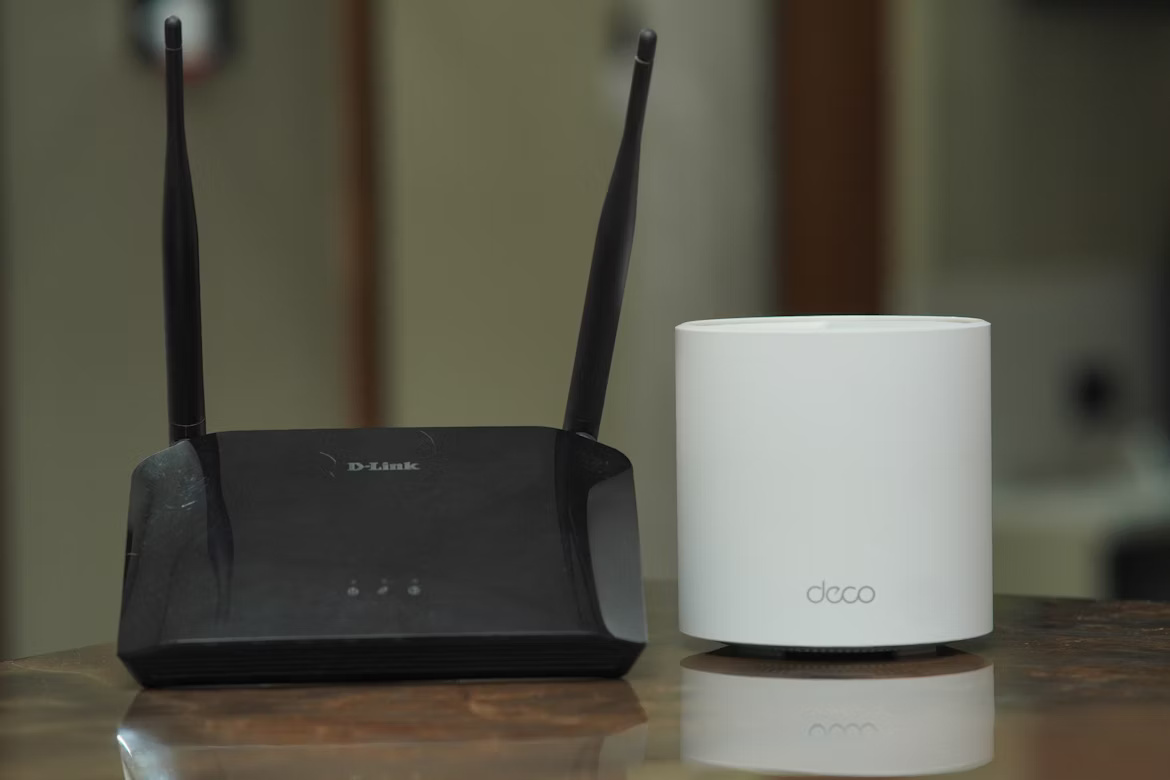
If you are evaluating your enterprise network infrastructure, you have likely come across two key standards: Wi-Fi 6 and Wi-Fi 6E.
While their names are almost the same, the "E" in Wi-Fi 6E points to a significant update in wireless technology that can directly affect your organization's performance.
This article breaks down the practical differences between Wi-Fi 6 and 6E routers. We will compare their speed, capacity, and security implications to help you make a clear-eyed decision for your business.
What is Wi-Fi 6?
Wi-Fi 6, technically known as 802.11ax, is the sixth generation of the Wi-Fi standard. It was developed to improve network efficiency and performance, especially in environments with a high density of connected devices. A Wi-Fi 6 Router introduces several important technological upgrades over its predecessors.
- OFDMA (Orthogonal Frequency Division Multiple Access): This feature divides a wireless channel into smaller sub-channels. It allows an access point to communicate with multiple devices simultaneously, which reduces wait times and improves overall network efficiency.
- MU-MIMO (Multi-User, Multiple-Input, Multiple-Output): Wi-Fi 6 enhances this technology, allowing routers to send and receive data from more devices at once, increasing capacity.
- Target Wake Time (TWT): This function lets devices schedule when they wake up to communicate with the router. This is particularly useful for IoT devices as it significantly conserves battery life.
What is Wi-Fi 6E?
Wi-Fi 6E takes all the technological advancements of Wi-Fi 6 and adds a major upgrade: access to the 6 GHz frequency band. The "E" stands for "Extended," as it extends the Wi-Fi 6 standard into this new, exclusive spectrum, which was previously unavailable for Wi-Fi use.
- Exclusive 6 GHz Band: This is the defining feature. It opens up a wide, uncongested radio band, operating separately from the busy 2.4 GHz and 5 GHz frequencies used by previous Wi-Fi generations and other household devices.
- Increased Channel Capacity: The 6 GHz band provides a large amount of new spectrum, allowing for more and wider channels. This drastically reduces interference and network congestion, which is ideal for high-density environments.
- Legacy-Free Operation: Only Wi-Fi 6E-enabled devices can use the 6 GHz band. This means no slowdowns from older, less efficient devices, ensuring consistent high-speed performance for all connected equipment.
Key Differences Between Wi-Fi 6 and Wi-Fi 6E
While both standards represent an upgrade over previous generations, the practical differences for your business come down to three main areas: the airwaves they use, the performance they can deliver, and the devices they support.
Frequency Bands and Congestion
Wi-Fi 6 operates on the same 2.4 GHz and 5 GHz bands as older Wi-Fi standards. These frequencies are often crowded, not just with other Wi-Fi networks but also with devices like microwaves and Bluetooth speakers, which can cause interference.
Wi-Fi 6E introduces the exclusive 6 GHz band. This is a new, wide-open highway for data with no interference from older devices, resulting in a much cleaner signal.
Performance and Speed
Both technologies are fast, but Wi-Fi 6E has a distinct advantage. The 6 GHz band provides more room for ultra-wide 160 MHz channels, which are essential for delivering consistent multi-gigabit speeds.
While Wi-Fi 6 also supports these wide channels, finding clear airspace for them in the congested 5 GHz band can be difficult, potentially limiting real-world performance.
Device Compatibility
A Wi-Fi 6 router is fully backward-compatible, meaning all your existing Wi-Fi devices can connect to it. However, only Wi-Fi 6-capable devices will benefit from its new features.
To access the 6 GHz band, you need both a Wi-Fi 6E router and Wi-Fi 6E-compatible client devices, like newer laptops or smartphones. Older devices cannot see or use the 6 GHz network at all.
Benefits of Wi-Fi 6 for Enterprises
For many businesses, upgrading to Wi-Fi 6 offers substantial improvements without requiring a complete overhaul of existing hardware. It provides a practical balance of modern features and backward compatibility, making it a strong choice for immediate network improvements.
- Greater Capacity in Crowded Areas: Wi-Fi 6 excels in high-density environments like conference rooms or open-plan offices. It ensures a more stable connection for everyone, even when many employees are on video calls or accessing cloud applications at the same time.
- Longer Battery Life for Connected Devices: The Target Wake Time (TWT) feature allows battery-powered devices, such as IoT sensors or mobile scanners, to operate for longer periods. This reduces maintenance demands and supports a growing number of connected endpoints.
- Stronger Security: Wi-Fi 6 mandates the use of WPA3, the latest security protocol. This offers more robust protection for your network, which is critical for safeguarding sensitive company data against modern cyber threats.
- Cost-Effective Upgrade: Since Wi-Fi 6 is fully backward-compatible, all your existing devices can connect to it. This allows for a phased upgrade, protecting your current hardware investments while still boosting overall network performance.
Advantages of Wi-Fi 6E for Business Networks
For businesses planning for future growth and demanding applications, Wi-Fi 6E offers distinct advantages that go beyond just speed. It is particularly suited for organizations that need to support the next generation of wireless technology.
- Future-Proofs Your Network: Wi-Fi 6E is built for high-bandwidth, low-latency applications like augmented reality (AR), 8K video streaming, and large file transfers. The clean 6 GHz band provides the stable connection these technologies need to operate without lag.
- Reliable High-Performance Tier: The 6 GHz band acts as an exclusive lane for your most critical devices. This guarantees that high-priority operations are not slowed down by traffic from older, less efficient equipment on the 2.4 GHz and 5 GHz bands.
- Reduced Network Interference: In dense office environments or multi-tenant buildings, the 6 GHz spectrum is a game-changer. It is free from interference from neighboring Wi-Fi networks and other devices, resulting in a more stable and dependable connection for your business.
- Mandatory Advanced Security: The 6 GHz band requires WPA3, the latest security standard. This means there is no backward compatibility for older, less secure protocols on this band, creating a more protected environment for sensitive corporate data.
Choosing the Right Router for Your Enterprise
Deciding between a Wi-Fi 6 and a Wi-Fi 6E router comes down to your specific business environment and future goals. Here are the key factors to consider.
1. Assess Your Current Device Ecosystem
Take stock of the devices your team uses. If your company's laptops, phones, and other hardware are not Wi-Fi 6E compatible, you will not see the primary benefit of a 6E router.
In this case, a Wi-Fi 6 router is a practical and powerful upgrade that supports all your current equipment while improving performance.
2. Evaluate Your Network Demands
Consider the applications your business relies on. For general office use, including video conferencing and cloud-based software, Wi-Fi 6 provides more than enough capacity and speed.
However, if your operations involve sustained, high-bandwidth activities like AR/VR development or transferring massive files, the uncongested 6 GHz band of Wi-Fi 6E is a significant advantage.
3. Consider Your Budget and Future Roadmap
Wi-Fi 6E routers and compatible client devices typically come at a higher price point. Your decision should align with your budget and long-term IT strategy.
If you are planning to adopt next-generation wireless technologies in the next few years, investing in Wi-Fi 6E now prepares your infrastructure for the future. Otherwise, Wi-Fi 6 offers a substantial performance boost at a more accessible cost.
Final Thoughts on Wi-Fi 6 and 6E for IT Buyers
Ultimately, the choice between Wi-Fi 6 and Wi-Fi 6E is a strategic one. It hinges on your organization's immediate needs versus its long-term technology plans.
Wi-Fi 6 offers a significant performance lift for your current device ecosystem and is a cost-effective way to handle network density.
In contrast, Wi-Fi 6E is an investment in future capacity. It provides an uncongested, high-speed lane for next-generation applications and devices.
By evaluating your device fleet, application demands, and budget, you can confidently select the standard that aligns with your business objectives.
Need Help Managing Your Network? Lightyear Can Help

Once you've chosen the right router, the next step is procuring and managing the network services to support it. Lightyear helps you find the best connectivity options for your new hardware.
By automating network service procurement, inventory management, and bill consolidation, Lightyear takes the pain out of telecom infrastructure management. The hundreds of enterprises who trust Lightyear achieve 70%+ time savings and 20%+ cost savings on their network services.
Schedule a demo or get started with our questionare today.
Frequently Asked Questions about Wi-Fi 6 Router vs 6E
What is the range difference between the 6 GHz and 5 GHz bands?
The 6 GHz band used by Wi-Fi 6E generally has a shorter range than the 5 GHz band. Higher-frequency signals do not penetrate walls and obstacles as effectively, making 6E ideal for open spaces or single-room deployments where maximum performance is the priority.
Can I use a Wi-Fi 6E router if I don't have any 6E devices yet?
Yes. A Wi-Fi 6E router is a tri-band device that also supports the 2.4 GHz and 5 GHz bands. Your older devices will connect to these bands just like they would with a standard Wi-Fi 6 router, allowing you to upgrade your hardware gradually.
Is Wi-Fi 6E inherently more secure than Wi-Fi 6?
Both standards mandate WPA3 security. However, the 6 GHz band in Wi-Fi 6E exclusively requires WPA3, with no support for older protocols. This makes the 6E portion of your network slightly more secure by preventing less-secure devices from connecting to that specific band.
Do I need a faster internet plan to use a Wi-Fi 6E router?
Not necessarily. A Wi-Fi 6E router improves the speed and efficiency of your local network, but it cannot increase the speed of your internet connection from your provider. Your internet speed will still be limited by the plan you pay for.
Let us show you the product and discuss specifics on how it might be helpful.
Schedule a Demo





Revolutionize Your Telecom Experience
Learn how you can get one step closer to optimal business efficiency for all your telecom services.
