Wi-Fi 7 vs Wi-Fi 6: Enterprise Router Comparison
Deciding between Wi-Fi 7 and Wi-Fi 6? Learn the key differences in speed, latency, and capacity to choose the right router for your enterprise.

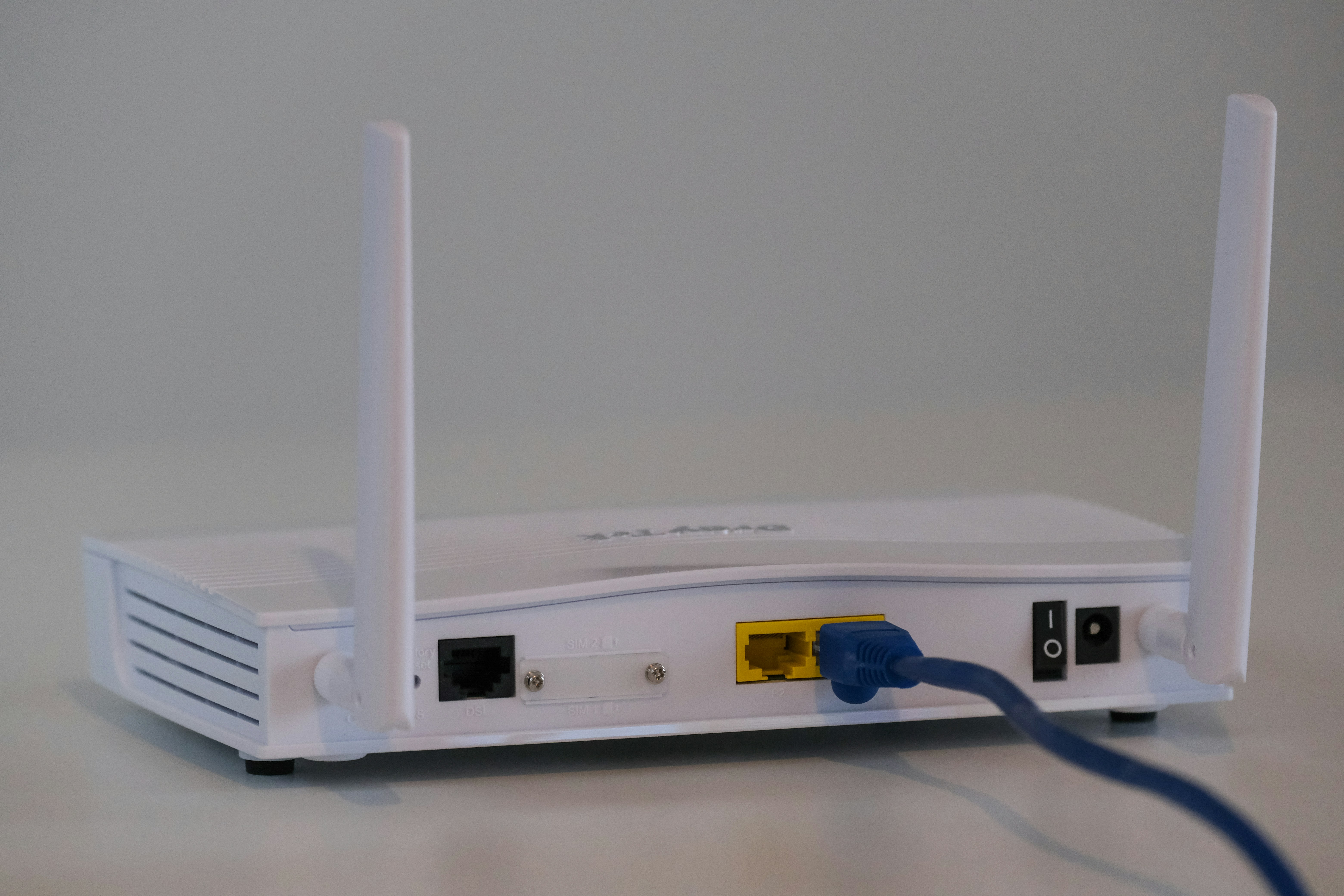
Wireless connectivity is always moving forward, and for businesses, keeping up is crucial for operations. With Wi-Fi 6 (802.11ax) now widely adopted, the next generation, Wi-Fi 7 (802.11be), is already here and promises significant upgrades.
This article offers a straightforward comparison between Wi-Fi 7 and Wi-Fi 6, focusing on the practical differences for enterprise environments. We'll look at speed, capacity, and new features to help you determine which standard makes sense for your organization's future.
What is Wi-Fi 6?
Also known by its technical name, 802.11ax, Wi-Fi 6 was designed to improve network performance in crowded environments. While it offered a speed boost over its predecessor, its primary focus was on efficiency and handling a growing number of connected devices—a common challenge in modern offices and commercial spaces.
Key features that define Wi-Fi 6 include:
- OFDMA (Orthogonal Frequency Division Multiple Access): This technology divides a Wi-Fi channel into smaller sub-channels, allowing a single transmission to deliver data to multiple devices at once. It's like a delivery truck making multiple stops in one trip instead of returning to the warehouse after each drop-off.
- MU-MIMO (Multi-User, Multiple-Input, Multiple-Output): Wi-Fi 6 expands on this feature, enabling access points to communicate with more devices simultaneously. This reduces the time each device has to wait for a signal, minimizing lag.
- Target Wake Time (TWT): An important feature for battery-powered devices like IoT sensors. TWT lets the router schedule check-in times with devices, allowing them to sleep for longer periods and conserve power.
- BSS Coloring: This helps reduce co-channel interference. Routers can identify signals from other networks and ignore them, leading to a more stable connection in dense areas like multi-tenant office buildings.
What is Wi-Fi 7?
Wi-Fi 7, or 802.11be, is the next standard in wireless networking, designed for what the industry calls "Extremely High Throughput" (EHT). Where Wi-Fi 6 focused on managing network congestion, Wi-Fi 7 is built to deliver much greater speed and responsiveness for the most demanding enterprise applications, such as high-definition video conferencing, augmented reality, and industrial automation.
It achieves this through several significant technological upgrades:
- 320 MHz Ultra-Wide Channels: Wi-Fi 7 doubles the maximum channel width from 160 MHz in Wi-Fi 6. This wider pipeline allows for a massive increase in data flow, directly translating to faster speeds.
- 4K-QAM (Quadrature Amplitude Modulation): This advanced modulation scheme packs more data into each transmission than Wi-Fi 6’s 1024-QAM, boosting peak data rates by up to 20%.
- Multi-Link Operation (MLO): A key innovation, MLO allows devices to connect and exchange data across multiple frequency bands (e.g., 5 GHz and 6 GHz) simultaneously. This creates a more robust and faster connection by aggregating bandwidth and reducing latency.
- Preamble Puncturing: This feature improves spectrum efficiency by allowing an access point to use a portion of a channel even if part of it is occupied by another device, preventing interference without sacrificing the entire channel.
Key Differences Between Wi-Fi 6 and Wi-Fi 7
While both standards represent significant steps forward for wireless networking, the jump from Wi-Fi 6 to Wi-Fi 7 involves several fundamental architectural changes. Here’s a breakdown of the core technical distinctions.
Channel Bandwidth
Wi-Fi 6 supports a maximum channel width of 160 MHz. Wi-Fi 7 doubles this to 320 MHz.
This wider channel acts like a larger highway for data, allowing for substantially more information to be transmitted at once and increasing the network's overall capacity.
Data Modulation
Wi-Fi 6 uses 1024-QAM, which allows it to pack a certain amount of data into each signal. Wi-Fi 7 upgrades this to 4K-QAM.
This more advanced modulation technique increases the amount of data that can be embedded in the transmission, contributing to higher peak data rates.
Multi-Band Connectivity
A device on a Wi-Fi 6 network connects to a single band at a time, such as 5 GHz or 6 GHz. If one band is congested, performance suffers.
Wi-Fi 7 introduces Multi-Link Operation (MLO), which lets a single device connect and exchange data across multiple bands simultaneously. This creates a more resilient connection with lower latency by aggregating bandwidth and providing failover if one band experiences interference.
Spectrum Efficiency
To handle interference, Wi-Fi 6 uses BSS Coloring to help access points ignore traffic from neighboring networks. However, if a portion of a channel is in use, the entire channel may be unavailable.
Wi-Fi 7 improves on this with Preamble Puncturing. This feature allows an access point to carve out and use the clean portion of a channel, even if part of it is occupied. This leads to more efficient use of the available wireless spectrum.
Performance and Speed Comparison
The technical upgrades in Wi-Fi 7 translate directly into substantial performance gains over Wi-Fi 6. For an enterprise, this isn't just about faster downloads; it's about creating a more capable and responsive wireless environment. Here’s how the two standards compare in practice.
- Theoretical Speed: Wi-Fi 6 offers a maximum theoretical speed of about 9.6 Gbps. Wi-Fi 7 increases this nearly fivefold to a theoretical maximum of 46 Gbps. While real-world speeds will vary, this massive increase in the performance ceiling allows for much higher data throughput.
- Latency: Wi-Fi 7 is designed for significantly lower latency. Thanks to features like Multi-Link Operation (MLO), which allows data to travel across multiple bands at once, connections are more direct and responsive. This is a critical improvement for real-time applications like industrial automation, AR/VR, and high-fidelity video conferencing.
- Network Capacity and Throughput: While Wi-Fi 6 improved efficiency in congested areas, Wi-Fi 7 is built to handle a higher density of high-bandwidth devices simultaneously. The combination of 320 MHz channels and MLO means the network can support more demanding applications at once without performance drops, moving beyond just managing congestion to enabling new capabilities.
Security Features in Wi-Fi 6 vs Wi-Fi 7
When it comes to security, the transition from Wi-Fi 6 to Wi-Fi 7 is more about continuity than radical change. Both standards share the same robust security foundation, ensuring a consistent level of protection.
The key security protocol for both Wi-Fi 6 and Wi-Fi 7 is WPA3. This was a mandatory requirement for Wi-Fi 6 certification, and it remains the standard for Wi-Fi 7. WPA3 provides significantly stronger protections than its predecessor, WPA2.
It introduces more resilient, password-based authentication through Simultaneous Authentication of Equals (SAE), which protects against offline dictionary attacks. WPA3 also offers individualized data encryption for devices on open networks, increasing security in public-facing environments.
Because Wi-Fi 7 continues to use the WPA3 protocol, organizations can be confident that they are maintaining a high level of wireless security. The core cryptographic methods are consistent across both standards, ensuring a secure connection whether you are using a Wi-Fi 6 or a Wi-Fi 7 network.
Cost Implications for Enterprises
Adopting a new wireless standard always involves a budget, and the move to Wi-Fi 7 is no different. As you might expect, the initial hardware costs for Wi-Fi 7 access points and routers are considerably higher than their Wi-Fi 6 counterparts, reflecting the newness of the technology.
Beyond the access points, it's important to look at your existing wired infrastructure. To support the multi-gigabit speeds of Wi-Fi 7, your network may require an upgrade to multi-gigabit Ethernet switches (e.g., 2.5GbE or 10GbE) to prevent bottlenecks, adding another layer to the total investment.
Finally, the upgrade isn't complete without compatible devices. The full benefits of a Wi-Fi 7 network are only accessible with Wi-Fi 7-enabled laptops, smartphones, and other endpoints. This means factoring in a potential device refresh cycle across the organization.
In short, the financial commitment for a Wi-Fi 7 deployment is substantially greater than for Wi-Fi 6, extending beyond the wireless hardware to include potential cabling, switching, and client device upgrades.
Making the Right Choice for Your Business
The choice between Wi-Fi 6 and Wi-Fi 7 depends entirely on your organization's immediate needs and future technology roadmap. There isn't a single right answer for every business.
For most companies, Wi-Fi 6 offers a powerful and cost-effective solution that capably handles the demands of a modern office, including high device density and standard business applications. It is a mature technology that provides a significant upgrade over older standards.
Wi-Fi 7 is the choice for future-proofing your network. Its substantial gains in speed and latency are designed for businesses planning to adopt data-intensive technologies like AR/VR, 8K video streaming, or advanced industrial automation. The investment is higher, but it builds a foundation for next-generation applications.
Ultimately, evaluate your current performance and budget. If Wi-Fi 6 meets your needs, it remains a sound choice. If your strategy involves bleeding-edge technology, Wi-Fi 7 is the path forward.
Need Help Managing Your Network? Lightyear Can Help

Whether you're planning a Wi-Fi 7 deployment or optimizing your current Wi-Fi 6 network, managing the underlying connectivity is just as important. Lightyear automates the entire telecom lifecycle, from procurement and inventory management to bill consolidation.
By handling the backend complexity, we help enterprises save over 70% in time and 20% in costs on their network services. Schedule a demo or get started with our questionare today.
Frequently Asked Questions about Wi-Fi 7 Router vs Wi-Fi 6
Is Wi-Fi 7 backward compatible with Wi-Fi 6 devices?
Yes, Wi-Fi 7 is fully backward compatible. Your existing Wi-Fi 6 and older devices can connect to a Wi-Fi 7 router, but they won't get the full speed and latency benefits of the new standard without being Wi-Fi 7 compatible themselves.
Will a Wi-Fi 7 router improve performance for my Wi-Fi 6 devices?
You may see some modest improvements. A Wi-Fi 7 router's advanced hardware can create a more efficient network overall, which can indirectly benefit older devices by reducing congestion and interference, but the change won't be dramatic.
Does Wi-Fi 7 offer better range than Wi-Fi 6?
Not necessarily. The core technology of Wi-Fi 7 focuses on increasing speed and efficiency within a similar coverage area, not extending range. Your physical environment and access point placement remain the most critical factors for network coverage.
When is the right time for an enterprise to upgrade to Wi-Fi 7?
Upgrade when your business applications demand it. If you are deploying AR/VR, 8K video, or industrial IoT, Wi-Fi 7 is beneficial. For most standard office use cases, Wi-Fi 6 remains a very capable and cost-effective choice for now.
Let us show you the product and discuss specifics on how it might be helpful.
Schedule a Demo





Revolutionize Your Telecom Experience
Learn how you can get one step closer to optimal business efficiency for all your telecom services.
