WiFi Router vs Access Point: Enterprise Differences
WiFi router vs. access point: Learn the key differences for enterprise networks and decide which hardware is right for your business.

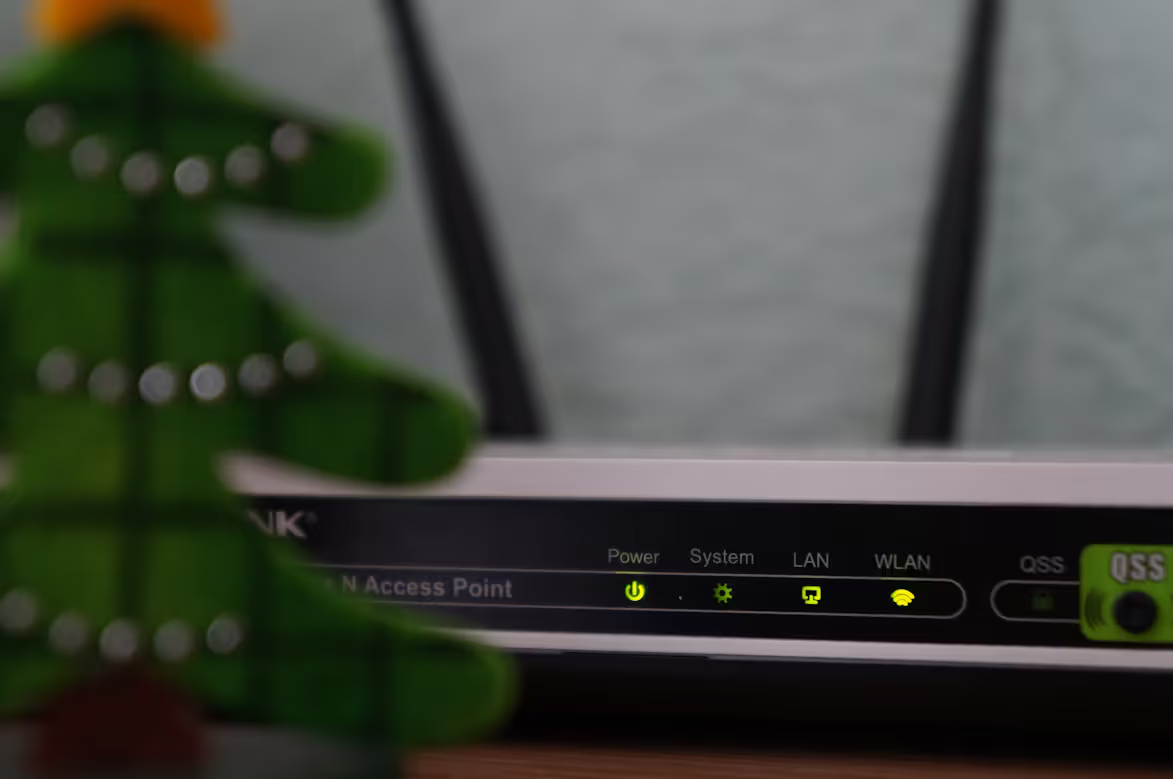
Many people use the terms “WiFi router” and “WiFi access point” interchangeably, but they serve very different functions within a network, especially in a business setting.
In short, a router directs traffic between computer networks, while an access point allows wireless devices to connect to a wired network. Knowing the difference is key to building a reliable and scalable wireless infrastructure for your organization.
What is a WiFi Router?
Think of a WiFi router as the traffic controller for your network. It's a multi-functional device that connects your local network—all your office computers, printers, and servers—to the wider internet. It manages all the data flowing in and out, ensuring information gets to the right place securely.
A router is essentially a small computer with several key responsibilities:
- Routing: Its primary job is to direct or "route" traffic between different networks. It creates and manages your local area network (LAN) and connects it to the wide area network (WAN), which is the internet.
- IP Address Assignment: A router typically includes a Dynamic Host Configuration Protocol (DHCP) server. This automatically assigns a unique IP address to every device that connects to your network, preventing conflicts.
- Network Security: Routers act as a frontline defense for your network. They have a built-in firewall that inspects incoming data and blocks potential threats, protecting your internal devices from unauthorized access.
- Wireless Signal: A WiFi router also broadcasts a wireless signal, allowing devices to connect without cables. This is the function it shares with an access point, but it's just one piece of what a router does.
What is a WiFi Access Point?
A WiFi Access Point (WAP) is a device that creates a wireless local area network (WLAN). Unlike a multi-purpose router, an access point has a more focused job: it extends an existing wired network, allowing wireless devices to connect to it.
It connects to a router or network switch via an Ethernet cable and then broadcasts a WiFi signal. In a business setting, you would deploy multiple access points to provide reliable wireless coverage across a large office, eliminating dead zones. An access point itself does not manage the network; it simply provides a gateway for wireless devices to join it.
- Wireless Extension: Its primary function is to add wireless capability to a wired network. It acts as a bridge, converting the data from the Ethernet cable into a wireless signal.
- Increased Capacity: Deploying several access points allows a greater number of users to connect to the network without slowing it down, which is critical for busy offices.
- Dependent on a Router: An access point cannot work alone. It relies on a router to perform critical network functions like assigning IP addresses (DHCP) and managing traffic.
- Coverage Expansion: They are placed strategically throughout a building to provide a strong and consistent WiFi signal in all required areas, from conference rooms to individual workstations.
Key Differences Between WiFi Routers and WiFi Access Points
While both devices broadcast a WiFi signal, their core responsibilities within a network are distinct. Here’s a closer look at what sets them apart in an enterprise environment.
1. Core Functionality
A router is a multi-function device that serves as a network's central command. It handles critical tasks like routing data between your internal network and the internet, providing firewall security, and managing IP addresses via DHCP.
An access point, in contrast, has a singular focus. Its job is to take a wired network connection and convert it into a wireless signal, effectively acting as a bridge to allow wireless devices to join the network. It doesn't manage the network itself.
2. Network Intelligence and Autonomy
The router is the intelligent hub that makes decisions for the network. It can operate as a standalone unit, capable of creating and managing an entire local area network from the ground up.
An access point is a dependent device in this context. It lacks the built-in intelligence to manage a network, assign IP addresses, or provide security. It must be connected to a router to perform its function.
3. Hardware and Physical Ports
A quick look at the physical ports often reveals the difference. A standard business router will have a dedicated WAN port for the internet connection and multiple LAN ports for connecting wired devices like servers or switches.
An access point typically has just one Ethernet port. This single connection is used to plug the AP into the existing network infrastructure, drawing both data and sometimes power (via Power over Ethernet, or PoE).
When to Use a WiFi Router
A router is the foundational device for any network that needs an internet connection. For a small office, a remote branch, or a retail location, a single business-grade WiFi router is often the most direct and cost-effective solution.
In these settings, one device can handle all core networking tasks—connecting to your ISP, routing traffic, and providing security. It can also offer sufficient wireless coverage for a limited area, serving as a simple, all-in-one hub for your operations.
Even in large-scale deployments that use other hardware, a router is always required to act as the main gateway to the internet. It establishes the secure perimeter between your internal LAN and the external WAN.
When to Use a WiFi Access Point
WiFi access points become necessary when you need to scale your wireless network beyond the reach of a single router. They are the go-to solution for providing consistent WiFi coverage across large physical spaces like multi-floor offices, warehouses, or campus environments.
If your organization needs to support a high density of wireless users—for example, in a crowded conference hall or an open-plan office—deploying multiple access points is critical. This strategy distributes the load, preventing any single point from becoming a bottleneck and ensuring reliable performance for everyone.
Ultimately, access points are used to build a unified and scalable wireless system. They work together to create one large, seamless network, allowing employees to move throughout the building without dropping their connection.
Common Misconceptions About WiFi Routers and Access Points
- An access point is the same as a WiFi extender. This is a critical distinction. A WiFi extender or repeater works by rebroadcasting an existing wireless signal, which can cut your available bandwidth in half for connected devices. An access point, however, connects directly to your wired network via an Ethernet cable, delivering a full-strength signal without that performance loss.
- More access points automatically mean better WiFi. Simply adding more APs without a plan can create new problems. If access points are placed too close together, their signals can interfere with each other on the same wireless channels, leading to slower speeds and unreliable connections. Proper network design and channel planning are key.
- Any router can be used as an access point. While many routers offer an "AP mode," they are not a true substitute for enterprise-grade access points. Dedicated APs are built for business environments and support features like centralized management, uninterrupted roaming for users moving between locations, and more robust security protocols.
Making the Right Choice for Your Enterprise Network
Choosing between a router and an access point isn't about picking a superior device, but about selecting the right tool for a specific job within your network architecture. The decision hinges on your organization's scale and wireless coverage requirements.
Every business network that connects to the internet needs a router. It serves as the essential gateway, managing traffic and providing foundational security. For a small office with modest wireless needs, a single, robust business router might be all that is required.
However, as your physical space and number of users grow, you will need to expand your wireless network. This is where access points come in. They are deployed to extend WiFi coverage across large areas and support a higher density of connected devices without sacrificing performance.
Ultimately, most enterprise environments use both. A powerful router acts as the central controller for the network, while multiple access points are strategically placed to provide consistent, high-quality wireless access for all employees. This combination creates a secure, scalable, and reliable infrastructure to support your operations.
Need Help Managing Your Network? Lightyear Can Help

Choosing the right hardware is just the first step. Lightyear helps you manage the entire lifecycle for all your network services, including the procurement and inventory of routers and access points.
By automating network service procurement, inventory management, and bill consolidation, Lightyear helps the hundreds of enterprises who trust us achieve 70%+ time savings and 20%+ cost savings on their network services.
Schedule a demo or get started with our questionare today.
Frequently Asked Questions about WiFi Router vs WiFi Access Point
Can I use multiple routers on the same network?
It's generally not recommended. Using multiple routers can create separate, conflicting networks and issues like double NAT. For expanding WiFi, it's better to use one router and multiple access points that work together on a single network.
How are multiple access points managed in a business environment?
Enterprise-grade access points are typically managed centrally through a wireless LAN controller or cloud-based software. This allows IT teams to configure, monitor, and update all APs from a single dashboard, ensuring consistent performance and security policies.
Do access points need to be from the same brand as the router?
While you can mix brands, it's often better to use access points from the same manufacturer, especially in a managed system. This ensures compatibility and allows you to take full advantage of centralized management features for seamless roaming and unified control.
Let us show you the product and discuss specifics on how it might be helpful.
Schedule a Demo





Revolutionize Your Telecom Experience
Learn how you can get one step closer to optimal business efficiency for all your telecom services.
