Wired Router vs Switch: Enterprise Network Differences
Router vs. switch: what's the difference? Learn how routers connect networks and switches create them to make the right choice for your enterprise.

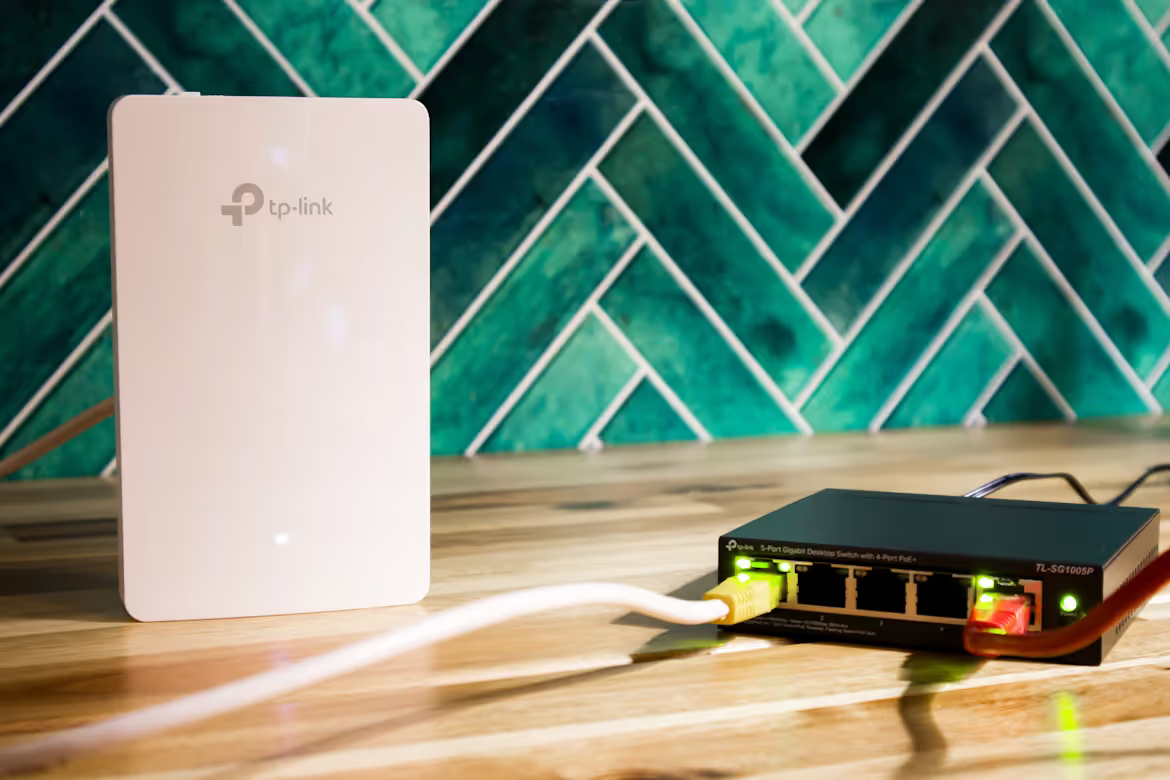
Routers and switches are foundational components of any enterprise network, working together to connect your devices to the internet and each other. While they often look similar and are sometimes even combined into a single device, they perform very different functions.
Understanding the specific role of each is critical for designing an efficient, secure, and scalable network infrastructure. This article will explain the key differences between a wired router and a switch, helping you make informed decisions for your organization's needs.
What is a Wired Router?
A wired router is a networking device that connects multiple networks together and directs traffic between them. Think of it as the traffic controller for your network, ensuring data packets get to their correct destination, whether that's on your local network or out on the internet.
Its main job is to operate at the network layer (Layer 3) of the OSI model. This allows it to make intelligent decisions about where to send data based on IP addresses. Key functions include:
- Connects Networks: It links your local area network (LAN) to a wide area network (WAN), like the internet.
- Assigns IP Addresses: Using DHCP (Dynamic Host Configuration Protocol), a router assigns unique IP addresses to each device on the network so they can be identified and communicated with.
- Directs Traffic: It uses a routing table to determine the most efficient path for data packets to travel between different networks.
- Provides Security: Most routers include a built-in firewall and use Network Address Translation (NAT) to protect your internal network from outside threats by hiding internal IP addresses.
What is a Network Switch?
A network switch operates within a single local area network (LAN) to connect devices like computers, printers, and servers. While a router manages traffic between different networks, a switch focuses on creating and managing the communication within one network.
It functions at the data link layer (Layer 2) of the OSI model. This means it uses MAC (Media Access Control) addresses—the unique hardware identifier of each device—to intelligently forward data packets to the correct destination port on the LAN.
- Connects Local Devices: It serves as a central hub that links multiple devices on the same network, allowing them to communicate directly with one another.
- Forwards Data Intelligently: By maintaining a table of MAC addresses, a switch sends data only to the specific device that needs it, which reduces unnecessary traffic and improves network efficiency.
- Enhances LAN Performance: It creates dedicated communication channels between devices, increasing the speed and reliability of the local network.
- Facilitates Resource Sharing: It enables connected devices to easily share resources, such as files or access to a shared printer, across the local network.
Wired Router vs Switch: Key Differences
While both devices manage data traffic, they do so in fundamentally different ways. Here’s a direct comparison of their core distinctions.
1. Scope and OSI Layer
A router’s primary function is to connect different networks, operating at Layer 3 (the network layer) of the OSI model. It serves as the gateway between your company's local area network (LAN) and an external wide area network (WAN), such as the internet.
In contrast, a switch operates exclusively within a single network at Layer 2 (the data link layer). Its purpose is to connect various devices—like computers, servers, and printers—together on the same LAN.
2. Addressing and Data Handling
To move data between networks, a router uses logical IP addresses. It examines the destination IP address in a data packet to calculate and determine the most efficient path for that packet to travel.
A switch uses physical MAC addresses to manage data flow. It maintains a table of these hardware addresses to forward packets directly to the correct device within the local network, rather than broadcasting them to every device.
3. Security and Broadcast Domains
Routers provide essential security features, including Network Address Translation (NAT) and built-in firewalls. These tools are designed to protect your internal network from unauthorized external access.
Furthermore, routers create boundaries for network broadcasts, known as broadcast domains. This prevents broadcast traffic from flooding other network segments. Standard switches do not offer these security functions and operate within a single broadcast domain, passing along all broadcast messages to every connected device.
When to Use a Wired Router
A wired router is essential whenever your business needs to connect its local network (LAN) to an external network, most critically the internet. It serves as the single point of entry and exit, managing all data traffic flowing between your internal systems and the outside world.
You should also use a router to create distinct network segments, or subnets. For instance, you can isolate a guest network from your secure corporate network, or separate departments like finance and engineering. This segmentation improves security and contains broadcast traffic, preventing network congestion.
Finally, routers are required for connecting multiple office locations together across a wide area network (WAN). This allows different sites to communicate and share resources securely as if they were on the same local network.
When to Use a Network Switch
A network switch is the right choice when you need to expand the number of available wired connections within a single local area network (LAN). While a router connects you to the internet, it typically has a limited number of LAN ports—often just four.
When your office has more devices than your router has ports, a switch is the solution. It connects computers, printers, servers, and other hardware, allowing them to communicate directly with one another at high speeds. This is perfect for wiring a specific department or an entire office floor.
By managing traffic between these local devices, a switch improves internal network performance and ensures that data is exchanged efficiently without having to pass through the router.
Common Use Cases in Enterprise Networks
In most business environments, routers and switches are not an either/or choice—they work together to create a complete and functional network. Here are a few common ways they are deployed in an enterprise setting:
- A primary router connects the entire office to the internet. Switches are then connected to this router to expand the number of available ports for devices like computers, servers, and printers on the local network.
- To organize a large office, multiple switches can be used to create network segments for different departments. For example, the marketing team could be on one switch and the finance team on another, with all traffic flowing through the main router for inter-department communication or internet access.
- For security, a router is used to establish a separate guest network. This keeps visitor traffic completely isolated from the internal corporate network, which is managed by switches.
- When connecting multiple physical locations, each office uses its own router to connect to the WAN. Within each of those offices, switches are used to manage all local device connectivity.
Making the Right Choice for Your Network
Choosing between a wired router and a switch isn’t an either/or decision; it’s about understanding their specific roles in your network architecture. Both are essential for building a robust and scalable infrastructure.
A router is your gateway to the outside world. You need one to connect your local network to the internet, link multiple office locations, and implement critical security measures.
A switch, on the other hand, works within your local network. Its job is to expand your wired capacity, connecting devices like computers and printers together for fast, internal communication.
Ultimately, nearly every business network requires at least one router for internet access and security. Switches are then added to accommodate the number of devices you need to support, creating an efficient and organized network that meets your operational demands.
Need Help Managing Your Network? Lightyear Can Help

Whether you're deploying routers or switches, managing the associated telecom services and hardware inventory doesn't have to be complex. Lightyear helps you keep track of all your network assets in one place.
By automating network service procurement, inventory management, and bill consolidation, Lightyear takes the pain out of telecom infrastructure management. The hundreds of enterprises who trust Lightyear achieve 70%+ time savings and 20%+ cost savings on their network services.
Schedule a demo or get started with our questionare today.
Frequently Asked Questions about Wired Router vs Switch
Can I use a router as a switch?
Yes, you can use a router’s LAN ports to connect a few devices. However, a dedicated switch is more efficient for connecting many devices within the same network, offering more ports and better local performance without involving the router's processing overhead.
What is a Layer 3 switch?
A Layer 3 switch is a hybrid device that can perform some routing functions, like directing traffic between different subnets on a LAN. It's faster than a router for internal routing but typically lacks the advanced security and WAN connectivity features of a dedicated router.
Can a switch connect directly to the internet?
No, a standard switch cannot connect directly to the internet. It operates within a local network and lacks the ability to route traffic to external networks. You always need a router to act as the gateway between your local network and the internet.
Let us show you the product and discuss specifics on how it might be helpful.
Schedule a Demo





Revolutionize Your Telecom Experience
Learn how you can get one step closer to optimal business efficiency for all your telecom services.
