What Is Hardware Asset Management? A Complete Guide for 2026
Hardware asset management is lifecycle control. See how Lightyear automates 25+ fields per asset for savings, security, and visibility.


Hardware asset management (HAM) is often misunderstood as a static inventory exercise. In reality, it is about managing the entire lifecycle of IT hardware, from procurement through end-of-life. That lifecycle spans procurement, onboarding, operations, maintenance, upgrades, warranty tracking, and decommissioning.
The stakes are high. Without effective HAM, IT teams face stale asset records, missed warranty renewals, and costly downtime. Finance teams discover auto-renewals for equipment that was decommissioned months ago. Security teams struggle to patch vulnerabilities because they cannot see which routers or servers are still in production.
Lightyear’s perspective is simple: hardware asset management should not live in spreadsheets. It should be automated, network-aware, and continuously updated.
In this guide, we’ll break down what HAM really means, how it fits into the broader IT ecosystem, and what best practices enterprises should follow to get it right.
What is Hardware Asset Management?
Hardware asset management (HAM) is the discipline of overseeing the physical components of your IT infrastructure throughout their lifespan. It covers laptops, mobile devices, peripherals, routers, switches, and data center equipment. The goal is to maintain visibility and control from acquisition to retirement.
Hybrid IT environments complicate this task. Assets are spread across on-premise data centers, branch offices, and remote work setups. Without accurate records, IT teams face stale inventories, unknown warranty statuses, manual procurement bottlenecks, and compliance gaps. These issues often lead to downtime, security vulnerabilities, and wasted spend.
A modern approach integrates network context and automated updates. Instead of static spreadsheets, you get a living system of record that reflects real-time changes. For background on why this matters, see what a network inventory is.
Comparing HAM, ITAM, ITSM, and CMDB
Hardware asset management (HAM) doesn’t exist in isolation. It’s part of the broader IT management landscape, and understanding how it fits alongside ITAM, ITSM, and the CMDB makes the distinctions clearer:
| Discipline | Scope | Focus | Example data captured |
| HAM (Hardware Asset Management) | Physical IT hardware | Laptops, servers, routers, switches | Serial numbers, location, warranty, circuit IDs |
| ITAM (IT Asset Management) | All IT assets | Hardware, software, and cloud resources | Hardware records, software licenses, SaaS subscriptions |
| ITSM (IT Service Management) | Service delivery processes | Incidents, requests, and change management | Tickets, SLAs, workflows |
| CMDB (Configuration Management Database) | Relationships between assets | How assets support business services | Dependencies, configurations, change history |
HAM is a subset of ITAM, focused specifically on physical hardware. ITAM integrates with IT service management (ITSM) and the configuration management database (CMDB) to provide a unified operational view. The CMDB stores configuration data and dependencies, helping IT teams see how hardware supports business services. When aligned with ITIL practices, this ensures changes are tracked systematically, reducing risk and improving service delivery.
The Hardware Asset Management Lifecycle
At its core, hardware asset management is about treating IT equipment as living assets with a defined beginning, middle, and end. From the moment a laptop or router is purchased, it passes through a series of stages: procurement, onboarding, daily operations, upgrades, warranty management, and eventually retirement.
This progression is known as the hardware asset management (HAM) lifecycle. Tracking each stage ensures IT, finance, and security teams always know:
- What equipment exists
- Where it is located
- How it’s performing
- When it needs replacement or decommissioning
Without this structure, records quickly go stale, warranties lapse, and vulnerabilities remain unpatched.
Effective HAM means following the lifecycle step by step to maintain visibility, control costs, and reduce risk.
1 - Procurement
Define business needs, gather vendor quotes, secure approvals, and negotiate terms. For network hardware, this includes circuit IDs and service agreements. A streamlined procurement process saves time and ensures value.
2 - Onboarding
Receive equipment, assign asset IDs, apply baseline configurations, and map location. This ensures every device is accounted for and ready for deployment.
3 - Operations
Monitor performance and status in real time through a centralized dashboard. Proactive troubleshooting and change control minimize downtime and keep assets reliable.
4 - Upgrades
Perform component swaps, capacity expansions, firmware updates, and vulnerability patches. Proper upgrades extend lifespan and improve security.
5 - Warranty and SLA Management
Track warranty coverage and service level agreements. Manage RMAs, monitor expiration dates, and handle renewals. Missing a renewal window can lead to unexpected costs or unsupported hardware.
6 - Decommissioning and End-of-Life
When an asset reaches end-of-life, retire it securely. Wipe corporate data, determine appropriate disposition (sale, donation, recycling), and update the inventory. This prevents orphaned devices and ensures compliance.
What Information to Track for Every Hardware Asset
Most organizations start hardware asset management in spreadsheets, capturing a few basics like serial numbers, purchase dates, or assigned users.
That’s enough to get by—until things break down. Records go stale, warranties expire unnoticed, and finance keeps paying for equipment that no longer exists.
The difference between ineffective and effective HAM comes down to how much detail you track, and how well it connects to your real network. Here are the categories every organization should capture to get HAM right:
- Hardware details: make, model, serial number, OS/firmware, configuration, owner, location. These fields ensure IT always knows what equipment exists and where it is deployed.
- Network context: static IPs, VLANs, rack/port, circuit IDs, provider details. This connects hardware records to the broader network, making troubleshooting and dependency mapping possible.
- Commercials: purchase date, cost, warranty, SLA, renewal dates. Finance teams use this data to manage budgets, prevent auto-renewals, and maximize ROI.
- Governance: change history, approvals, audit evidence. Security and compliance teams need these records to pass audits and enforce access control.
- End-of-life: decommissioning date, method of disposal, compliance records. Tracking the end stage prevents orphaned devices and ensures secure data destruction.
But capturing this depth manually is tedious. That’s why Lightyear’s Network Inventory Manager automates all 25+ fields per asset—we’ll come back to exactly how later in the guide.
Automating the Hardware Asset Lifecycle
We’ve seen that manual HAM is error-prone and time-consuming. Automated workflows keep asset data accurate and actionable.
Examples include:
- New device install: auto-create asset record, assign IP, attach documentation, log warranty
- Security vulnerability: map affected hardware, alert owner, trigger remediation in ITSM tools like ServiceNow
- Contract renewals made proactive: Automatically surface contracts nearing expiration, include all SLA details, pricing history, and renewal notice periods, then trigger a rebid (RFP) process without manual tracking.
Lightyear’s Network Inventory Manager also supports all of these workflows with real-time contract and service views, automated renewal alerts, and full change logs. This way, finance, operations, and security teams all stay aligned in one system of record.
Best Practices for Effective Hardware Asset Management
Effective HAM starts with creating a common language for your assets. Standardized identifiers and naming conventions across all sites and data centers ensure that IT, finance, and operations are always speaking the same terminology. Clear ownership is just as important. Defining who manages contracts, warranties, and renewals prevents responsibilities from falling through the cracks.
Visibility should extend beyond asset records to the bigger picture. Contracts, hot spares, warranties, and renewals need to be tracked centrally, not scattered across inboxes or spreadsheets. Integrating HAM with network configuration data gives teams the context needed to troubleshoot quickly and reduce downtime.
Finally, strong HAM programs measure and secure hardware over time. Utilization, age, and failure rates by site or provider inform refresh cycles and improve vendor negotiations. At the same time, mapping firmware versions and vulnerabilities to asset records helps enforce security controls and ensures changes only happen with the right approvals.
Implementation Checklist
- Define your scope and fields. Build a data dictionary to capture the 25+ fields every asset record should contain.
- Plan integrations early. Map out APIs with sourcing, DCIM, monitoring, and finance systems before rollout.
- Connect to ITSM/CMDB. Define sync rules so ServiceNow (or another ITIL tool) always reflects real-time asset data.
- Migrate with control. Import legacy spreadsheets in stages, with validation rules to catch errors before they spread.
- Set access rules. Establish role-based permissions and approval workflows to enforce governance.
- Pilot, then scale. Start in one region, refine your KPIs, and expand globally with lessons learned.
Tools for HAM vs. Network-Aware Inventory
Most ITAM and ITSM platforms were designed to cover every type of asset—hardware, software, cloud. That breadth is useful for audits and depreciation, but it’s too shallow for network infrastructure. Key details like contract terms, circuit IDs, IP assignments, and provider metadata are rarely captured. Without that context, IT teams can’t tie hardware records back to real-world services or spend.
Generic ITAM tools stop short. Lightyear goes further, capturing 25+ fields per asset and linking each one directly to the circuits and providers that keep it running. Instead of siloed records, you get a living system of record that unites technical, financial, and governance data.
Enterprises using this model see measurable returns:
- Cost savings from preventing auto-renewals on unused gear, consolidating contracts, and right-sizing capacity.
- Risk reduction through tracked end-of-life assets, audit-ready records, and faster remediation of vulnerabilities.
- Operational efficiency with lower MTTR, streamlined workflows, and fewer truck rolls.
- Financial clarity from accurate true-ups, better budgeting, and longer asset lifespans.
Together, these outcomes make the case for moving beyond generic ITAM tools toward a HAM strategy that is purpose-built for network infrastructure.
How Lightyear Automates HAM
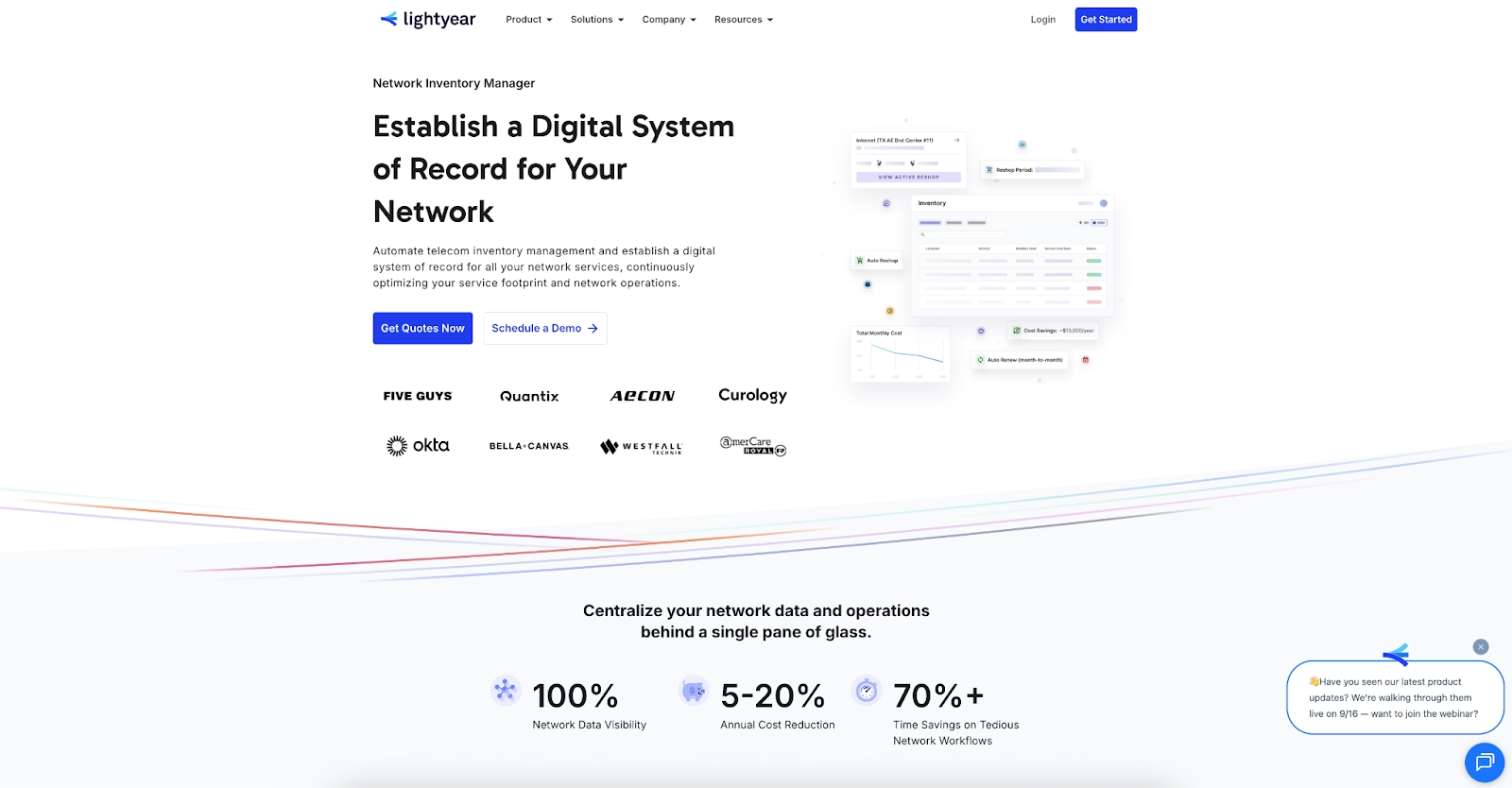
Manual spreadsheets are fragile, error-prone, and time-consuming. Lightyear’s Network Inventory Manager replaces them with a system-driven approach:
- Automatically captures 25+ fields per asset
- Keeps synchronized change logs and audit trails
- Provides a unified view across WAN, data center, and sites
- Issues proactive reminders for renewals and lifecycle events
This creates a reliable, real-time record that supports audits, decision-making, and continuous optimization.
Move Beyond Spreadsheets with Lightyear Today
With Lightyear’s Network Inventory Manager, you get real-time visibility, automated tracking of 25+ fields per asset, and complete lifecycle control of your IT hardware.
See how Lightyear can automate HAM for your team—schedule a demo or get started with our questionnaire today.
FAQ: Hardware Asset Management
How is hardware asset management different from ITAM, ITSM, or a CMDB?
HAM is a focused subset of ITAM, tracking physical assets across their lifecycle. ITSM uses this asset data for service delivery, while the CMDB acts as the central repository for all configuration items.
What makes effective hardware asset management for network gear?
Track network context: static IPs, circuit IDs, provider terms, and configuration data. Tie hardware records to network services for faster troubleshooting and lifecycle control.
How do I integrate HAM with ServiceNow or other ITIL tools?
With Lightyear, asset data syncs directly into ServiceNow’s CMDB via API, keeping configuration records up to date automatically.
How do I track warranty, upgrades, and end-of-life automatically?
Automated workflows flag approaching warranty expirations, required upgrades, and end-of-life status, triggering alerts and remediation tasks.
Can HAM reduce downtime and speed troubleshooting?
Yes. With accurate, real-time asset data tied to network configuration, IT teams resolve incidents faster and avoid costly outages.
Let us show you the product and discuss specifics on how it might be helpful.
Schedule a Demo





Revolutionize Your Telecom Experience
Learn how you can get one step closer to optimal business efficiency for all your telecom services.
